Client-Server Architecture Multiplayer games use client-server or peer-to-peer networking: Data Synchronization Keep game states synchronized: Network Protocols Latency Compensation Security Considerations Conclusion Robust network programming enables responsive multiplayer experiences by balancing performance, synchronization, and security across distributed game clients.
Category Archives: Uncategorised
Audio Systems and Sound Design in Games
Audio Engine Architecture Game audio engines manage sound playback and processing: 3D Spatial Audio Spatial audio creates immersive soundscapes: Dynamic Audio Mixing Adaptive mixing responds to gameplay: Music Systems Interactive music enhances gameplay: Sound Design Techniques Performance Optimization Conclusion Professional game audio combines technical implementation with creative sound design, creating immersive experiences that enhance gameplay …
Optimizing Graphics Rendering with Batching Techniques
Draw Call Batching Draw calls are expensive GPU operations: Texture Atlasing Combine multiple textures into atlases: Mesh Optimization Shader Optimization Memory Management Conclusion Batching techniques dramatically reduce draw calls and improve frame rates by combining geometry, optimizing materials, and managing GPU resources efficiently for smooth gameplay performance.
Implementing Particle Systems for Visual Effects
Particle System Architecture Particle systems simulate thousands of entities: Physics Simulation Rendering Techniques Optimization Strategies Common Effects Conclusion Efficient particle systems balance visual quality with performance through smart pooling, physics optimization, and GPU-accelerated rendering for impressive real-time effects.
Input Handling Best Practices for Cross-Platform Games
Input Abstraction Layer Create platform-agnostic input systems: Multiple Input Devices Controller Support Touch Input Conclusion Abstract input handling ensures consistent gameplay across platforms through device-agnostic action mapping and comprehensive controller support.
Effective State Management in Game Engines
State Machine Pattern Finite State Machines organize game logic: Enum-Based States Hierarchical State Machines State Transitions Conclusion Effective state management using state machines, enums, and clear transitions maintains game consistency and enables scalable game architecture.
Understanding Collision Detection Algorithms in Game Development
AABB Collision Detection Axis-Aligned Bounding Box collision is efficient: Circle Collision Circle-to-circle uses distance formula: SAT (Separating Axis Theorem) Handles complex polygon collisions: Spatial Partitioning Optimize with grid or quadtrees: Conclusion Choose collision algorithms based on performance needs: AABB for speed, SAT for accuracy, spatial partitioning for optimization.
Building a Simple Game Loop in Python with Pygame
Game Loop Structure The game loop has three phases: Pygame Setup Initialize Pygame and create window: Frame Rate Control Use Clock for consistent timing: Event Handling Process user input each frame: Conclusion A stable game loop with event handling, updates, and rendering at controlled frame rates forms the foundation of Pygame development.
Optimizing Game Performance: Memory Management in C++
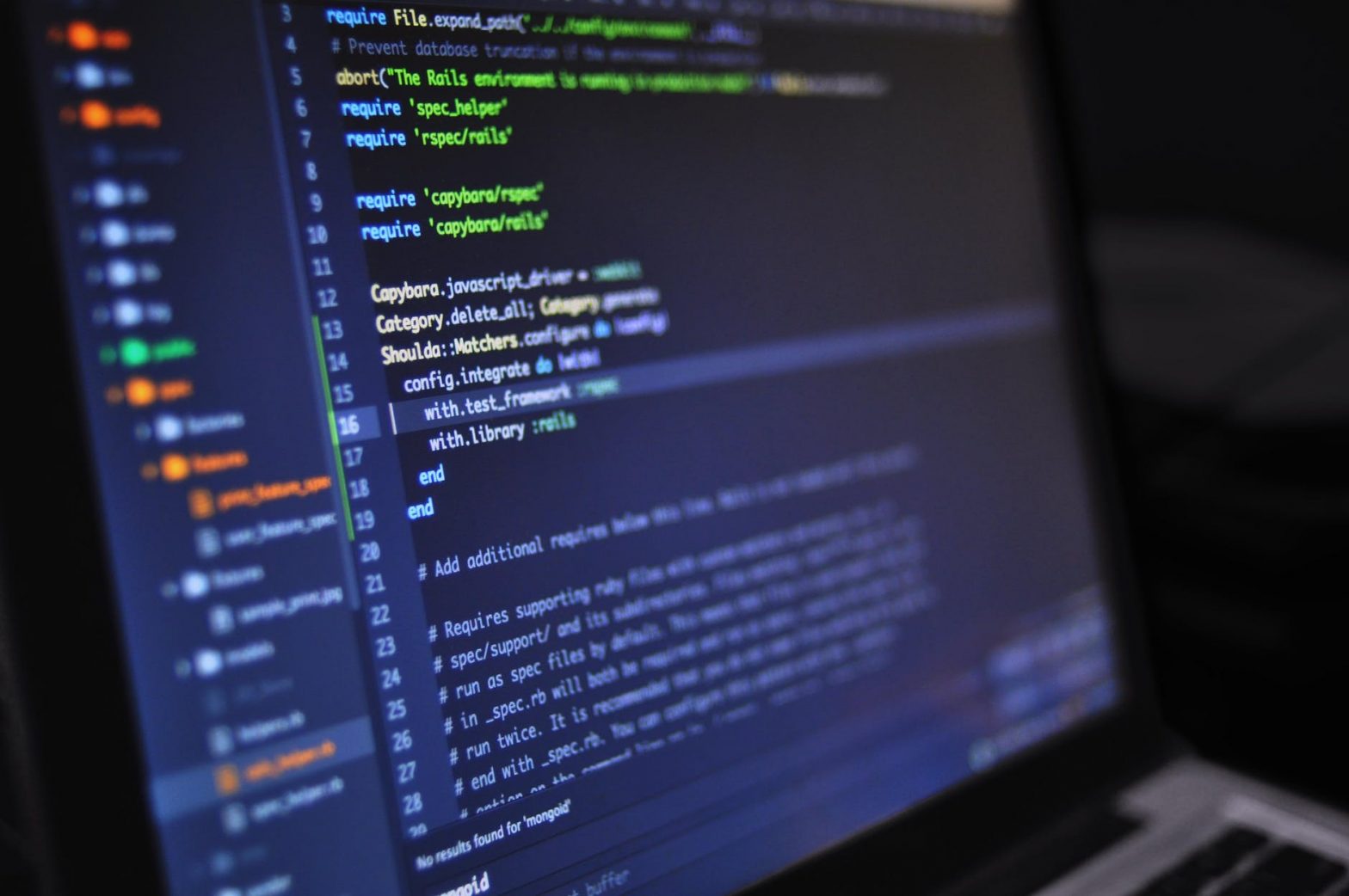
Object Pooling Pattern Reuse objects instead of allocation: Memory Arenas Allocate large memory blocks: Stack vs Heap Smart Pointers Conclusion Efficient C++ memory management through object pooling, custom allocators, and smart pointers minimizes garbage collection overhead and maximizes game performance.
Game Physics Engines: Choosing the Right Engine for Your 2D Project
Box2D Physics Engine Box2D is industry-standard for 2D physics: Rapier2D Modern Rust-based physics engine: Custom Physics Implementation Build custom physics when needed: Integration Considerations Conclusion Choose Box2D for proven stability, Rapier2D for modern performance, or custom physics for specialized needs, based on project requirements and team expertise.