Author: Ozlin Info Editorial Team

  • DDoS Defence by Bottleneck: A Practical Guide for Websites and Game Servers

    DDoS Defence by Bottleneck: A Practical Guide for Websites and Game Servers

    Reviewed: 13 September 2026 · Next review: 13 December 2026
    Author: Ozlin Info Editorial Team · Human review: Lin (accountable human); Codex assisted

    A DDoS plan is only useful when it names the resource that is expected to fail first. “We have a firewall” does not answer whether an incident will fill the upstream link, exhaust packet forwarding, consume connection state, overload a query parser or make the application perform too much work.

    This guide offers a defensive planning model for public websites, Java multiplayer services and Valve-family dedicated-server queries. It avoids universal thresholds and packet recipes. The goal is to help owners ask better questions, place controls in the right part of the path and define a degraded mode before an incident.

    No single control guarantees availability. Capacity, provider routing, protocol support, application design and incident response all matter. Validate any design against your provider, software versions, traffic patterns and risk appetite.

    Start with the bottleneck, not the attack name

    Use more than one traffic measure. Each describes a different kind of pressure:

    MeasureWhat it representsTypical failure point
    bps / GbpsBits carried per secondInternet circuit, transit or scrubbing capacity
    pps / MppsPackets processed per second; Mpps means millions of packets per secondRouter, NIC, virtual switch, ACL or kernel packet path
    CPSNew connections per secondSYN handling, state tables, TLS handshakes or accept queues
    Concurrent connectionsConnections held open at onceMemory, descriptors, proxy workers or load-balancer state
    RPSHTTP requests per secondReverse proxy, application, cache or database
    QPSProtocol queries per secondDNS or game-query parsing and response work

    “Bpps” can mean billions of packets per second in some network discussions, but the notation is easy to confuse with bits per second. Write out the unit in procurement and incident records.

    Average packet size can be estimated for context as bits per second ÷ (8 × packets per second). For example, 100 Gbps divided by 100 million packets per second is about 125 bytes per packet. That is illustrative arithmetic, not an attack fingerprint or a sizing promise.

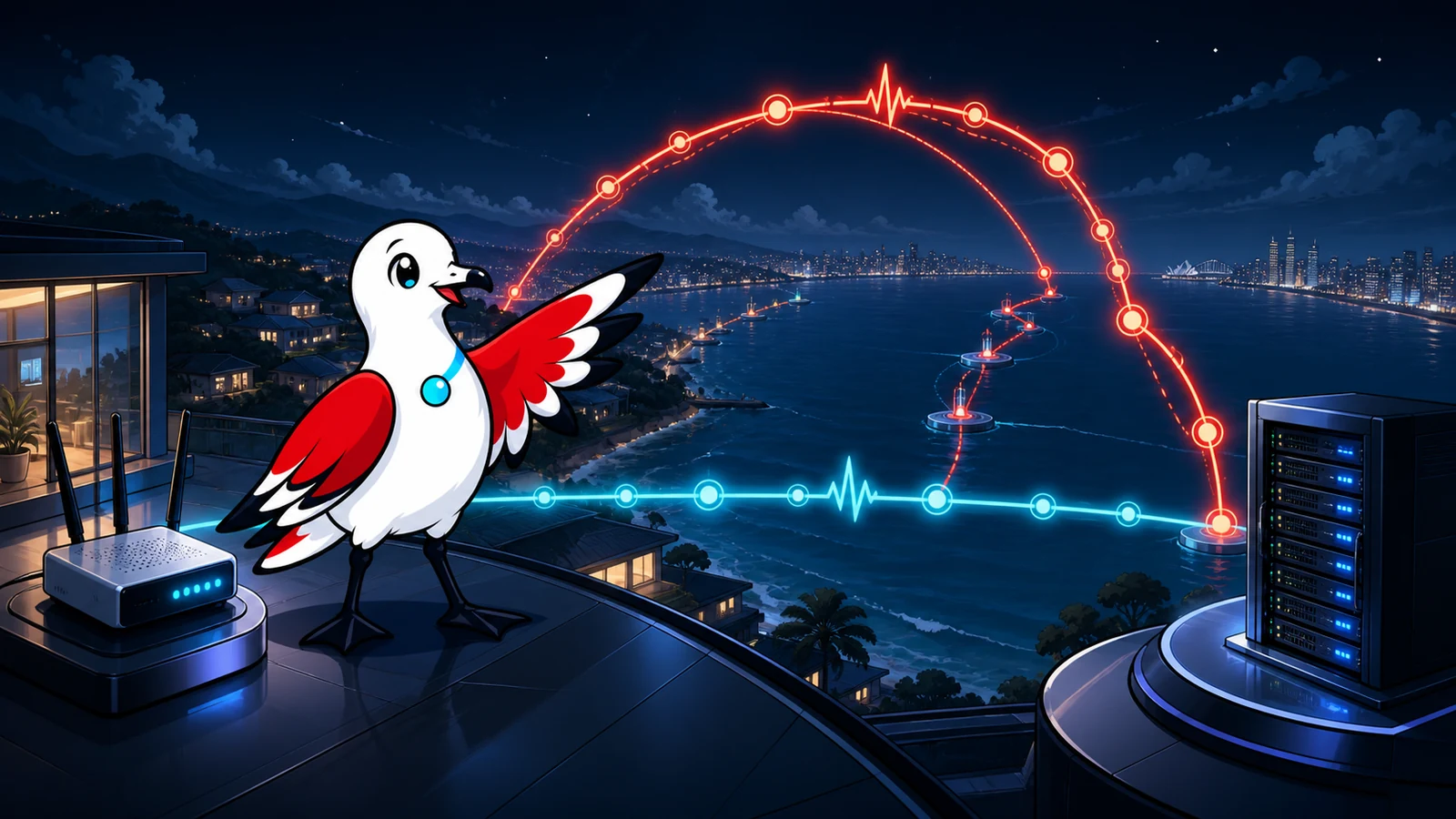
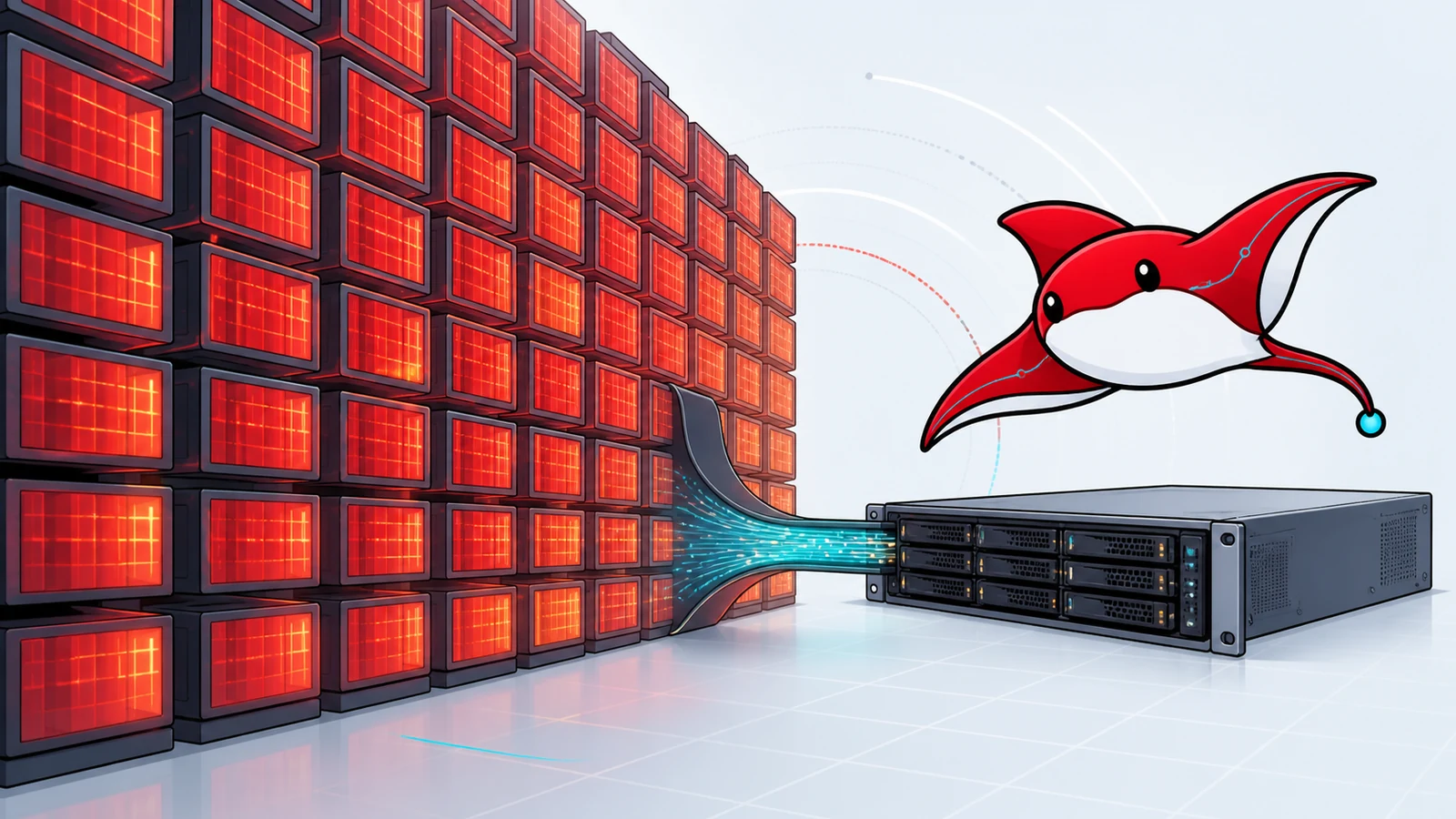
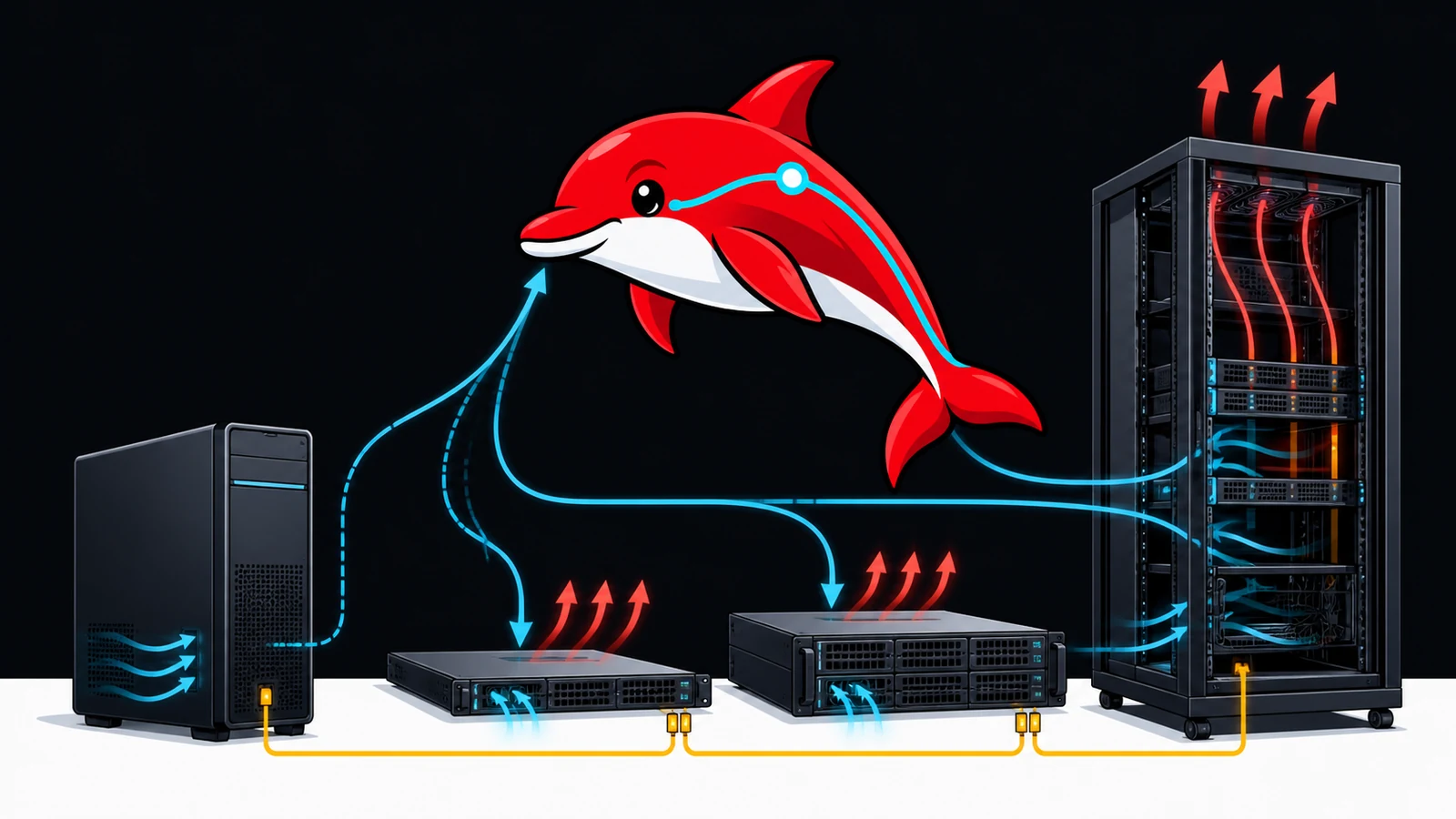
    Current Ray moves between four visual channels representing bandwidth, packet rate, connection pressure and request or query load.
    Different traffic measures reveal different bottlenecks; use shape, density and path behaviour as well as volume.

    Five useful pressure classes

    1. Volumetric pressure consumes link capacity. If the link is full before traffic reaches your server, a host firewall behind that link cannot restore the lost bandwidth. Mitigation must happen upstream, such as at the provider edge, an anycast network or a scrubbing service.
    2. Packet-rate pressure uses many small packets to exhaust packet handling before bandwidth looks full. Ask providers about packet rate as well as Gbps.
    3. Connection or state pressure targets new-connection handling or retained state. SYN defences, connection proxies and careful timeout policies help, but must be placed where they can still receive traffic.
    4. Protocol-query pressure repeatedly invokes a public protocol function, such as a status or server-browser query. It needs protocol-aware validation and budgets, not only generic port filtering.
    5. Application-resource pressure makes apparently valid requests consume CPU, database, cache, search, authentication or external-service capacity. This is commonly called application-layer or Layer 7 DDoS. “CC attack” is an informal term often used for HTTP request floods; it is not a standards-defined category.

    RFC 4732 explains why Internet denial-of-service defence is a system problem rather than a single appliance feature. BCP 38 / RFC 2827 and its update, RFC 3704, describe source-address filtering that can reduce spoofed traffic near its source. They do not stop attacks sent from valid source addresses.

    Websites: defend the whole request path

    A useful website pattern is:

    upstream or anycast edge → HTTP DDoS controls → validation and WAF → cache → reverse proxy → bounded application and queue → origin data stores

    • Upstream or edge capacity absorbs traffic before the origin link becomes the bottleneck.
    • Request validation and WAF rules reject traffic that violates known application behaviour.
    • Caching prevents repeated public reads from becoming repeated origin work.
    • Path-specific budgets recognise that a cached article, a login, a search and a large export have very different costs.
    • Queues and back-pressure keep a burst from turning into uncontrolled work.
    • Graceful degradation preserves essential pages while temporarily disabling expensive search, exports, previews or third-party calls.

    Current Ray and Signal Gull guide website traffic through validation, a shield, cache, queue, protected origin and a separate degraded-service path.
    Website resilience depends on layers that reduce work before traffic reaches the origin.

    Conceal and constrain the origin

    An HTTP reverse proxy is bypassable if the origin address remains reachable. Cloudflare’s own guidance recommends proxying appropriate DNS records, auditing DNS-only records for origin exposure, restricting origin access and rotating an address that has previously been exposed. Those are Cloudflare-specific operational recommendations; equivalent controls differ by provider.

    Do not assume that an ordinary HTTP CDN or proxied DNS record protects arbitrary raw game protocols. Cloudflare documents that proxied DNS covers specific HTTP/HTTPS ports, while other TCP/UDP services need a protocol-specific product or upstream service. Confirm the clean traffic path before changing DNS.

    Rate limits need context

    Per-address limits are simple, but mobile carriers, offices, universities and households may share public addresses through NAT or CGNAT. A rigid source-IP threshold can punish legitimate users. Combine signals where the platform permits it: path, method, session, authenticated identity, token, device evidence, request cost and behaviour over time. Maintain a documented false-positive appeal or bypass process.

    Cloudflare recommends combining managed DDoS controls, custom WAF rules, rate limits, origin protection and caching. Treat that as vendor guidance, then test it against your actual application and plan level. Rate limits are especially useful when they describe the expensive route they protect rather than applying one blanket number to every request.

    Java multiplayer services: separate status, login and play

    • Status discovery supports server-list visibility and should be lightweight and observable.
    • Login and authentication create new connection, cryptographic and identity work.
    • Join and initialisation load player data, plugins, worlds or resource checks.
    • Ongoing play produces long-lived, stateful traffic with game-specific packet handling.

    A protocol-aware edge can distinguish these stages and protect a proxy tier. A common architecture is a protected public edge, a Velocity proxy and isolated backend servers that accept connections only from the trusted proxy path.
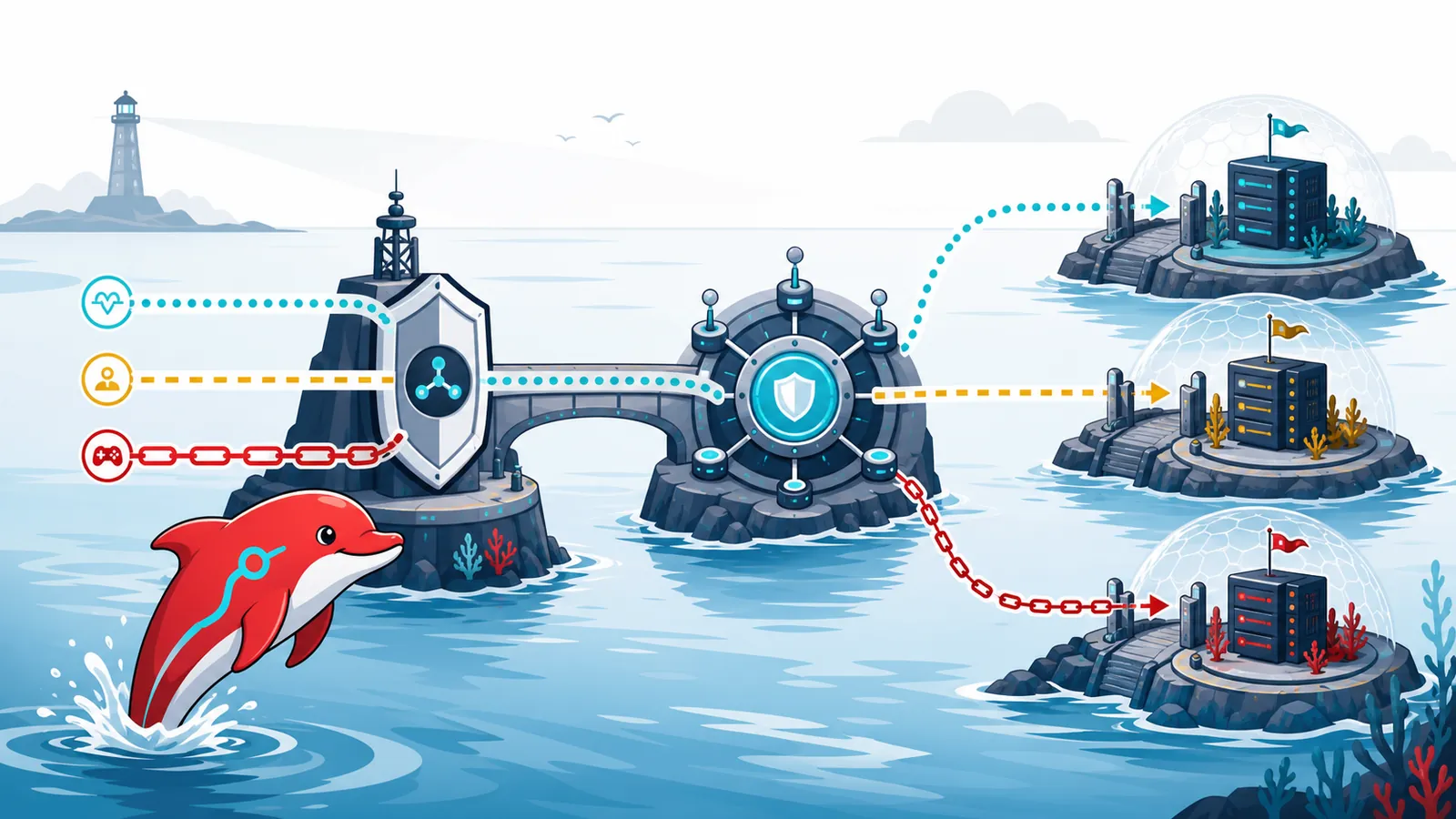
    Harbour Dolphin maps three distinct Java multiplayer traffic paths through a protected proxy hub to isolated backend server nodes.
    Separate status, login and play paths so controls reflect their different costs and user impact.

    PaperMC’s current Velocity security documentation strongly recommends a firewall for backend isolation. It also warns that Velocity modern forwarding is a second layer of protection, not a replacement for a firewall. Keep the proxy and backend software updated, restrict backend reachability and review plugins because application-level abuse can still consume server work after network traffic is accepted.

    Do not copy a universal join-rate or packet threshold from a blog. Establish a legitimate baseline, test player experience, change one control at a time and keep an emergency rollback. A protection provider should be able to explain whether it understands the game protocol or merely forwards a protected generic TCP stream.

    Valve-family server queries: challenge spoofing, then budget real sources

    Valve-family dedicated servers expose discovery information through A2S query types commonly known as A2S_INFO, A2S_PLAYER and A2S_RULES. These queries are useful to players and server browsers, but unauthenticated UDP responses can contribute to reflection risk when source addresses are spoofed. High query rates from real sources can also consume packet and protocol-processing capacity.

    Valve developer communication describes an A2S challenge exchange that lets a server ask a client to return a challenge before an information response, helping demonstrate that the requester can receive traffic at the claimed source. That can reduce spoofed reflection. It cannot prove that a real-source bot is benign, and it does not create infinite query capacity.
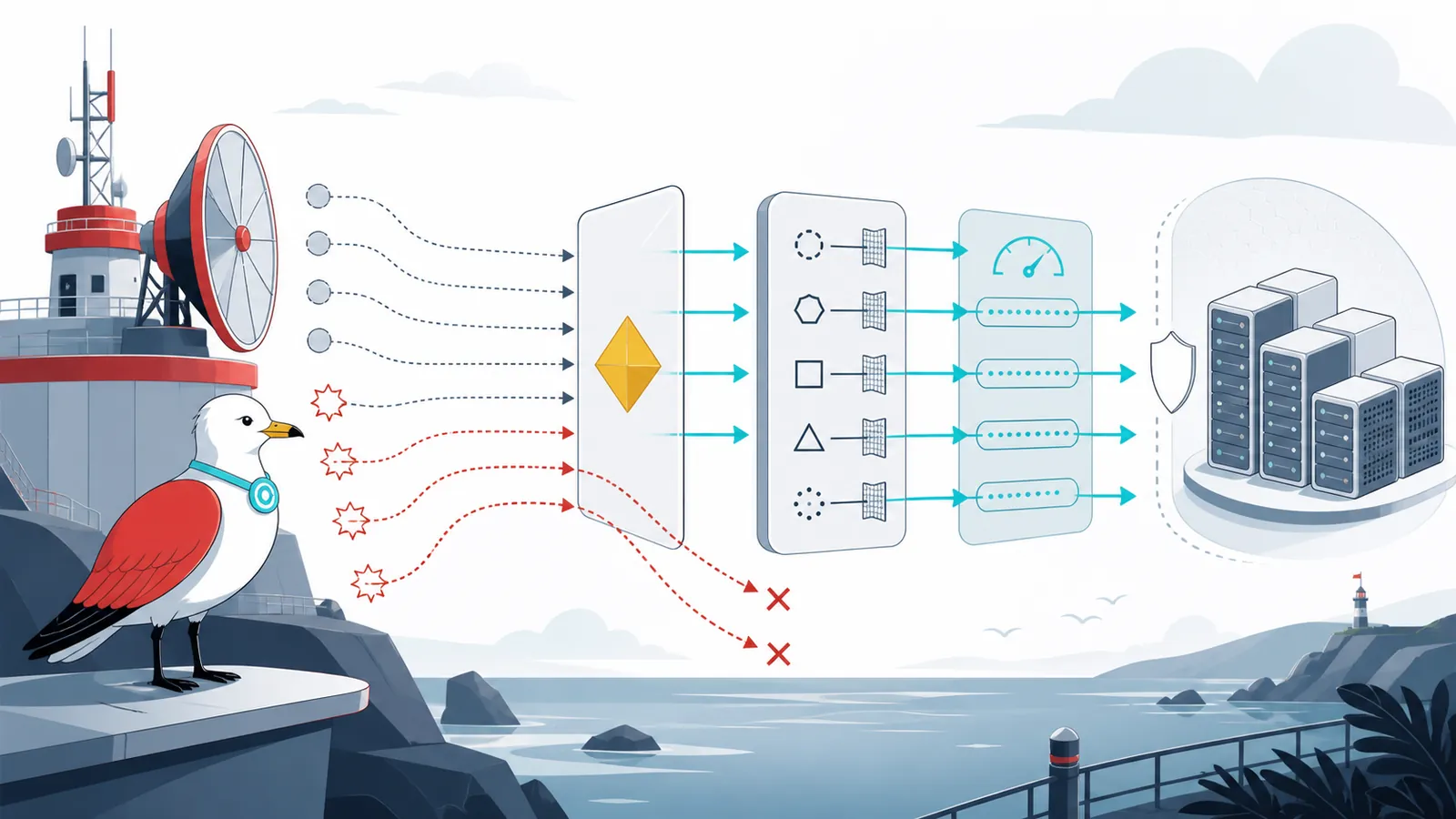
    Signal Gull observes geometric query challenges, protocol-aware filters and rate-controlled paths protecting a generic dedicated-server cluster.
    Challenge validation addresses spoofing; protocol-aware budgets and monitoring still matter for real-source query floods.
    • current server software and protocol support;
    • challenge validation where compatible;
    • protocol-aware filtering before expensive parsing;
    • separate budgets and observability for information, player and rules queries;
    • aggregate and source-aware controls that do not rely on one address threshold alone;
    • an incident mode that preserves the minimum discovery response needed for legitimate clients, if the game and provider support it.

    The Steamworks game-server overview explains the role of game-server discovery and connection. The challenge details above are based on a Valve developer-authored Steam Community announcement, not an RFC; compatibility and defaults can change, so verify them against the current game build and hosting provider.

    What to ask a DDoS provider

    • What clean and attack capacity is stated in Gbps and packets per second?
    • How are new connections, simultaneous state and protocol queries handled?
    • Which of our actual protocols are parsed, proxied or merely forwarded?
    • Is mitigation always on or triggered on demand, and what is the expected time to mitigate?
    • Where does clean traffic re-enter our network, and what latency or MTU changes should we expect?
    • What traffic and mitigation telemetry can we access during and after an event?
    • What is the escalation path, including after-hours response?
    • How are legitimate-traffic drops investigated and corrected?
    • Which features, traffic volumes, logs, support levels or data transfers add cost?
    • What happens if the origin address is exposed or attacked directly?

    OVHcloud’s Network Security Dashboard documentation is a useful example of provider-side visibility: it describes per-address events, attack-vector labels, bps/pps charts, clean and dropped traffic, and escalation data. Those fields describe one provider’s service, not a universal capability. Record what your selected provider actually offers.

    A compact incident and degradation runbook

    1. Declare and timestamp. Nominate an incident lead, start a record and preserve provider alerts and dashboards.
    2. Classify the bottleneck. Compare link utilisation, pps, new connections, concurrent state, request/query rates, latency, errors, queue depth and host saturation.
    3. Protect the management path. Keep administrative access separate where practical; avoid making emergency changes through the affected public service.
    4. Escalate upstream early. If the link or provider edge is the bottleneck, contact the network or mitigation provider with destination, protocol, time window, customer impact and evidence.
    5. Apply the smallest prepared control. Use reviewed edge rules, path budgets or protocol policies. Record the owner, timestamp and rollback.
    6. Degrade intentionally. Serve cached or static content, pause expensive routes, reduce optional query detail or limit new joins while preserving existing sessions where feasible.
    7. Watch legitimate traffic. Sample successful user journeys, geographic reachability, authentication and game-session health. Roll back a control that causes disproportionate harm.
    8. Recover and review. Remove temporary controls carefully, retain evidence according to policy, document false positives and update the capacity model.

    Monitoring signals worth keeping together

    • provider and interface bps/pps;
    • packet drops and NIC, virtual-switch or kernel saturation;
    • SYN rate, accepted connections, resets, timeouts and connection occupancy;
    • edge, cache and origin request rates plus cache-hit ratio;
    • application latency, error rate, worker saturation, queue depth and database pressure;
    • status, login, join, play and query-path health for game services;
    • clean-traffic delivery, mitigation start/stop times and false positives;
    • customer-impact signals such as successful page journeys or completed joins.

    Alerts should identify the suspected bottleneck and a human owner, not merely announce “high traffic”.

    Limits of this guide

    This is general educational information, not a guarantee, penetration-test instruction or substitute for provider engineering. It does not prescribe universal capacity, thresholds or packet filters. Service architecture, versions, jurisdiction, budget and acceptable user impact can change the correct design. Test controls in an authorised environment, maintain rollback and confirm contractual limits directly with suppliers.

    Plan the failure path before buying capacity

    DDoS resilience improves when owners can answer three questions: what resource fails first, who can act before that point, and what essential service remains during degradation? That model turns product names into testable requirements and makes incident decisions faster.

    If you need a bounded review of public exposure, dependencies, monitoring and recovery priorities, see Ozlin Info’s Cybersecurity Risk Advisory or contact us. Related reading: Incident Response and Disaster Recovery Planning and Home Broadband Server Hosting Risks in Australia.


    Sources and review note

    Material technical claims were checked on 31 August 2026 against the RFC Editor, Cloudflare documentation, PaperMC Velocity documentation, Steamworks documentation, a labelled Valve developer communication and OVHcloud documentation. Product behaviour and documentation can change; next scheduled review is 28 February 2027.

    AI disclosure: AI assisted with source discovery, drafting, copyediting and the original editorial illustrations; Ozlin Info reviewed the final article and remains responsible for publication.

    Source access date: 2026-08-29

    Limitations: DDoS controls, capacity, routes, protocol support, provider terms and application behaviour vary by environment and can change; validate the intended design with measured, authorised tests.
  • Designing Better Game Levels: Beauty, Challenge, Randomness and Function Across Unity, Unreal, Godot and Hammer

    Designing Better Game Levels: Beauty, Challenge, Randomness and Function Across Unity, Unreal, Godot and Hammer

    Reviewed: 13 September 2026 · Next review: 13 December 2026
    Author: Ozlin Info Editorial Team · Human review: Lin (accountable human); Codex assisted

    A memorable game level is not merely a beautiful environment. It is a system that teaches, challenges, directs and rewards the player while remaining technically reliable. A grey corridor with excellent pacing can be more engaging than a magnificent scene that hides its objective, traps the camera or collapses under load.

    The same principles apply whether you are building in Unity, Unreal Engine, Godot or another commercial or open-source engine, or using Hammer to create a Counter-Strike 2 community map. The tools and file formats differ; the questions do not:

    • What should the player notice, decide and do?
    • What information is available before a consequence?
    • Which routes, encounters and sounds carry the experience?
    • Can humans, bots, cameras and networked game logic all use the space?
    • Does the level still work on the target hardware and server configuration?

    This guide provides a reusable workflow rather than a universal recipe. Engine documentation and CS2 tool availability were checked on 29 August 2026. Always test against the exact engine version, game mode, movement controller and deployment target you will ship.

    Begin with an experience brief, not a pile of assets

    Write one page before opening the editor. Define the player fantasy, game mode, target session length, expected player count, movement verbs, camera, difficulty band and performance targets. For multiplayer, add spawn logic, team goals, round flow, comeback conditions and whether spectators need a readable view.

    Then describe the level in verbs: enter, orient, choose, commit, recover, master. A competitive round might be “spawn, gather information, contest an early lane, choose a rotation, execute, retake”. A puzzle room might be “observe, form a theory, test it, receive feedback, combine rules”. A zombie escape map might be “defend, retreat, regroup, survive a set piece, reach extraction”.

    Create a metrics sheet from the real controller rather than copying another game's dimensions. Record character capsule, standing and crouched height, camera offset, maximum step, jump arc, acceleration, stopping distance, interaction reach and common group size. Every doorway, cover object and landing must be evaluated against those measurements.

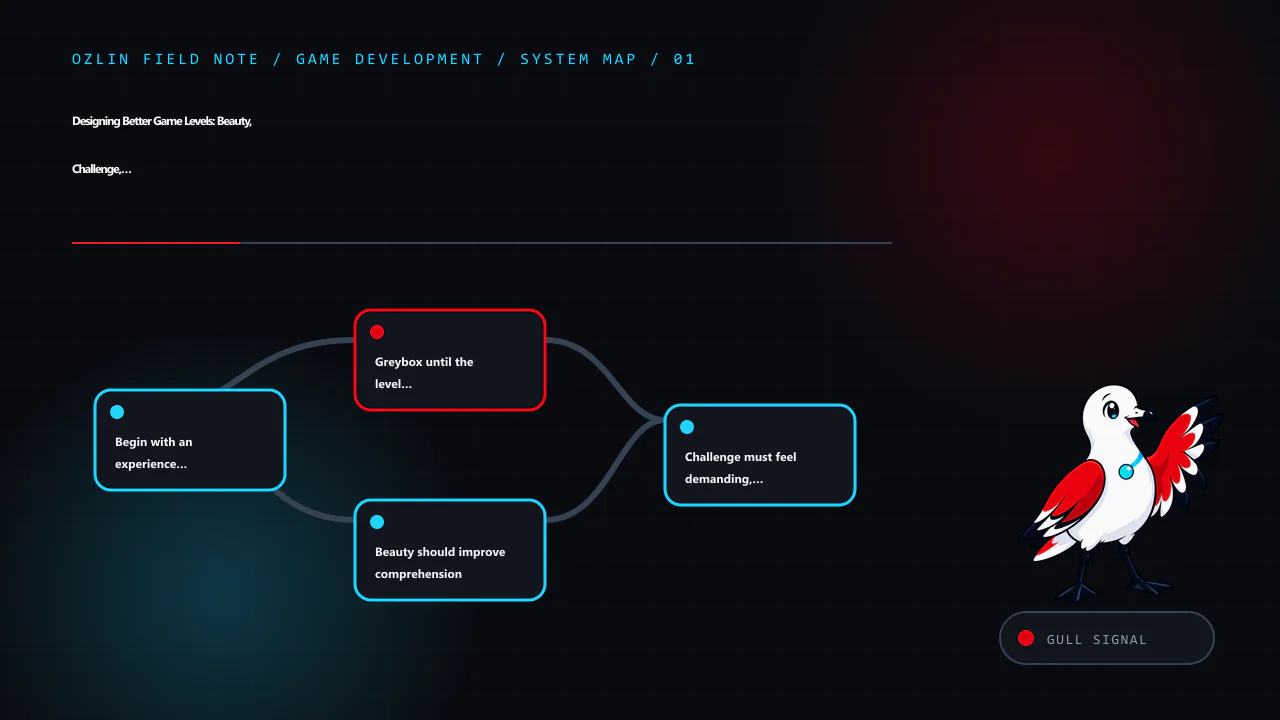
    Greybox until the level is fun without decoration

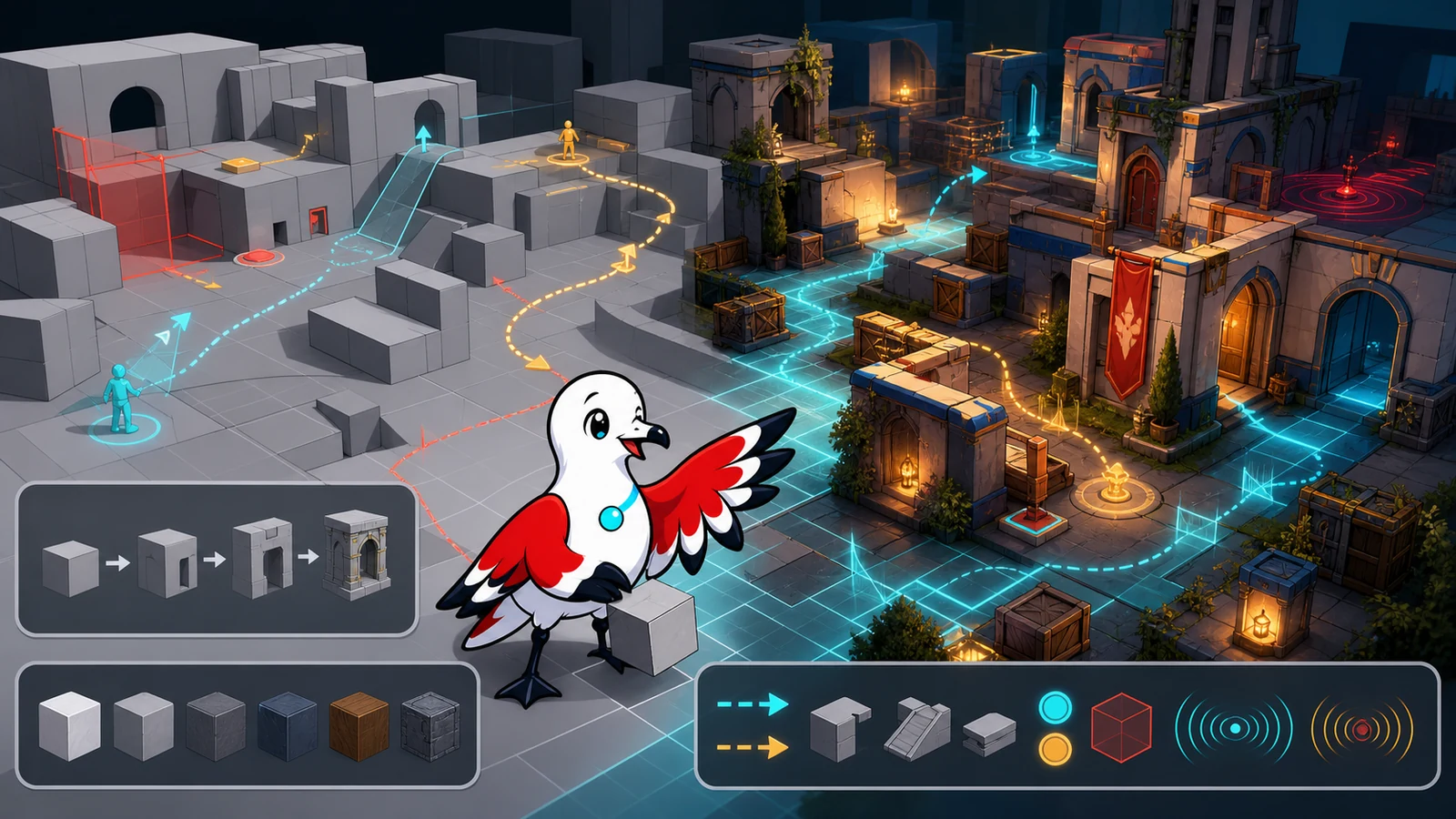
    Blockout—or greyboxing—uses simple shapes to prove scale, movement and encounter structure before expensive art. Epic's current level blockout tutorial explicitly recommends testing layout and playability before finished art, and calls out scale, verticality, occlusion, contrast and guiding lines. Unity's ProBuilder documentation similarly positions the package for in-scene level design, prototyping, collision meshes and playtesting.

    Use a small palette of primitive colours with a legend: playable floor, solid collision, hazard, cover, objective, one-way route and temporary note. Keep the blockout cheap enough to delete. If replacing a room feels emotionally expensive, it has already become too detailed.

    Test these questions before the art pass:

    1. Can a new player identify the next meaningful destination without a floating arrow?
    2. Do alternate routes create different decisions, or merely duplicate walking time?
    3. Can the player predict what is climbable, breakable, dangerous or interactive?
    4. Are failure and recovery spaces intentional?
    5. Can the camera, largest supported group and relevant AI pass without clipping or bunching?
    6. Are objective timings defensible when measured from every spawn?

    Record a fly-through and a real playthrough. A designer camera can glide over defects that the player controller cannot cross.

    Beauty should improve comprehension

    Art direction and usability are allies when the visual hierarchy has a purpose. Choose a small set of landmarks, material families and lighting roles. A unique silhouette can orient the player across a large space; a warm light can mark a destination; a damaged surface can imply danger or history. Repeating every accent everywhere destroys the hierarchy.

    Build three visual layers:

    • Navigation layer: silhouettes, horizon, landmarks, doors, paths and objective contrast.
    • Gameplay layer: cover edges, ledges, hazards, pickups and interactive states.
    • Story layer: props, wear, vegetation, signage and environmental detail.

    The navigation and gameplay layers must survive low settings, colour-vision differences, motion and combat effects. Do not make “red versus green” the only distinction. Use shape, position, animation, icons or sound as redundant cues.

    Control visual noise around aim lines and interaction targets. A realistic pile of debris may look excellent in a still image but create false cover, snag collision or conceal opponents. Keep decorative geometry visually rich but mechanically simple where possible.

    Challenge must feel demanding, not arbitrary

    Good challenge asks the player to read information and execute a skill. Friction asks them to fight the camera, guess an invisible rule or repeat travel after a failure.

    For each encounter, write the intended observation, decision, action and feedback. Introduce a mechanic safely, combine it with another pressure, then test mastery. Increase difficulty through timing, coordination, resource pressure, spatial complexity or competing objectives—not only larger enemy health pools.

    Preserve fairness:

    • Telegraph lethal hazards and irreversible choices.
    • Give the player enough room and time to use the movement system.
    • Make failure explainable through animation, audio or a clear state change.
    • Prevent one spawn, sightline or elevation from dominating without a designed counter.
    • Test novices, regular players and experts separately; an average can hide both confusion and boredom.

    In competitive maps, measure first contact, rotations and retakes with repeatable runs. A five-second difference is not automatically wrong, but it must support the intended risk and utility economy. Test peeker advantage, off-angles, boosts, grenade or projectile trajectories, spectator visibility and sound propagation under the actual game rules.

    Use randomness to create decisions, not lottery losses

    Randomness can improve replayability when it changes what the player evaluates. It is harmful when it invalidates planning or produces impossible states.

    Prefer bounded, authored variation: select one of several validated encounter sets, change which route opens, rotate optional resources or vary decoration without changing collision. Use seeds so a failure can be reproduced. Log the seed in development builds and retain a deterministic regression set.

    Every generated or shuffled configuration should satisfy invariants:

    • the objective remains reachable;
    • required resources and safe recovery routes exist;
    • critical navigation is connected;
    • competitive teams receive equivalent opportunity where fairness requires it;
    • streaming and memory budgets remain valid; and
    • the same seed does not change after an unrelated content update without an intentional versioning decision.

    Procedural systems still need hand-authored constraints and playtests. “More combinations” is not the same as “more meaningful play”.

    Treat functionality as part of the design

    A level is a network of systems: collision, triggers, navigation, lighting, audio, AI, save state, streaming, replication and scripting. Assign ownership for each before the polishing phase.

    Create separate debug views for collision, navigation, occlusion, triggers, spawn volumes, audio zones and streaming cells. Test from a clean boot and a dedicated-server build when relevant, not only from an editor session that has cached assets.

    For AI, inspect the baked or generated navigation surface instead of assuming visible floor is traversable. Unity's current AI Navigation documentation covers NavMeshes, agents, links and dynamic obstacles. Godot's stable documentation explains how GridMaps can carry collision and navigation and how NavigationRegion nodes register navigation data. In Unreal, navigation must be validated with the relevant level or World Partition loading state; a path that exists in the fully loaded editor may disappear when cells stream.

    Engine-specific starting points

    Workflow Useful starting point Do not mistake it for
    Unity ProBuilder for fast in-scene geometry; scenes or prefabs for modular sections; AI Navigation for NavMesh, links and obstacles Permission to delay controller, build-target and profiler tests
    Unreal Engine Modelling or primitive tools for blockout; Actors and volumes for rules; World Partition and Data Layers for suitable large worlds A requirement to use open-world systems for every small level
    Godot GridMap or reusable scenes for modular 3D construction; NavigationRegion3D and audio buses for runtime systems A guarantee that every imported mesh already has correct collision, scale or navigation
    CS2 Hammer Counter-Strike 2 Workshop Tools, Hammer, compile utilities, tutorial maps and prefabs A generic engine project; the map must obey CS2's current game rules and Workshop pipeline
    Other engines Primitive blockout, explicit metrics, navigation debug, asset budgets and repeatable playtests A reason to copy another engine's units, lighting or build assumptions

    Valve's official CS2 Maps Workshop FAQ states that the authoring tools include Hammer, compiling utilities, a Workshop publisher, tutorial maps and prefabs. Use the version shipped for the current game rather than an unsupported cracked or repackaged toolkit.

    Hammer and CS2 community maps: design for the actual mode

    A standard competitive defusal map, deathmatch arena, Zombie Riot map and zombie escape map do not share the same success criteria.

    For competitive play, validate team spawn capacity, buy and objective zones, early contact timings, rotations, retake routes, clipping, grenade interactions, radar readability, visibility at supported settings and every plausible boost. Run repeated sessions with real players because a symmetrical plan can still produce asymmetric information or utility.

    For zombie modes, design for crowds and server-side load. Wide circulation, fallback positions, teleport destinations, damage or trigger volumes and anti-stall logic must remain reliable when many humans and bots occupy the same area. Test doors and moving platforms under obstruction. Ensure a round reset returns every dynamic object and trigger to a known state.

    Zombie maps must ship with bot-usable navigation

    If a zombie map is expected to support bots, the nav mesh is a deliverable, not an optional afterthought. Generate or author it against the final collision, then inspect and playtest it in the intended server mode.

    Check all of the following:

    • required floors form connected routes between spawns, objectives, defensive positions and fallback areas;
    • bot-sized clearance exists at doorways, vents, stairs, ramps and crowd bottlenecks;
    • ladders, drops, jumps, elevators, doors and teleport transitions have a supported traversal route or an intentional fallback;
    • decorative collision does not create tiny islands, false walkable surfaces or corners where bots oscillate;
    • dynamic blockers and destructible routes update or invalidate navigation as expected;
    • bots can leave every spawn and do not select inaccessible objectives or unreachable camping spots;
    • changes to geometry trigger a nav review before release; and
    • the packaged Workshop/server build includes the current navigation data, not an older local copy.

    Run several rounds with one bot, a small group and the highest realistic bot count. Observe path diversity, queueing, stuck locations, CPU cost and what happens after doors close or players block a choke. Add temporary telemetry or server logs for repeated stuck coordinates rather than fixing only the first visible example.

    Default bots may not understand a complex zombie-escape script, staged boss mechanic or human-only puzzle. Decide whether the map will offer bots a simplified supported route, use an authorised server plugin or script, or explicitly document that full progression requires humans. Never advertise bot compatibility solely because bots spawn successfully.

    Ozlin's CS:GO-era ZE/ZM operations used BotMimic 2.1 to record and replay player movement. It was useful for repeatable traversal demonstrations, route checks and map-making video capture, but a recorded mimic path was never a substitute for a connected nav mesh, current collision or live playtesting.

    The Valve Developer Community's navigation-mesh overview is a useful starting reference, but CS2 and community-mode behaviour can change. Verify with the current game build and the exact plugins used by the server. For capacity planning, also see Ozlin's Australian game-server sizing guide.

    Materials and models need a production contract

    Define a modular grid, pivot rules, naming, scale, texel density, material channels, collision ownership and level-of-detail policy before a large asset library forms. A wall kit that almost snaps is slower than a smaller kit that always snaps.

    Separate gameplay collision from render detail. Use simple, stable collision proxies for architecture and props unless detailed collision is genuinely required. Validate normals, UV seams, lightmap or virtual-texture requirements, material instances, mip behaviour and distant silhouettes on the target renderer.

    Track asset provenance and licence terms. Do not extract a commercial game's map, model, texture or sound and treat the result as a new community asset. For marketplace or open-source content, retain the licence, author, source URL, permitted uses and any required attribution. Test imported packages in a branch or isolated project; convenience assets can bring scripts, shaders, dependencies and performance costs.

    The related Unity rendering guide explains why batching claims must be checked with profiler evidence, and the collision-detection guide covers broad phase, narrow phase and continuous collision choices.

    Audio is geometry the player cannot see

    Sound tells the player how large a space is, what is happening beyond a wall and whether danger is approaching. Plan audio while the level is grey, not after the art is locked.

    Create ambience zones, reverb transitions, occlusion boundaries, one-shot emitters and gameplay-priority categories. A quiet ventilation loop can distinguish two identical corridors; a door's sound can confirm its state; a distant objective cue can guide without a marker. Avoid making critical information available only to players wearing headphones. Provide visual or haptic alternatives where the game supports them.

    Budget voices and priorities for the worst encounter. Do not allow decorative ambience to steal channels or mask footsteps, dialogue, warnings or objective feedback. Test stereo, surround, speakers, headphones, low-volume play and accessibility settings. Godot's audio-bus documentation demonstrates a useful separation model; other engines expose comparable routing, effects and priority systems. Ozlin's game-audio systems guide covers voice budgets, spatialisation and accessible mixes in more depth.

    A playtest is an experiment, not a vote

    Choose one question per build. “Is the map fun?” produces vague answers. “Can a first-time player identify the next objective within 20 seconds without instruction?” produces observable evidence.

    Capture route choice, time to first decision, deaths or failures, stuck events, camera problems, objective misunderstandings and performance spikes. Ask the player to describe what they believed, then compare that belief with the design intent. Do not explain during the run unless the test is specifically about onboarding with help.

    Maintain three test groups:

    • fresh players expose teaching and navigation failures;
    • regular players expose pacing and balance problems; and
    • experts or exploit-minded testers expose skips, dominant strategies and boundary failures.

    Change one major variable at a time, keep versioned builds and preserve known-good seeds. For multiplayer, test a dedicated server under representative player and bot counts; editor-hosted sessions conceal real replication, CPU and content-delivery conditions. The multiplayer networking guide explains authority, prediction and packet budgets.

    Release checklist

    Before publishing a level or Workshop map, verify:

    • the experience brief and current metrics sheet match the shipped controller;
    • every objective, spawn, checkpoint, route and round reset works from a clean build;
    • collision, navigation and bot paths have been inspected visually and tested at runtime;
    • no player can leave the intended world, become permanently stuck or see critical missing surfaces;
    • materials, models, audio and third-party assets have recorded licences and attribution where required;
    • performance budgets pass on minimum and representative hardware, not only the editor machine;
    • lighting, landmarks and objectives remain readable at supported quality and accessibility settings;
    • random seeds and generated layouts satisfy reachability and fairness invariants;
    • multiplayer tests cover latency, full occupancy, bots, reconnects and spectator states; and
    • release notes state the supported modes, player counts, required plugins and known limitations.

    Beautiful levels earn the first screenshot. Functional, readable and well-tested levels earn the next hundred sessions. Build the route in grey, prove the decisions, then let art, materials, models and sound make the experience unforgettable.

    Limitations: Engine, package and game-mode behaviour, input, navigation, network latency, assets, hardware and accessibility needs vary. This checklist cannot guarantee fun, fairness, performance or compatibility without runtime testing.

    Sources and review note

    Key tool sources were accessed on 29 August 2026: Unity ProBuilder 6.0, Unity AI Navigation 2.0, Unreal Engine level blockout, Unreal Engine World Partition, Godot GridMaps, Godot NavigationRegions, Godot audio buses, Valve's CS2 Maps Workshop FAQ, the Valve Developer Community navigation-mesh overview and BotMimic's upstream repository. Exact package versions and community-game behaviour can change. Next scheduled source review: 28 February 2027.

    AI assisted with source discovery, drafting and copyediting; Ozlin Info remains responsible for publication.

    Source access date: 2026-08-29

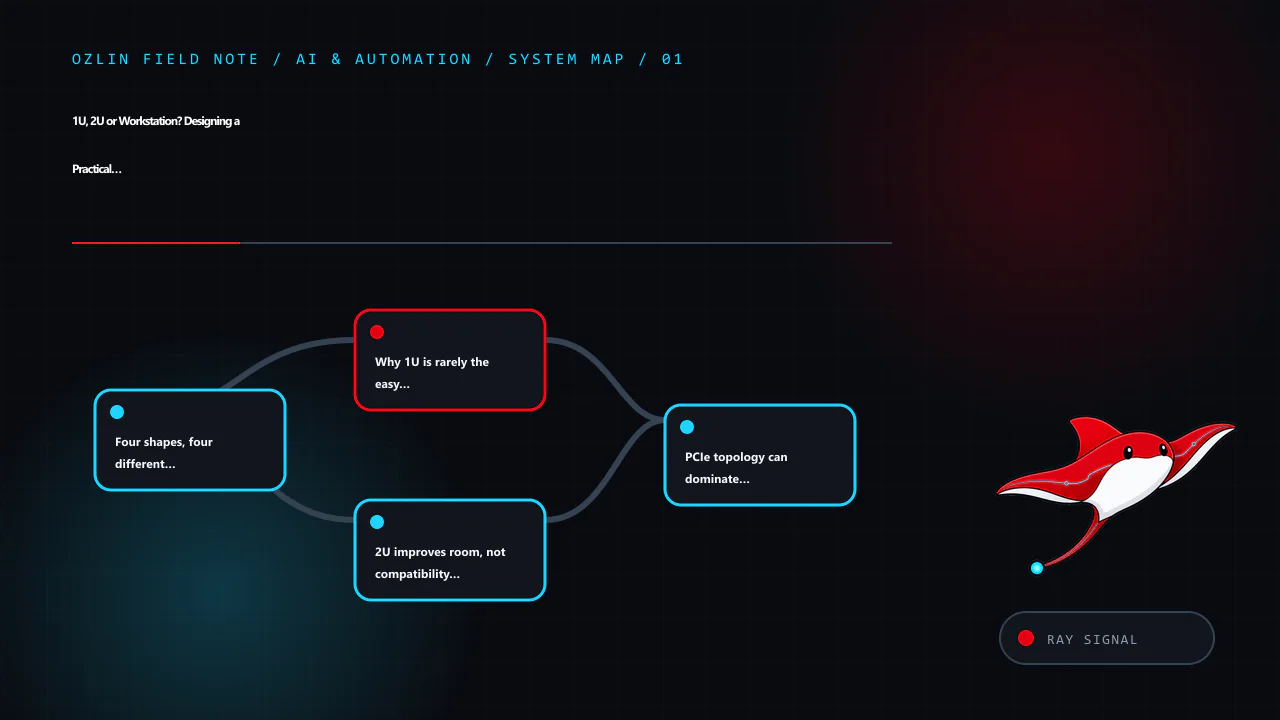
    Article map for Designing Better Game Levels: Beauty, Challenge, Randomness and Funct…, covering Begin with an experience brief, not a pile of assets, Greybox until the level is fun without decoration, Beauty should imp…
    Article map: Begin with an experience brief, not a pile of assets; Greybox until the level is fun without decoration; Beauty should improve comprehension; Challenge must feel demanding, not arbitrary.
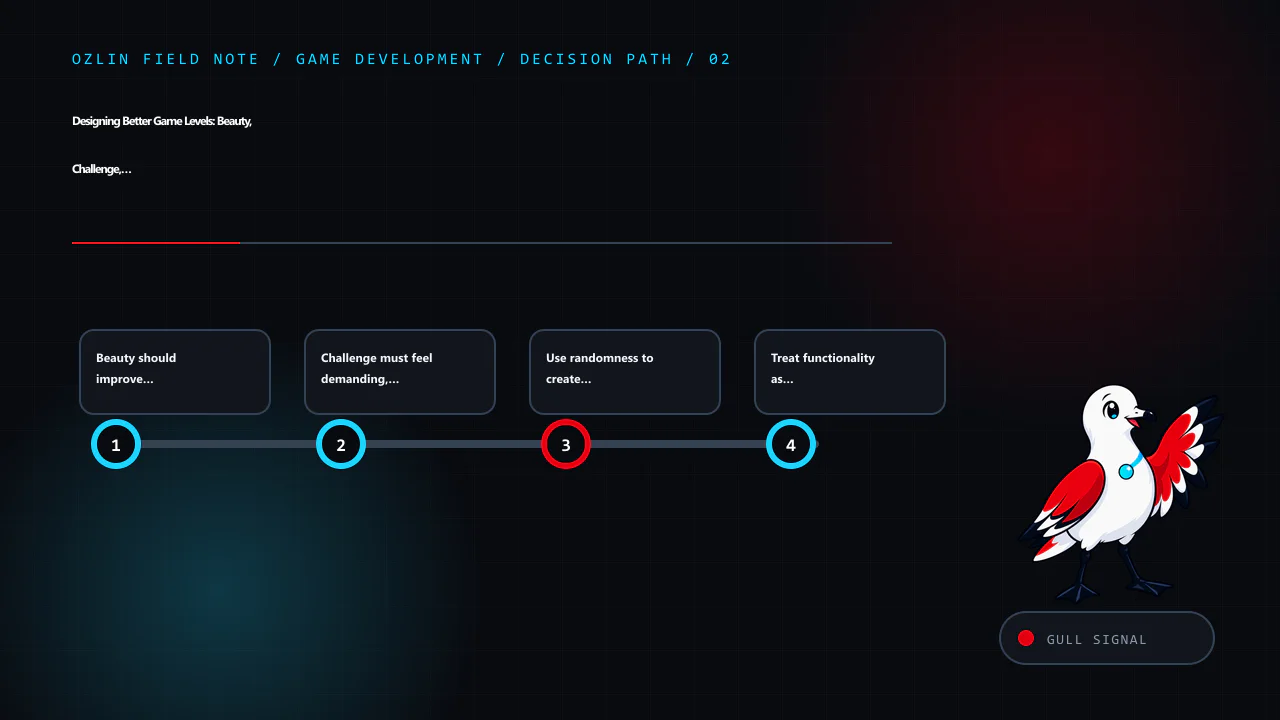
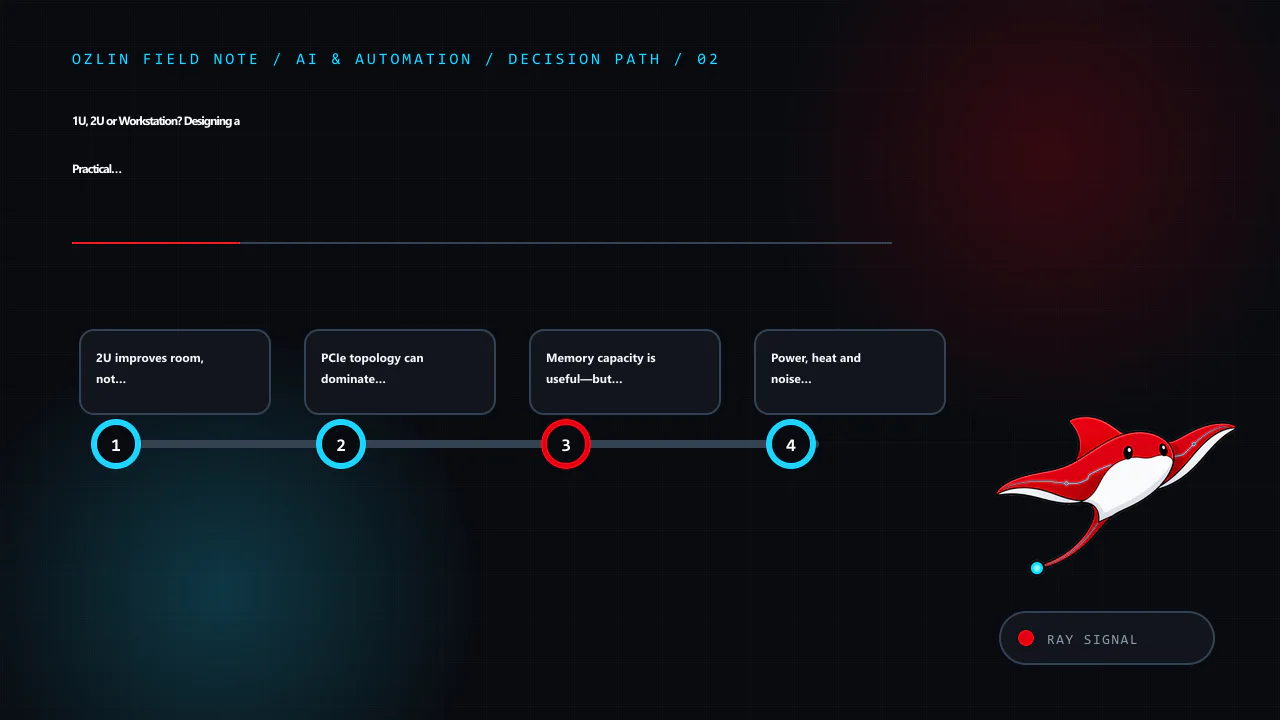
    Decision path for Designing Better Game Levels: Beauty, Challenge, Randomness and Funct…, covering Beauty should improve comprehension, Challenge must feel demanding, not arbitrary, Use randomness to create decisions, n…
    Decision path: Beauty should improve comprehension; Challenge must feel demanding, not arbitrary; Use randomness to create decisions, not lottery losses; Treat functionality as part of the design.
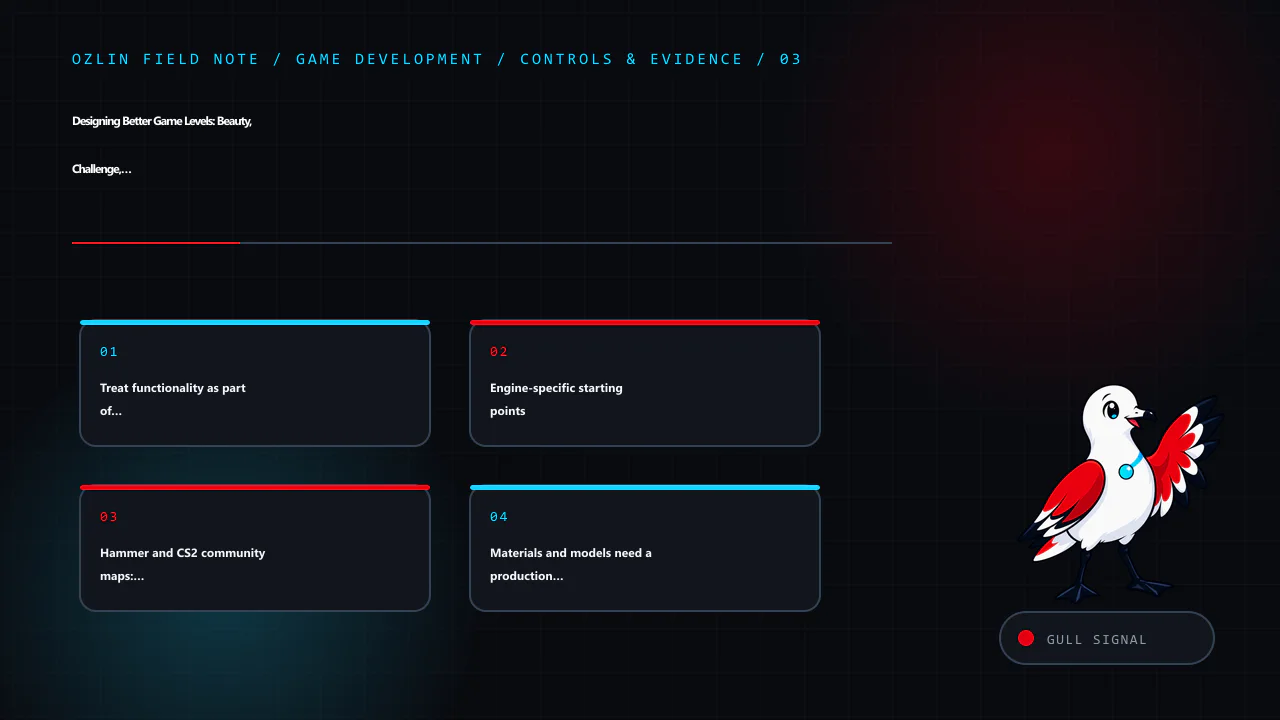
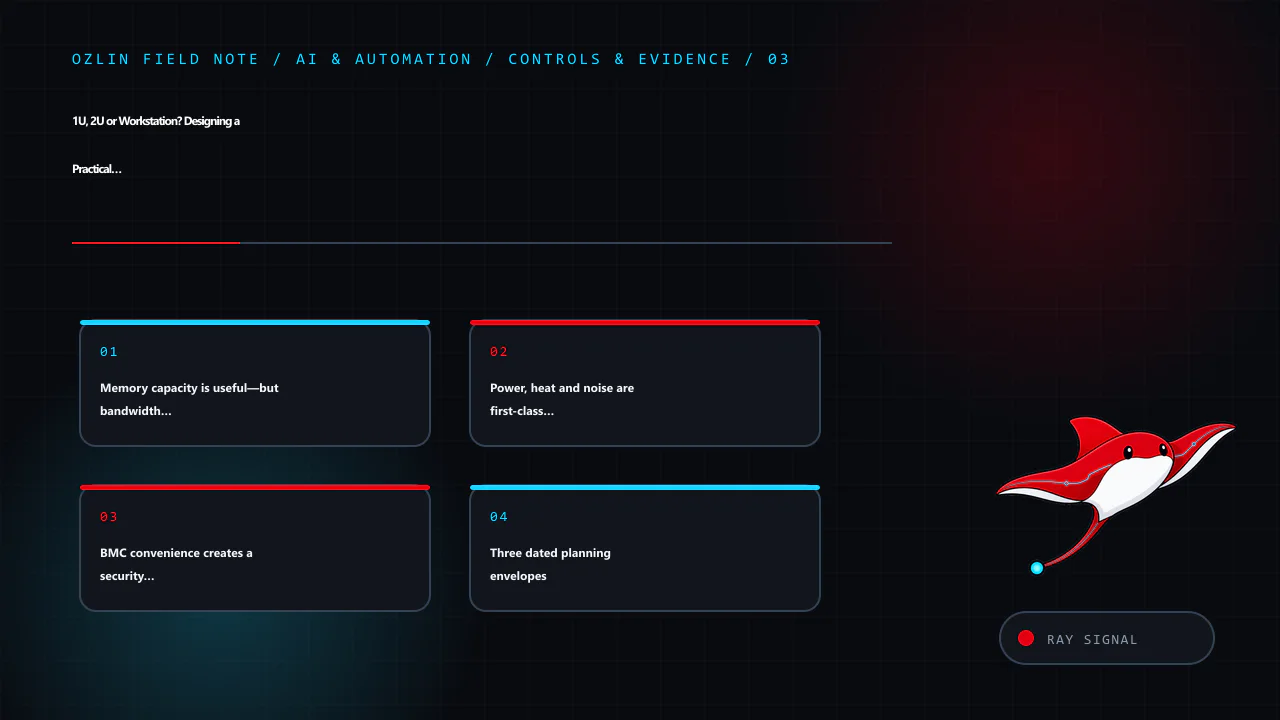
    Control and evidence map for Designing Better Game Levels: Beauty, Challenge, Randomness and Funct…, covering Treat functionality as part of the design, Engine-specific starting points, Hammer and CS2 community maps: de…
    Control and evidence map: Treat functionality as part of the design; Engine-specific starting points; Hammer and CS2 community maps: design for the actual mode; Materials and models need a production contract.
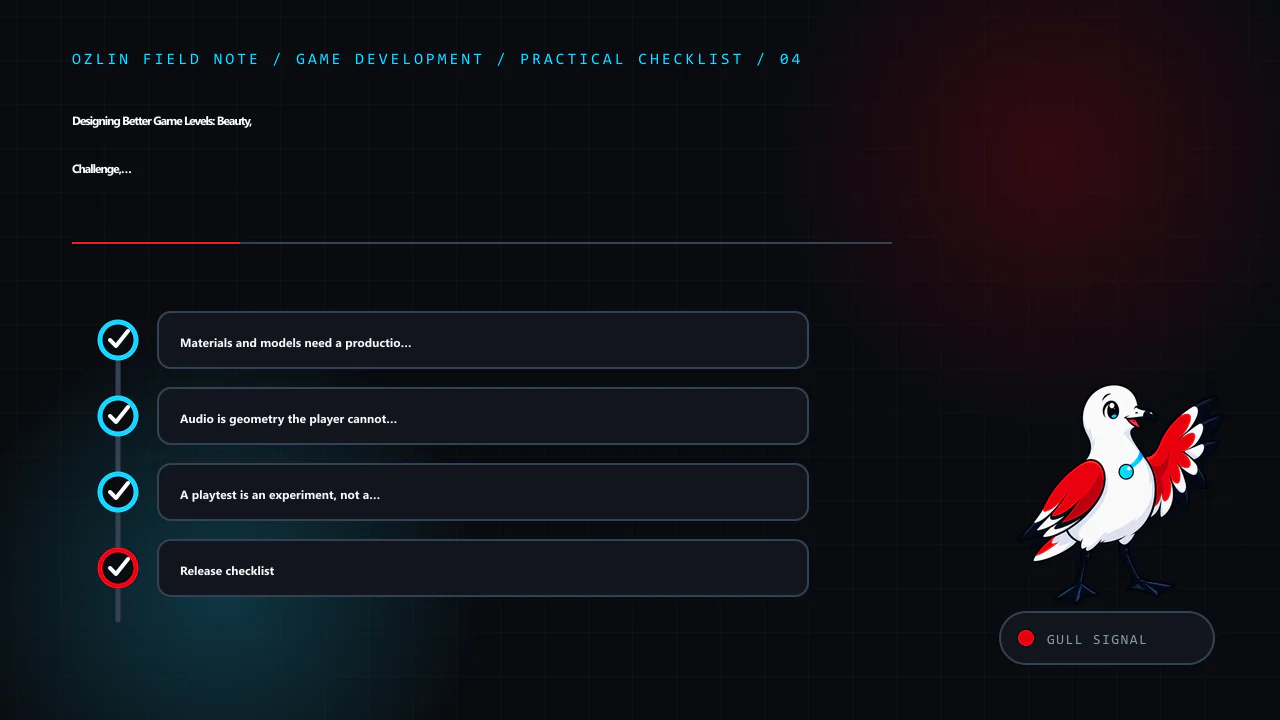
    Practical checklist for Designing Better Game Levels: Beauty, Challenge, Randomness and Funct…, covering Materials and models need a production contract, Audio is geometry the player cannot see, A playtest is an experim…
    Practical checklist: Materials and models need a production contract; Audio is geometry the player cannot see; A playtest is an experiment, not a vote; Release checklist.
  • Why an Australian Game Server Can Still Give You 120–170 ms: Peering, Routing and a Player’s Troubleshooting Guide

    Why an Australian Game Server Can Still Give You 120–170 ms: Peering, Routing and a Player’s Troubleshooting Guide

    Reviewed: 13 September 2026 · Next review: 13 December 2026
    Author: Ozlin Info Editorial Team · Human review: Lin (accountable human); Codex assisted

    An Australian player joins a server labelled Sydney. Their speed test looks healthy, voice chat works and another player in the same city has a normal ping. Yet the game reports 120–170 milliseconds. A nearby server should usually be much faster, so what happened?

    The short answer is that internet traffic follows routing policy, not the shortest line on a map. A packet can cross several independently operated networks, take an inefficient interstate or international detour, and return by a different path. Fast access speed does not guarantee a good route to every destination.

    This guide explains the layers, documents a notable Australian Counter-Strike community incident, and gives players, ISPs and server operators a defensible troubleshooting workflow. It does not rank providers or assign fault from a single trace. Network conditions and commercial interconnections change, so the provider and network sources were checked on 29 August 2026 and should be reviewed again by 29 November 2026.

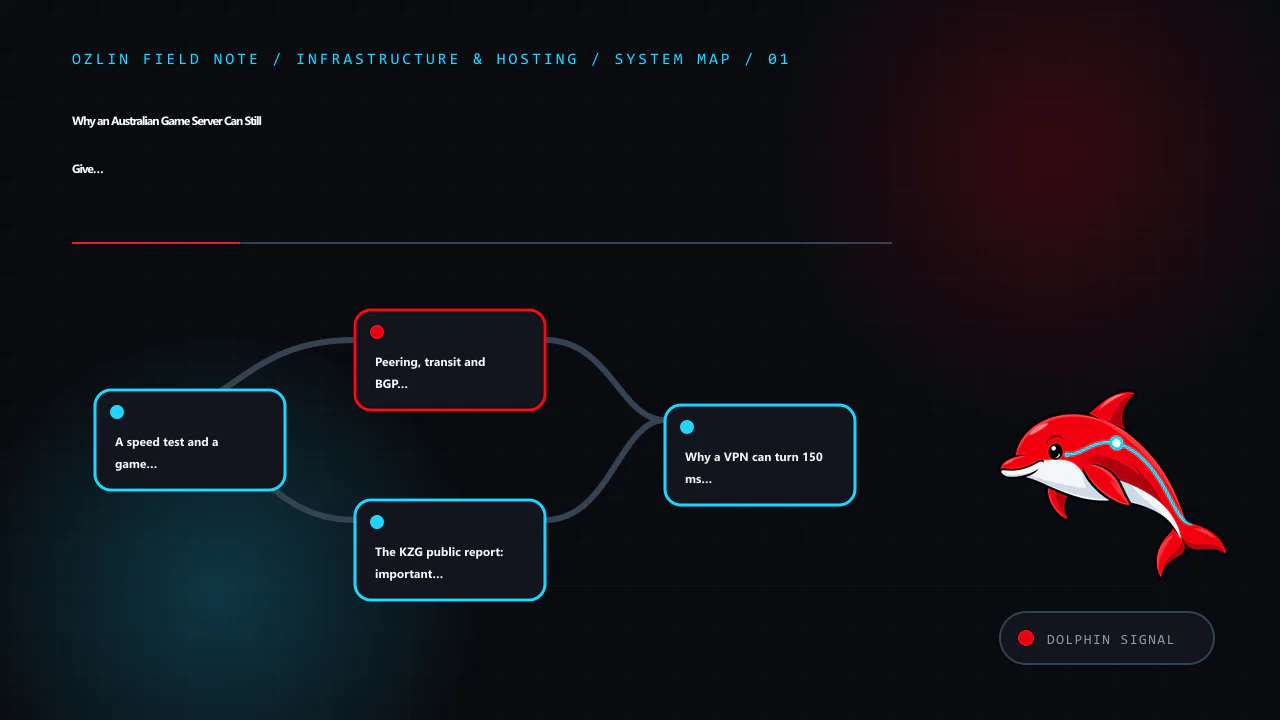
    Article map for Why an Australian Game Server Can Still Give You 120–170 ms: Peering,…, covering A speed test and a game session measure different things, Peering, transit and BGP in plain language, The KZG public repor…
    Article map: A speed test and a game session measure different things; Peering, transit and BGP in plain language; The KZG public report: important evidence, not a court verd…; Why a VPN can turn 150 ms into 30 ms.

    A speed test and a game session measure different things

    A broadband speed test normally selects a nearby, well-connected test node. That is useful for checking access speed, local congestion and gross packet loss. It does not test the route to a particular game host.

    A game packet may traverse this chain:

    1. the player's PC, Wi-Fi or Ethernet and home router;
    2. NBN, fibre, cable or a 4G/5G radio access network;
    3. the retail ISP's aggregation and national backbone;
    4. a private interconnect, internet exchange or paid transit provider;
    5. the datacentre or hosting operator's network;
    6. the game-server host and its application; and
    7. a return route that may differ from the outbound route.

    Any layer can add delay, jitter or loss. Wi-Fi contention and upload saturation are common home causes. An overloaded game process, CPU-heavy bots, plugins or an insufficient host can also increase perceived lag without changing the network ping. Conversely, a clean Ethernet test and a healthy server can still suffer when two networks exchange traffic over a poor path.

    The practical lesson is simple: test the affected destination, at the affected time, from the affected network.

    Peering, transit and BGP in plain language

    An Autonomous System, or AS, is a network that makes its own routing decisions. Border Gateway Protocol (BGP) lets these networks advertise reachability and choose paths using attributes and local policy. The BGP specification describes a policy-driven system; it is not a global latency optimiser.

    Three commercial arrangements matter here:

    • Peering exchanges traffic between the participants and their customers, usually at agreed locations and conditions.
    • Transit pays another network to reach the wider internet.
    • Internet exchange connectivity provides a place or route-server fabric where networks may establish peering, but sharing a building or exchange does not itself guarantee a direct or preferred route.

    An ISP may prefer one route because of local preference, commercial terms, capacity, resilience or the routes actually advertised. The apparent AS path may be short while the physical path is long. A router hostname that contains a city code may be stale or misleading. A one-way traceroute also says nothing definitive about the return path.

    TPG's current Group Peering Guidelines illustrate the operational and commercial dimension. They list separate principal networks for TPG Internet, iiNet/Internode and Vodafone Australia, describe peering as exchanging direct and downstream routes rather than transit routes, and set capacity, traffic, resilience and regional-advertisement expectations. The guidelines also call for “shortest exit routing” unless mutually agreed otherwise. These are published criteria for potential interconnection, not proof that every destination always follows the geographically shortest route.

    The KZG public report: important evidence, not a court verdict

    On 28 March 2023, prominent Australian Counter-Strike community KZG publicly identified TPG, Vodafone, iiNet and Internode as affected providers. Minutes later, KZG asked TPG why the traffic appeared to be going via Los Angeles. The posts took a player-impacting routing problem into the open rather than treating it as a generic game complaint.

    That report is valuable contemporaneous evidence: several retail brands were named, they belonged to the same corporate group, and the observed route appeared inconsistent with an Australian player reaching an Australian service. TPG Telecom's own company history records the 2020 merger of Vodafone Hutchison Australia and TPG, while its peering guidelines show that the brands can still use distinct autonomous systems.

    The cautious conclusion is not “the merger caused the route” or “one company was certainly at fault”. A screenshot of a forward trace cannot establish the return path, the complete BGP decision, link utilisation or which party's advertisement or preference produced the result. It can establish a reproducible symptom and give network engineers somewhere useful to begin.

    There is broader evidence that destination-specific routing problems can affect matchmaking. In August 2022, Blizzard technical support stated in an Overwatch support thread that a routing issue affecting Vodafone Australia produced high latency to its Sydney servers; the matchmaker could then select Singapore because it appeared lower latency. That is direct confirmation from the game service operator, although it concerns Overwatch rather than Counter-Strike.

    Contemporaneous Australian forum discussion also shared correspondence attributed to the GSL network operations team saying it had made mitigating changes that reduced latency while seeking cooperation for a permanent solution. Treat that Whirlpool discussion as user-published evidence, not an independently audited incident report. GSL's current network-maintained PeeringDB entry identifies Global Secure Layer, also known as GSL Networks, and lists interconnection points in multiple Australian cities and overseas. Presence in many facilities improves options; it does not force another network to select a particular path.

    Community incident reading list

    The following threads are useful for recognising symptoms and building a timeline, but they remain user reports unless a provider or service operator confirms the cause:

    • An August 2022 /r/nbn report about Vodafone NBN and CS:GO describes normal speed tests but 100 ms-plus game latency, Singapore being selected ahead of Sydney, a lower-latency result on another carrier, and a temporary improvement through a VPN. Later commenters reported Sydney or Australian servers at roughly 100–170 ms; one commenter said escalation with timestamped traces preceded a return from about 125 ms to 25 ms. These are anecdotes, not a controlled provider benchmark.
    • A 2022 Whirlpool thread on high ping to Australian servers records Internode and Vodafone users comparing affected routes and VPN results. A separate iiNet Sydney-latency thread shows that intermittent route or destination selection can complicate diagnosis.
    • The Final Fantasy XIV community's Materia routing report documents another game community analysing unexpectedly high latency to an Australian region. It concerns a different provider path and should not be used to infer the cause of the KZG incident.

    Read these beside Blizzard's operator response and the official network documents above. Their value is the repeated diagnostic pattern—destination-specific latency, route changes across networks and the need for escalation—not proof that a named ISP performs the same way today.

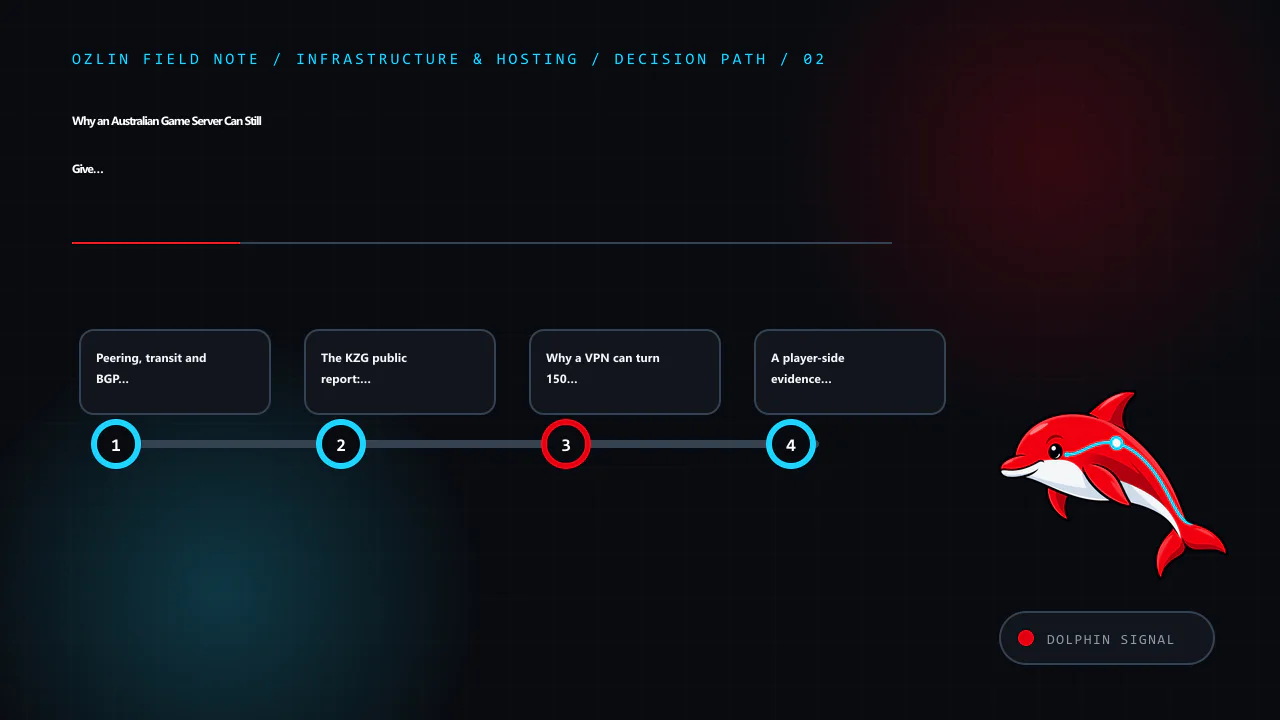
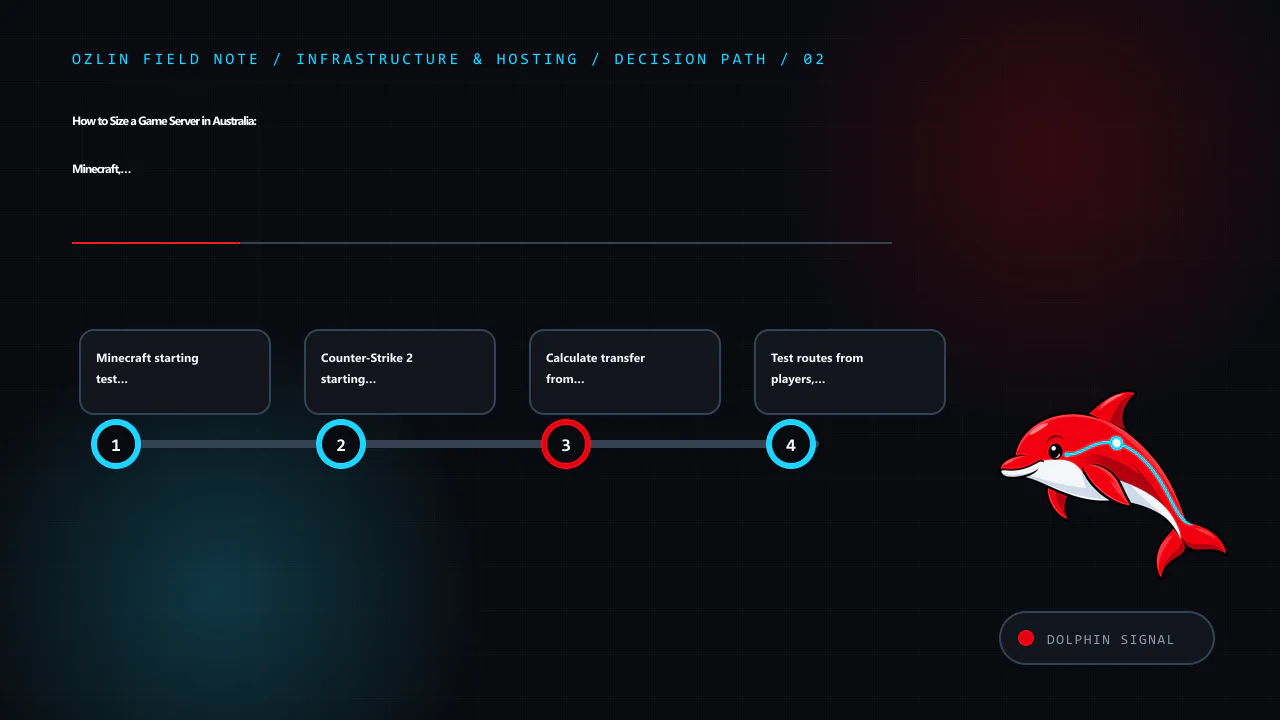
    Decision path for Why an Australian Game Server Can Still Give You 120–170 ms: Peering,…, covering Peering, transit and BGP in plain language, The KZG public report: important evidence, not a court verd…, Why a VPN can…
    Decision path: Peering, transit and BGP in plain language; The KZG public report: important evidence, not a court verd…; Why a VPN can turn 150 ms into 30 ms; A player-side evidence checklist.

    Why a VPN can turn 150 ms into 30 ms

    A VPN changes the problem from “home ISP to game host” into two segments: home ISP to VPN entry point, then VPN provider to game host. If the VPN has a nearby entry point and a better onward route, the detour can disappear. This is why a VPN can dramatically reduce latency even though encryption adds a little processing and encapsulation overhead.

    That result is a strong routing signal, not final proof. The VPN may also change IPv4 versus IPv6, traffic engineering, destination selection or anti-DDoS ingress. Test more than once and compare at the same time of day.

    Use a reputable paid or self-managed service with a nearby Australian point of presence. Check the game's rules and anti-cheat policy, protect the account with multi-factor authentication, and do not install cracked VPN software. A VPN is a diagnostic or temporary workaround; the durable fix belongs in routing, capacity or server placement.

    A player-side evidence checklist

    Begin with changes that do not require special access.

    1. Connect the gaming PC by Ethernet and pause cloud backups, torrents and large uploads. Check router utilisation and test for latency under load.
    2. Record the game, server region, exact local time and timezone, displayed ping, jitter or loss, ISP, access type and approximate source city. Do not publish your street address, account number or full router configuration.
    3. Test a general speed-test node, but label it as a control. Then test the actual destination supplied by the game or server operator.
    4. On Windows, run tracert /d <approved-target> and pathping /n <approved-target>. On macOS or Linux, use traceroute or mtr with ordinary rates. Only test a destination you are authorised to contact.
    5. Repeat during a normal period and the affected period. Save plain-text output and screenshots rather than relying on memory.
    6. Compare a second network, such as a phone tether on another carrier or a neighbour's separately operated ISP with permission.
    7. Optionally test a nearby reputable VPN endpoint. Record whether the route and end-to-end latency change.
    8. If possible, test IPv4 and IPv6 separately. They can use different peers and paths.

    Microsoft explains that tracert discovers a path using increasing TTL values and that some routers do not return the expected ICMP message, producing asterisks. Its pathping documentation warns that intermediate routers may drop packets addressed to themselves while continuing to forward transit traffic. Therefore, a loss percentage at one hop is meaningful only when the loss persists to later hops or the destination.

    Also avoid over-reading router names and IP geolocation. A hostname containing “lax” may indicate an operator's naming convention, and a database may place an address at a corporate office rather than the router. Pair names with latency changes, multiple traces, AS ownership and evidence from the destination side.

    Do not port-scan, flood, stress-test or try to bypass access controls. Normal ping, traceroute and low-rate MTR measurements are enough for this investigation.

    How to escalate past “your speed test is fine”

    First open a formal support ticket with the ISP. Describe it as a destination-specific latency or routing fault, not a general speed complaint. A concise report can say:

    My access service and local Ethernet test are normal, but this Australian game destination shows repeatable high latency during the attached Sydney-time windows. A second carrier and a nearby VPN produce a materially different route and lower end-to-end latency. Please escalate the evidence to your IP engineering, routing or peering team and provide the fault reference.

    Attach the timestamped traces, destination supplied by the operator, comparison network, game evidence and the result you want. Do not demand that frontline support redesign BGP; ask for escalation to the team that can compare advertisements and return paths.

    Send the same evidence to the game community or host. The server operator can check host load, provide a reverse trace or looking-glass result, and aggregate affected users by source AS and city. A forward trace from the player and a reverse or multi-vantage test from the host are far more useful together.

    If an Australian consumer or small business cannot resolve a covered phone or internet complaint with the provider, the Telecommunications Industry Ombudsman says to raise it with the provider first, keep relevant evidence, and then use its complaint process. The TIO is a dispute-resolution path, not a substitute peering engineer, so state the service impact and requested resolution clearly.

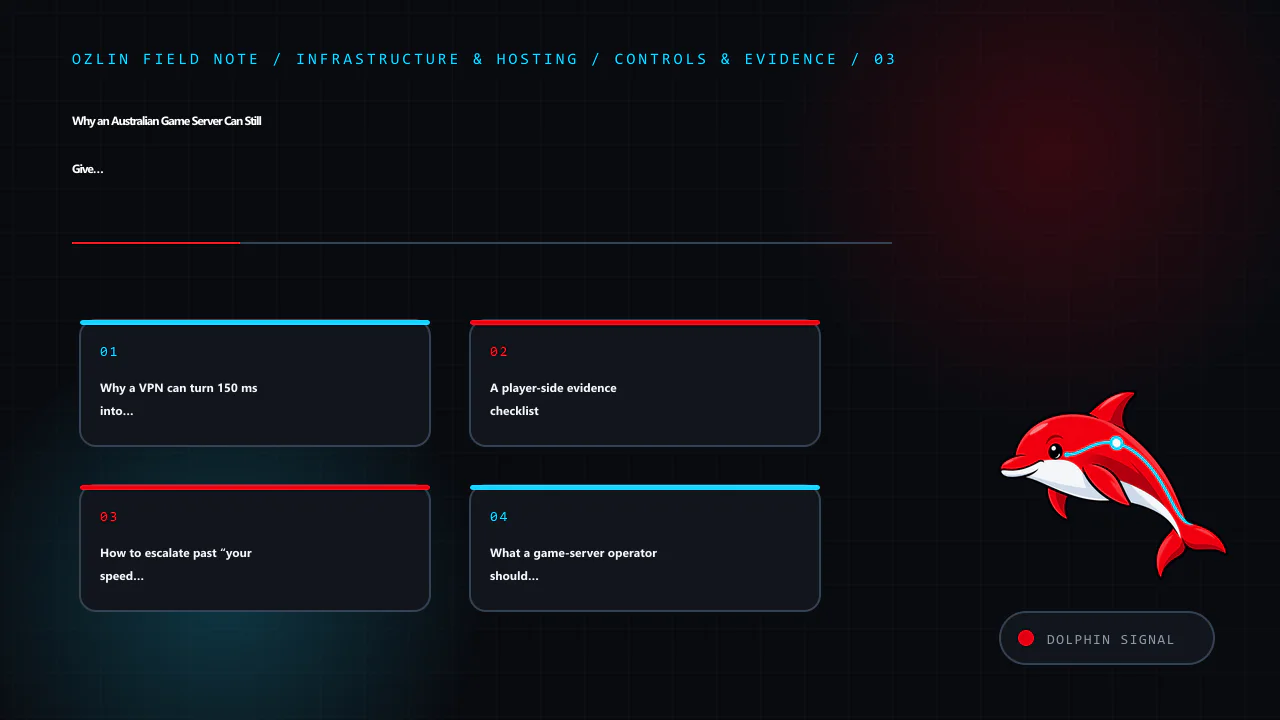
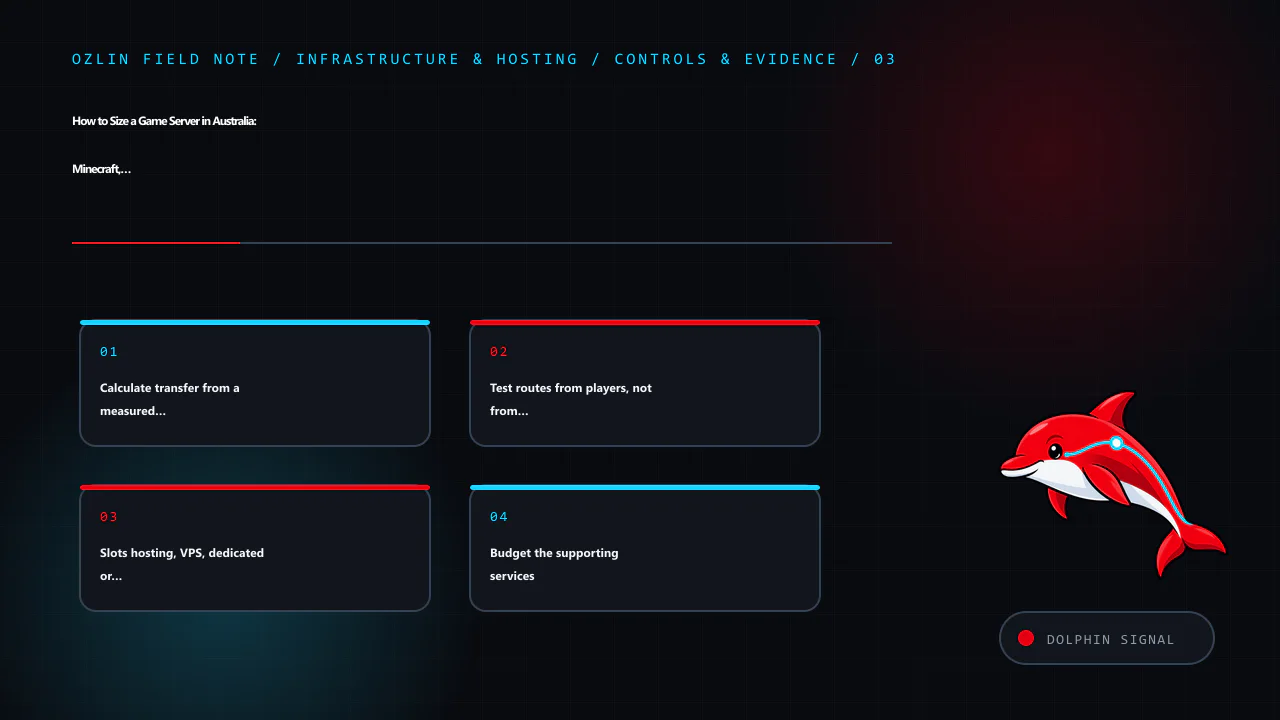
    Control and evidence map for Why an Australian Game Server Can Still Give You 120–170 ms: Peering,…, covering Why a VPN can turn 150 ms into 30 ms, A player-side evidence checklist, How to escalate past “your speed test…
    Control and evidence map: Why a VPN can turn 150 ms into 30 ms; A player-side evidence checklist; How to escalate past “your speed test is fine”; What a game-server operator should monitor.

    What a game-server operator should monitor

    Operators should not wait for a Discord argument to become their monitoring system. Build a privacy-conscious dataset containing time, source AS, broad city, game instance, end-to-end latency, loss and server health. Avoid retaining players' full addresses or unrelated personal data.

    Useful controls include:

    • probes or synthetic sessions from several major Australian access networks;
    • forward and reverse MTR captures during incidents;
    • CPU frame time, tick health, packet queues and interface utilisation beside network latency;
    • a public status page and a structured route-problem form;
    • more than one upstream or a host with credible domestic interconnection options; and
    • documented contacts for the host's NOC, transit providers and peers.

    RIPE Atlas can provide ping and traceroute measurements from distributed probes, subject to its measurement rules and available probes. A network looking glass can show routes from another vantage point. Neither replaces cooperation from the access ISP and host, but both reduce reliance on a single player's forward trace.

    Multihoming and additional transit can improve resilience and route control, but they also add cost and operational complexity. An internet-exchange port does not automatically create every bilateral peer. Anycast can be excellent for stateless front doors and DDoS absorption, but stateful real-time game sessions need architecture-specific testing before it is proposed as a cure.

    Choosing an ISP when games matter

    Published download speed is only one input. Ask players in the same city who reach the same community servers, and prefer a reversible month-to-month trial when possible. Test busy-period latency, jitter, loss and the actual destinations you use. Confirm whether support can escalate a documented routing issue rather than only repeat access-line tests.
    Do not assume a large ISP is always worse or a specialist network is always better. Routes change, hosting providers change upstreams, and one provider may be excellent to one datacentre and poor to another. The Australia and New Zealand internet-cost comparison explains why access pricing and upload speed differ; the Australia and New Zealand hosting guide covers host selection; and the Australian game-server sizing guide covers CPU, bandwidth and hosting models.

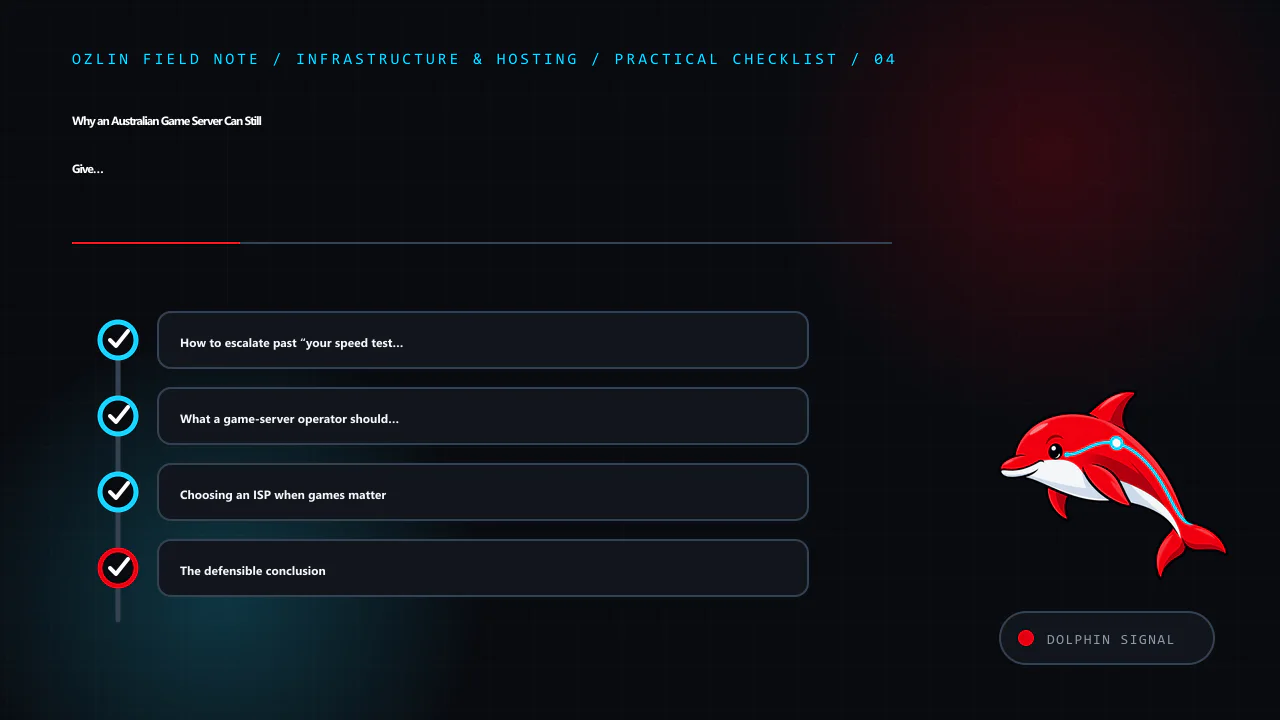
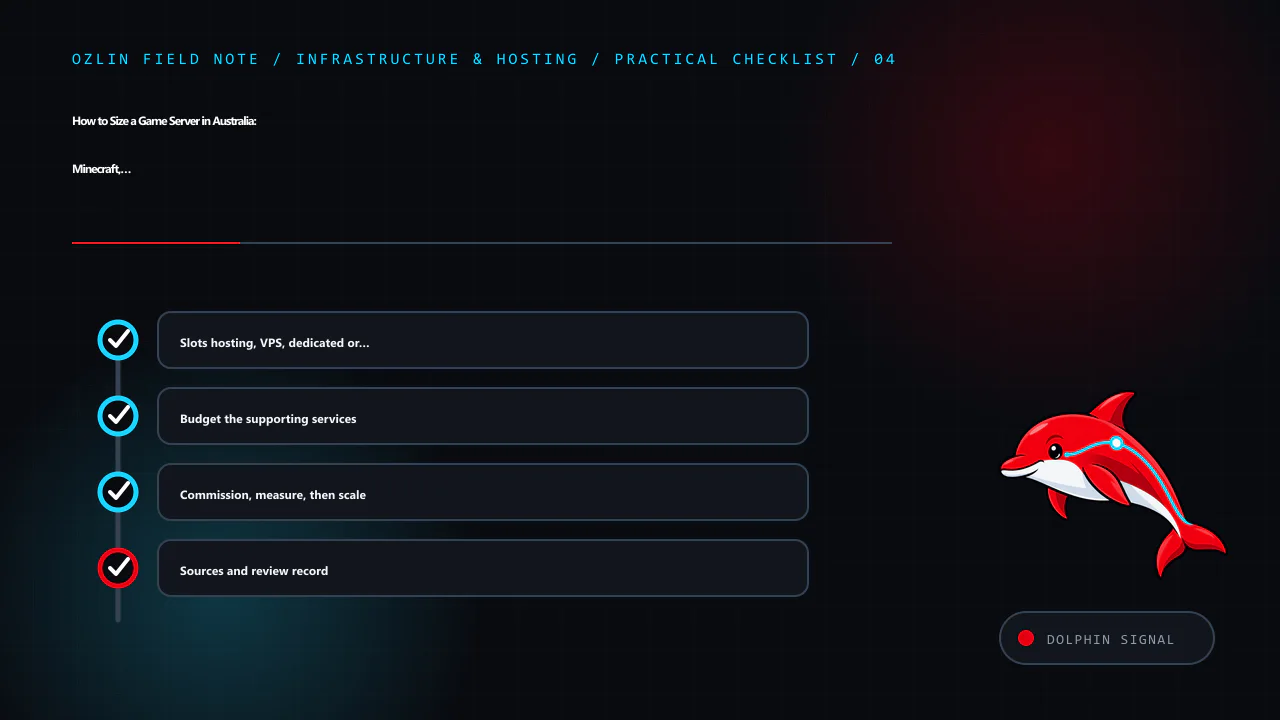
    Practical checklist for Why an Australian Game Server Can Still Give You 120–170 ms: Peering,…, covering How to escalate past “your speed test is fine”, What a game-server operator should monitor, Choosing an ISP when g…
    Practical checklist: How to escalate past “your speed test is fine”; What a game-server operator should monitor; Choosing an ISP when games matter; The defensible conclusion.

    The defensible conclusion

    When an Australian player sees 120–170 ms to an Australian game server, do not begin with “the server must be overseas” or “the ISP is lying”. First separate the home network, access link, ISP backbone, interconnection, host network, server load and return path. Compare another carrier and a nearby VPN, collect timestamped target-specific evidence, and get both network operators looking at the same incident.

    The KZG episode matters because it made a community-scale symptom visible. The lasting lesson is procedural: route problems become fixable when player reports are converted into precise, privacy-safe evidence that can reach IP engineering teams.

    Sources and review note

    Key sources were accessed on 29 August 2026: TPG Group Peering Guidelines, TPG Telecom company information, KZG's affected-provider post, KZG's Los Angeles routing question, Blizzard's Sydney routing support thread, GSL's PeeringDB entry, Microsoft tracert, Microsoft pathping, RIPE Atlas documentation, BGP-4 RFC 4271, and the TIO complaint process. The linked Reddit, Whirlpool and Final Fantasy XIV community threads are supplementary incident records, not current performance guarantees. Next scheduled source review: 29 November 2026.

    AI assisted with source discovery, drafting and copyediting; Ozlin Info remains responsible for publication.

    Source access date: 2026-08-29

    Limitations: general information only; the latency, routing and hosting outcome depends on the player's ISP, route, peering, congestion, game build and measured conditions.

  • Using 4G or 5G as Home Internet: An Australia and New Zealand Setup Guide

    Using 4G or 5G as Home Internet: An Australia and New Zealand Setup Guide

    Wireless home broadband can be excellent when the local radio network, plan and household workload align. It can also look perfect at lunchtime and become frustrating after dinner. The difference is rarely explained by a single “bars” icon. Tower congestion, building materials, gateway position, plan restrictions, Wi-Fi, CGNAT and the applications being used all affect the result.

    This guide is for Australian and New Zealand households considering 4G or 5G as a primary connection or backup link. It is not a guide to bypassing a carrier's device, location, fair-use or acceptable-use controls. Use a product sold for home broadband, or a data plan whose terms expressly allow a router.

    Provider terms and product availability were checked on 29 August 2026. Address eligibility, speed tiers, modem ownership, trial periods and fair-use rules change, so verify the current Critical Information Summary or equivalent before ordering.

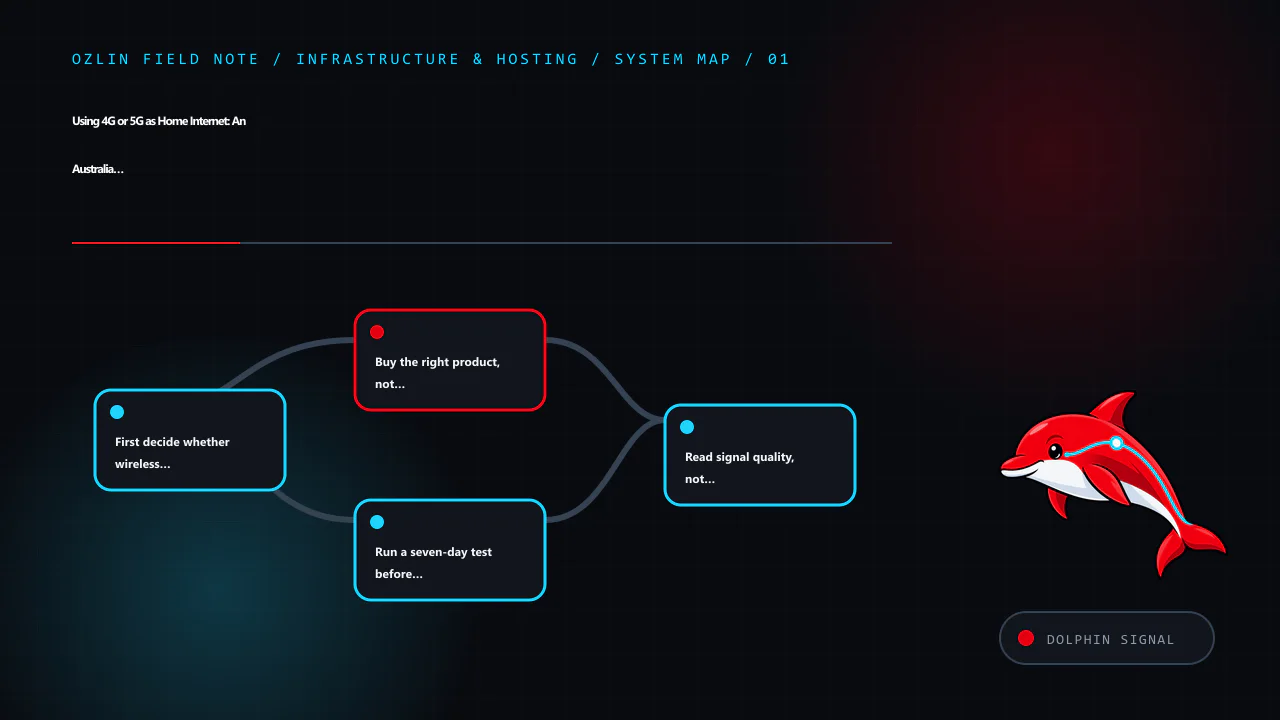
    Article map for Using 4G or 5G as Home Internet: An Australia and New Zealand Setup G…, covering First decide whether wireless suits the workload, Buy the right product, not an apparent loophole, Run a seven-day test be…
    Article map: First decide whether wireless suits the workload; Buy the right product, not an apparent loophole; Run a seven-day test before cancelling fixed broadband; Read signal quality, not only signal bars.

    First decide whether wireless suits the workload

    Start with the household's difficult traffic, not its easiest speed test. Web browsing and buffered video tolerate variation. Video meetings, cloud gaming, competitive games, large backups, remote-desktop work and live streaming care more about upload, latency, jitter and packet loss.

    Wireless home broadband is often worth testing when:

    • fibre or a good fixed-line service is unavailable, slow or expensive at the address;
    • a renter needs a reversible installation;
    • usage is mainly browsing and streaming with modest upload demand;
    • a second carrier would provide useful failover for remote work; or
    • a temporary premises needs service without waiting for a fixed installation.

    Keep fibre or another stable fixed service when predictable upload, very low jitter, a static address, monitored alarms, medical equipment, business continuity or public inbound services are requirements. Carrier product pages themselves warn about these boundaries. Optus says its 5G home service does not support a static IP, fixed-line telephony, back-to-base alarms or medical alert services. One NZ notes that its wireless service requires mains power and may be unavailable during an outage, including for emergency calling. These are product limitations, not minor setup details.

    Buy the right product, not an apparent loophole

    The cheapest “unlimited mobile” offer may be designed only for a handset. Router, hotspot, location and fair-use rules vary. Check the written terms before buying hardware around a plan.

    Current official examples illustrate the differences:

    Product characteristic checked on 29 August 2026 What the provider says Practical consequence
    Telstra 5G Home Internet The supplied home modem is fixed to the nominated address; moving it outside the home area can trigger a severe speed cap. A modem supplied for the plan may need to be returned after early cancellation. Recheck eligibility before moving and retain packaging and return instructions.
    Optus 5G Home Internet Requires the Optus modem and SIM, is service-qualified by address and does not support a static IP. Speed depends on congestion, location, placement and other conditions. Do not assume bring-your-own equipment, portability or inbound IPv4.
    One NZ wireless broadband Requires a One NZ modem, restricts the SIM to that device and the service to the registered location. Continuous 5G coverage is not guaranteed. Treat the gateway as fixed customer equipment and verify the current network-guarantee conditions.
    Spark wireless broadband Availability is selected by address and usage; a compatible Spark modem is required for its 4G/5G wireless plans. Use the address checker and confirm the exact supplied or supported gateway before purchase.

    This is not a complete market comparison. It shows why “put any SIM in any router” is unsafe purchasing advice. Also check minimum term, modem repayment or non-return fees, data cap, speed cap, fair use, cancellation process, cooling requirements and whether an external antenna is supported.

    Run a seven-day test before cancelling fixed broadband

    Treat the first week as a small site survey. Keep the old service active and build a test sheet with the same locations and times each day.

    1. Test at least three plausible gateway positions: windows on different sides of the premises, an elevated open shelf and the place where Ethernet can reach the main router.
    2. Test morning, afternoon and the evening busy period. A single best result is not representative.
    3. Connect one computer by Ethernet to the cellular gateway. This separates the mobile link from household Wi-Fi.
    4. Record download, upload, idle latency, latency during upload and download, jitter and packet loss.
    5. Repeat the real workload: a video meeting, VPN session, game, large upload and 4K stream if those matter.
    6. Reboot the gateway and confirm that service, IPv6 and any VPN reconnect correctly.
    7. Record outages and band or cell changes rather than averaging them away.

    Use median results to describe normal service and p95 latency or the worst ordinary busy-period samples to expose instability. Do not compare an Ethernet result from one provider with a distant Wi-Fi result from another.

    If several carriers are plausible, test more than one. A phone can identify whether a network deserves a gateway trial, but it is not a controlled substitute: phone and gateway modems may support different bands, antennas, carrier aggregation and thermal behaviour.

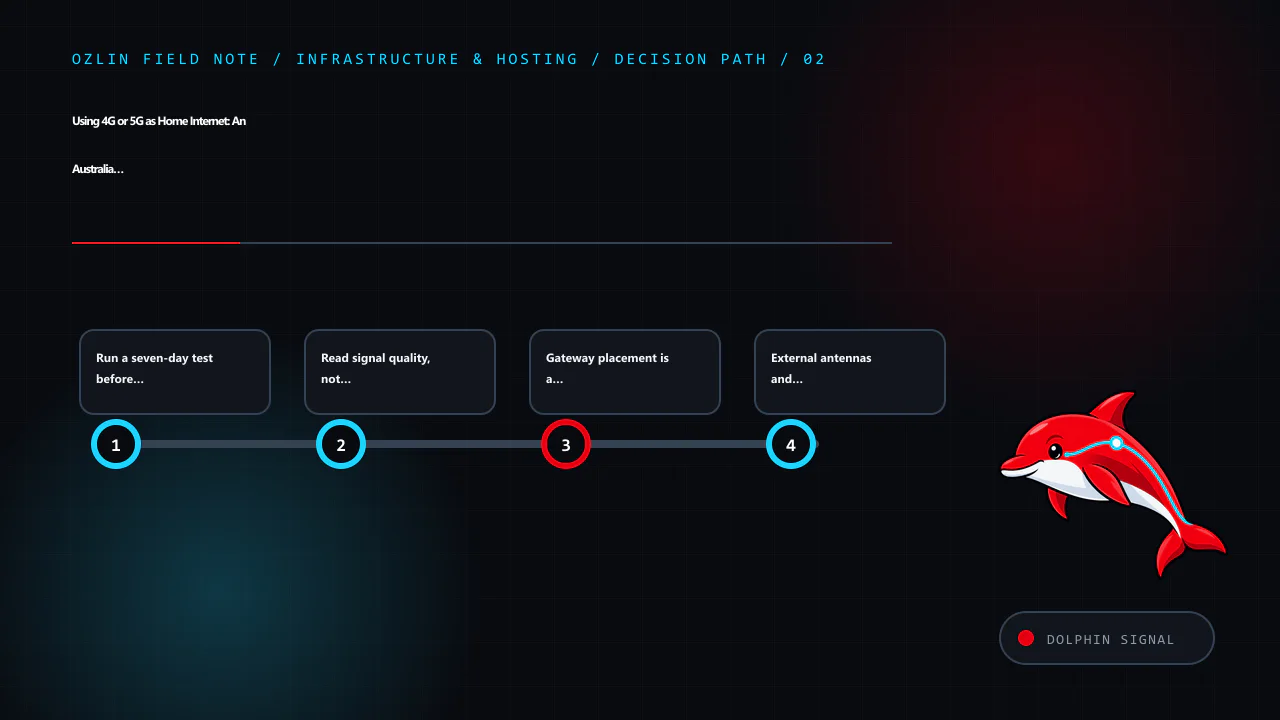
    Decision path for Using 4G or 5G as Home Internet: An Australia and New Zealand Setup G…, covering Run a seven-day test before cancelling fixed broadband, Read signal quality, not only signal bars, Gateway placement is…
    Decision path: Run a seven-day test before cancelling fixed broadband; Read signal quality, not only signal bars; Gateway placement is a cellular and Wi-Fi problem; External antennas and outdoor CPE: useful, not magical.

    Read signal quality, not only signal bars

    Many gateways expose RSRP, RSRQ and SINR. RSRP describes reference-signal power; RSRQ adds a quality view; SINR compares the wanted signal with interference and noise. RSSI alone includes other received energy and can look strong while quality is poor.

    Teltonika's published guidance gives useful orientation rather than a universal guarantee: RSRP at or above about -80 dBm is described as excellent, -80 to -90 dBm as good, and below -100 dBm as poor; SINR above about 20 dB is described as excellent, 13–20 dB as good and values near or below 0 dB as poor. Different modems, bands and networks report differently, and tower load can still limit throughput with apparently good radio figures.

    Use the numbers comparatively. If moving a gateway one metre improves SINR and busy-period upload consistently, that is more useful than chasing an absolute threshold. Record the serving band or cell when the interface exposes it, but avoid locking bands unless the gateway and carrier support it and repeated measurements show a stable benefit. An unsupported lock can remove useful carrier aggregation or emergency fallback.

    Gateway placement is a cellular and Wi-Fi problem

    The best cellular position is often close to a window facing a useful tower. Spark's setup guidance tells customers to place its Max Wireless modem near a window in the direction of the best 5G cell. Optus likewise recommends a window position. Test several windows: coated glass, concrete, metal cladding, terrain and neighbouring buildings can change the result.

    Do not cook the modem to improve signal. Avoid a sealed cupboard, direct summer sun and the top of another hot device. Leave airflow around it and use a stable power supply. A position that is excellent for the cellular link may be poor for Wi-Fi coverage through the rest of the home.

    The clean solution is often:

    cellular gateway near the best window → Ethernet → centrally placed household router or access points

    If the carrier gateway must remain the router, use wired or mesh access points for distant rooms. If it supports bridge or IP-passthrough mode, a separate router may take over routing and Wi-Fi, but support varies and carrier updates can change behaviour. Avoid creating double NAT accidentally; document which device provides DHCP, firewalling and port mappings.

    External antennas and outdoor CPE: useful, not magical

    An external MIMO antenna can help when the indoor signal is weak or obstructed and the gateway exposes compatible antenna ports. It can also make things worse through the wrong connector, unsupported frequency range, poor polarisation, long lossy coaxial cable or aim at a congested cell.

    Prefer short approved cable runs and equipment designed for the carrier's bands. A purpose-built outdoor CPE keeps the radio close to the antenna and brings Ethernet indoors, avoiding much coaxial loss. Outdoor work must follow electrical, lightning, waterproofing, strata, rental and local installation requirements. Do not improvise a roof installation around power lines; use a qualified installer where the location or regulations require it.

    Change one variable at a time and retest across busy periods. A larger antenna is not proof of more capacity: it cannot create spectrum or remove congestion at the tower.

    Expect CGNAT and plan around it

    Many mobile and wireless-broadband services use carrier-grade NAT. The gateway receives an address that is not a dedicated public IPv4 address, so ordinary inbound port forwarding cannot reach the household. A dynamic-DNS record does not change that upstream translation.

    Before purchase, ask whether the plan provides:

    • public IPv4, CGNAT or an optional business/static-IP service;
    • native IPv6 and whether its delegated prefix remains stable;
    • inbound filtering; and
    • restrictions on VPN protocols or business/server use.

    Outbound HTTPS, modern remote-work VPNs and most consumer applications usually operate through CGNAT, but test the actual employer VPN, console, voice application and peer-to-peer game. For private remote access, an authenticated mesh VPN or outbound tunnel may be appropriate. Do not expose router administration, a NAS or remote desktop directly to the internet merely to defeat a connectivity problem.

    If a public server is the objective, use the home-server risk guide and compare a hosted VPS. Wireless home broadband is a consumer access product, not automatically a production hosting platform.

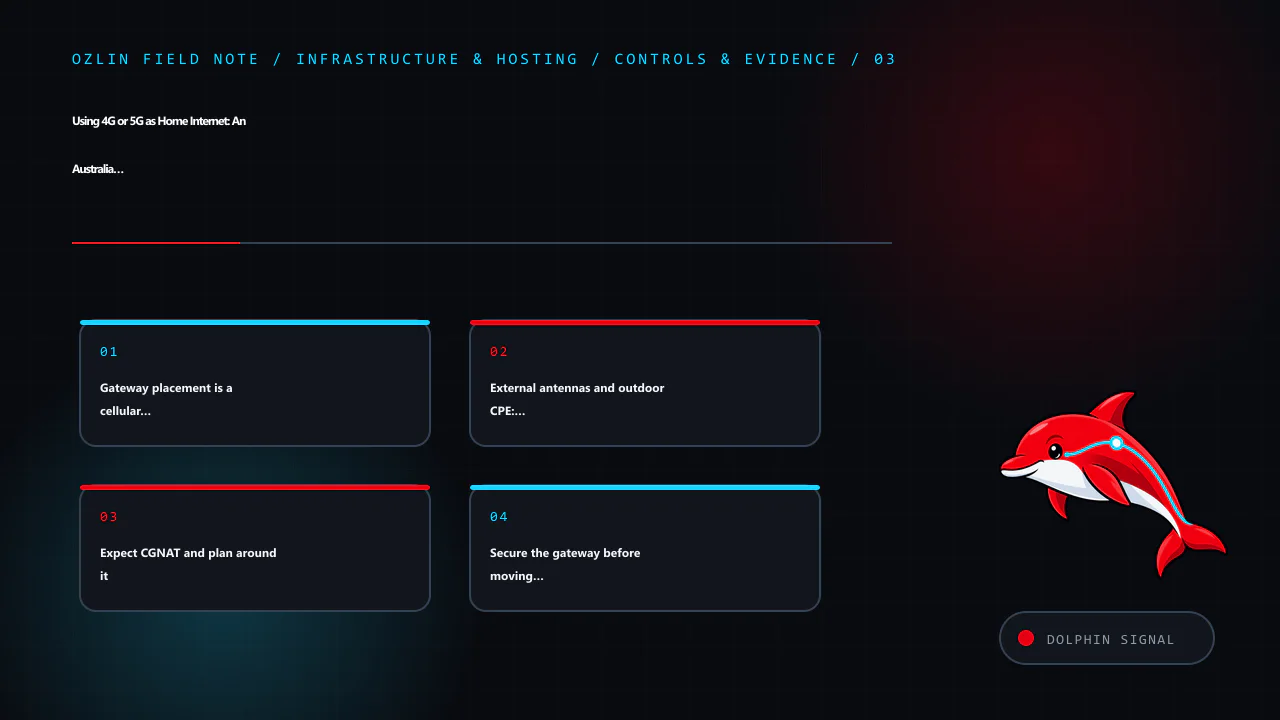
    Control and evidence map for Using 4G or 5G as Home Internet: An Australia and New Zealand Setup G…, covering Gateway placement is a cellular and Wi-Fi problem, External antennas and outdoor CPE: useful, not magical, Ex…
    Control and evidence map: Gateway placement is a cellular and Wi-Fi problem; External antennas and outdoor CPE: useful, not magical; Expect CGNAT and plan around it; Secure the gateway before moving the household onto it.

    Secure the gateway before moving the household onto it

    The Australian Signals Directorate's consumer guidance recommends changing default router credentials, disabling WAN remote management, installing firmware updates, replacing end-of-life routers, using WPA3 where available (or WPA2 as a minimum), reviewing connected devices and disabling unused services such as WPS, UPnP and port forwarding.

    Apply that baseline to the cellular gateway and any separate router:

    • change the administrator password and store it in a password manager;
    • install provider/manufacturer firmware and enable supported automatic updates;
    • disable internet-facing administration, Telnet, unused SSH/SNMP, WPS and unneeded UPnP;
    • use WPA3 or WPA2 with a long unique Wi-Fi passphrase;
    • put guests and poorly supported IoT devices on an isolated guest network;
    • back up the known-good configuration without including it in public tickets or screenshots;
    • check connected devices and firmware at least every six months; and
    • replace equipment that no longer receives security updates.

    Do not install cracked firmware or random modem-unlock packages. Apart from breaching terms or radio rules, modified images can add backdoors to the device that protects the entire household network.

    Add failover deliberately

    A 4G/5G link is valuable as a second path when it uses a different carrier and failure domain from the fixed service. A dual-WAN router can check reachability and fail over automatically, but test stateful sessions: meetings and VPNs may reconnect because the public address changes.

    For important home work:

    • choose a backup carrier with independent coverage where practical;
    • connect the gateway, router and access point to an appropriately sized UPS;
    • configure health checks against more than one reliable destination;
    • alert on failover so an unnoticed outage does not consume a capped backup plan;
    • test restoration to the primary path; and
    • keep an ordinary phone connection available for emergency communication.

    A carrier gateway still depends on tower power, backhaul and local congestion. Two devices on the same network are not two independent links.

    A practical go/no-go scorecard

    Do not cancel fixed broadband until the wireless trial passes the household's real requirements.

    Question Pass condition to define before testing
    Evening performance Required download and upload remain usable across several busy periods
    Interactive quality Latency under load, jitter and loss support meetings, games and VPNs
    Coverage The gateway stays on a usable cell/band without frequent dropouts
    Plan fit Router, location, data, speed and fair-use terms permit the intended use
    Addressing CGNAT/IPv6 behaviour is compatible with required applications
    Equipment Gateway can be placed safely, cooled and connected by Ethernet
    Security Supported firmware, strong administration and segmented Wi-Fi are configured
    Continuity Power, voice/alarm implications and failover are understood and tested
    Cost Plan, modem, antenna, cabling, UPS and any second link beat the alternative over the intended term

    The honest outcome may be “wireless is good enough,” “wireless is an excellent backup,” or “keep fibre.” All three are successful tests. The related Australia and New Zealand internet-cost article explains why mobile allowance pricing, fixed-access wholesale costs and data-centre traffic cannot be compared as one market.
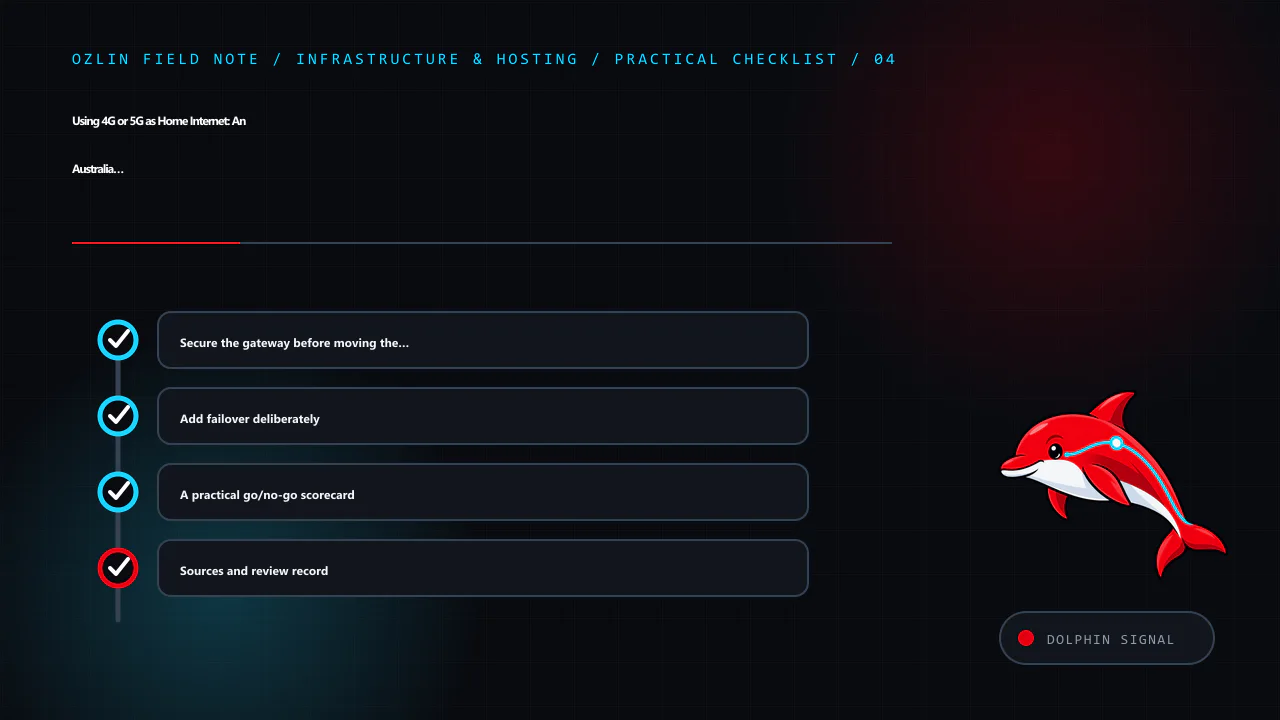
    Practical checklist for Using 4G or 5G as Home Internet: An Australia and New Zealand Setup G…, covering Secure the gateway before moving the household onto it, Add failover deliberately, A practical go/no-go scorecard…
    Practical checklist: Secure the gateway before moving the household onto it; Add failover deliberately; A practical go/no-go scorecard; Sources and review record.

    Sources and review record

    Sources were accessed on 29 August 2026. Product terms, availability, equipment and security guidance are scheduled for review by 29 November 2026.

    AI assisted with source discovery, drafting and copyediting; Ozlin Info remains responsible for publication.

  • Why Internet Pricing Feels So Different in Australia and New Zealand: Mobile, NBN, UFB and Server Traffic

    Why Internet Pricing Feels So Different in Australia and New Zealand: Mobile, NBN, UFB and Server Traffic

    Australian internet pricing can look contradictory. A mobile plan may advertise tens or hundreds of gigabytes at a modest price, while a household NBN service costs more than an apparently faster New Zealand fibre plan. Residential NBN is now commonly sold with unlimited data, yet an Australian VPS or colocation quote may still include a strict transfer allowance.

    Those observations are real, but they do not describe one market. Mobile radio capacity, fixed access, retail broadband and data-centre transit are different products with different cost structures. The useful question is not simply “Is Telstra or Optus charging too much?” It is: which layer owns the scarce capacity, how is it regulated, and what kind of traffic is the customer allowed to generate?

    This independent guide uses public prices and official material checked on 29 August 2026. It is not a paid ranking, and Ozlin has no disclosed affiliate relationship with the providers named. Promotional pricing, address eligibility, exchange rates and plan terms change; obtain the current Critical Information Summary or equivalent before purchasing.

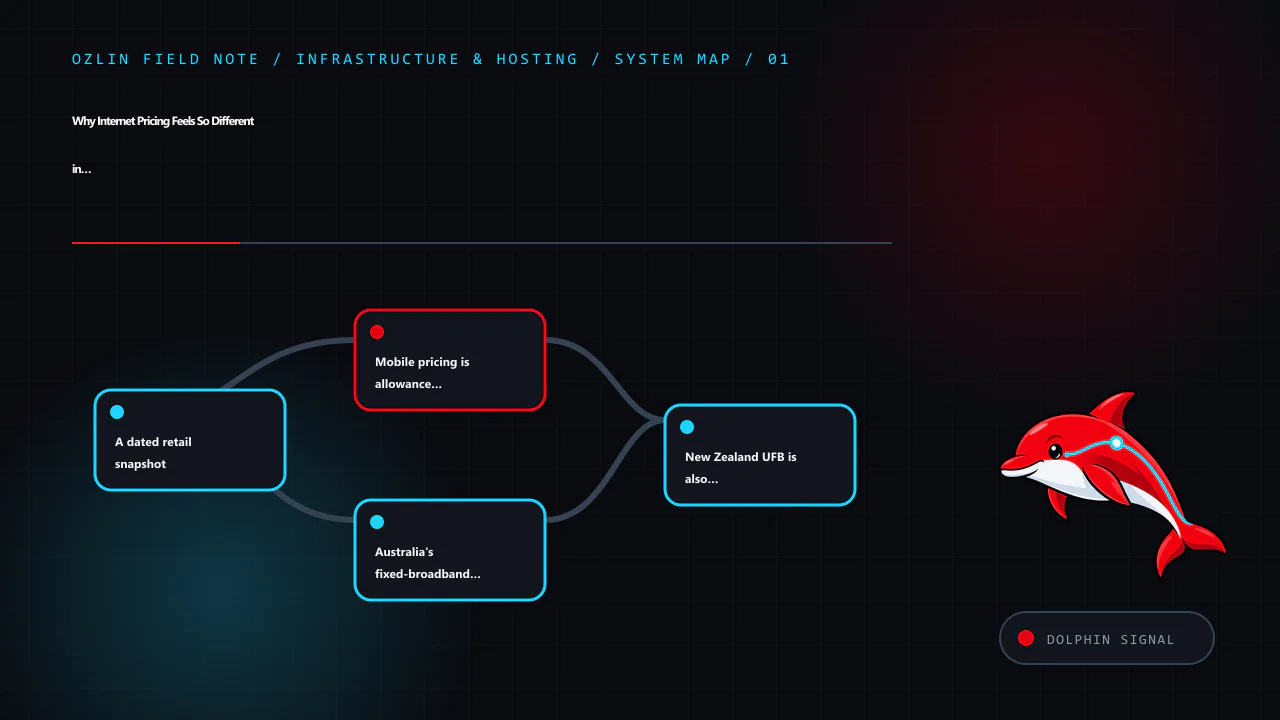
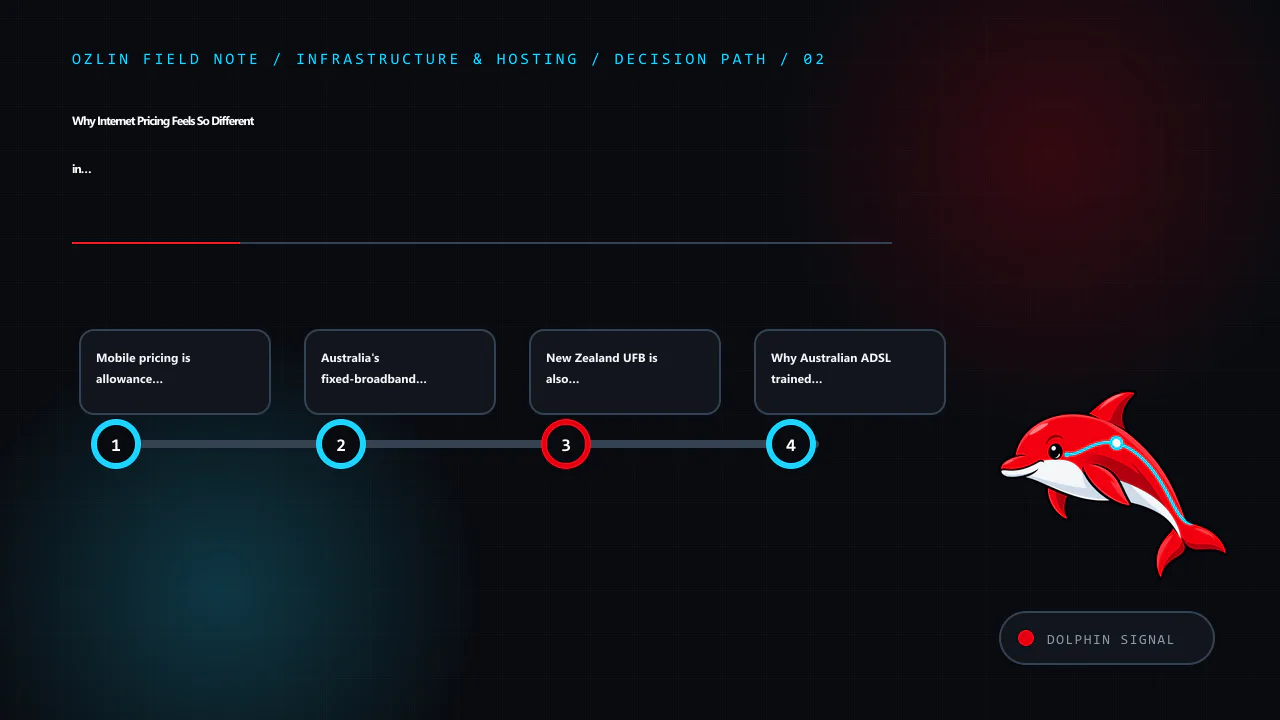
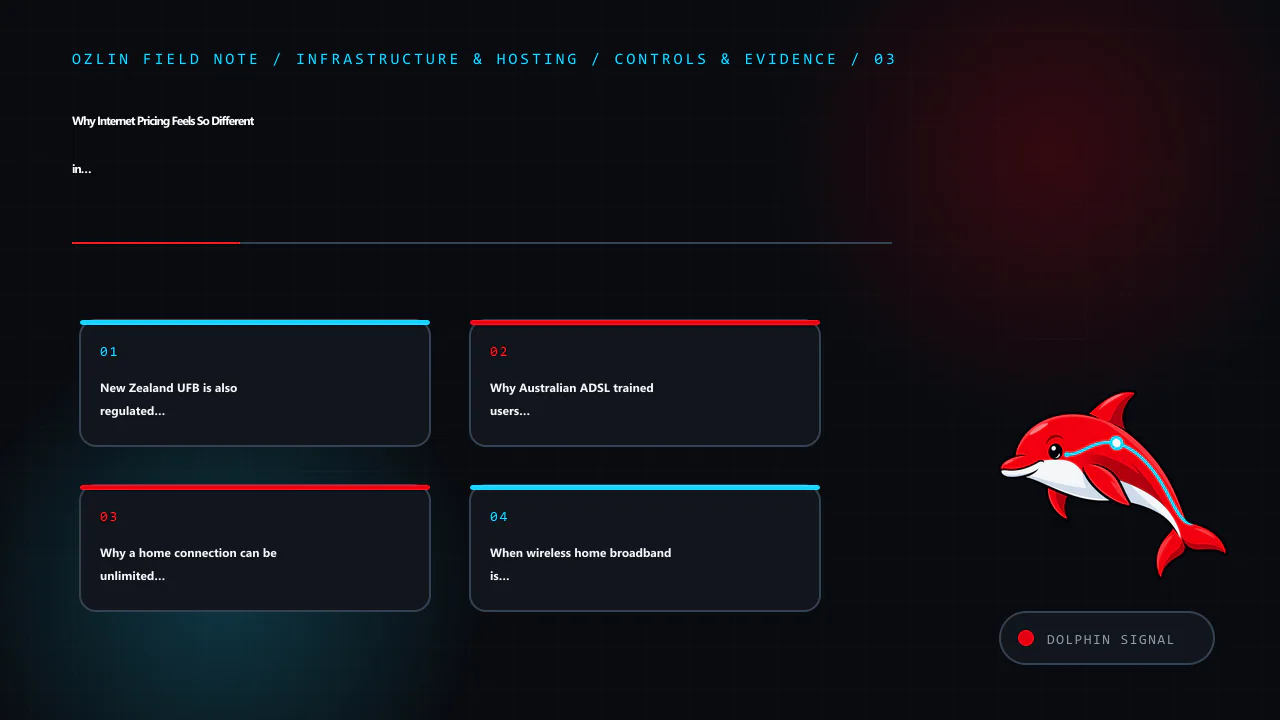
    Article map for Why Internet Pricing Feels So Different in Australia and New Zealand:…, covering A dated retail snapshot, Mobile pricing is allowance marketing on shared radio netwo…, Australia's fixed-broadband floor i…
    Article map: A dated retail snapshot; Mobile pricing is allowance marketing on shared radio netwo…; Australia's fixed-broadband floor is NBN wholesale, not jus…; New Zealand UFB is also regulated infrastructure—not four f….

    A dated retail snapshot

    The examples below are representative public offers, not a claim that each product is the cheapest in its market. Australian prices include GST where the provider says so. New Zealand consumer prices include GST. Indicative AUD conversions use the Reserve Bank of Australia's 28 August 2026 reference rate of A$1 = NZ$1.2084; the RBA says its rates should not be used for commercial settlement.

    Service observed on 29 August 2026 Published recurring price Included data or access rate Important condition
    felix Unlimited mobile, Australia A$40/month Unlimited handset data, capped at up to 40 Mbps Provider says it must not be used in a modem or as a home/office internet substitute
    Telstra Basic / Essential mobile, Australia A$74 / A$84 per month 50 GB / 180 GB Flagship-network pricing; plan terms and speed treatment apply
    Rocket Plus mobile, New Zealand NZ$45/month, about A$37.24 Unlimited handset data at up to 40 Mbps 20 GB hotspot allowance; Rocket says its SIMs cannot be used in a mobile router
    Spark 75 GB / 150 GB Endless, New Zealand NZ$68 / NZ$78 per month after the July 2026 change Full-speed allowance, then reduced-speed endless data Check the current fair-use and companion-plan conditions
    Leaptel NBN 500/50 / 1000/100, Australia A$97 / A$119 per month Unlimited residential fixed-line data Prices include GST; technology and address eligibility apply
    One NZ Fibre Everyday / Fibre Max NZ$101 / NZ$116 per month, about A$83.58 / A$95.99 Unlimited residential fibre Product speed, Wi-Fi and regional wholesale network affect results

    The table immediately corrects one common assumption: low-cost unlimited mobile is not automatically cheaper in Australia than New Zealand. Rocket's standard NZ$45 40 Mbps plan converts to slightly less than felix's A$40 plan. The more persistent contrast is fixed broadband capability, especially upload: New Zealand Fibre Max products commonly expose far more upstream capacity than mainstream Australian 1000/100 residential NBN.

    Mobile pricing is allowance marketing on shared radio networks

    Australia has three national mobile network operators: Telstra, Optus and TPG Telecom. That is an oligopoly at the infrastructure layer, not a two-company monopoly. The ACCC's 2025 infrastructure report analyses those three operators and notes that TPG customers can also access sites under the Optus–TPG multi-operator core network arrangement.

    Retail competition is broader than the tower count suggests. Operator-owned secondary brands and mobile virtual network operators sell differentiated offers over the same physical networks. A premium brand may charge for coverage, support, features and brand position; a lower-priced brand may cap speed, omit capabilities or use a more limited wholesale footprint. The result is aggressive price segmentation without a fourth nationwide radio network.
    Large allowances are also cheaper to advertise than they appear. The ACCC's 2024–25 communications report estimated a median advertised mobile allowance of 42 GB and an average of 69 GB, while reported average use was only 14.5 GB per user per month. Most subscribers therefore do not consume the headline allowance. Giving many users an extra 50 GB does not mean reserving that amount for each user; the operator manages shared peak-hour radio capacity and expects statistical variation in actual demand.

    That is why “gigabytes per dollar” is an incomplete comparison. Check:

    • whether speed is capped before the allowance is exhausted;
    • coverage and congestion at the places that matter;
    • hotspot, modem and router permissions;
    • reduced-speed treatment after the full-speed allowance;
    • roaming, voice, eSIM, Wi-Fi Calling and support; and
    • whether a promotion expires after a few months.

    New Zealand has its own operator concentration and retail segmentation. Its unlimited mobile offers can now be very competitive, but “unlimited on the phone” does not necessarily mean “unlimited for the whole house.” Rocket's 40 Mbps plan includes 20 GB of hotspot use and its support material says the SIM cannot be used in a mobile router. felix permits tethering to personal devices but explicitly prohibits modem use and substitution for home or office internet. Circumventing those controls with identity, TTL or configuration tricks is a contract risk, not a savings strategy.

    Australia's fixed-broadband floor is NBN wholesale, not just Telstra retail

    Most large Australian fixed-broadband brands are retail service providers buying access from NBN Co. Their customer service, backhaul, peering, international transit, routers and provisioning differ, but they begin with a common regulated wholesale input.

    NBN Co's published average wholesale prices from 1 July 2026 include:

    Residential wholesale tier Average monthly wholesale cost from 1 July 2026
    25/5 or 25/10 A$36.15
    50/20 A$57.60
    500/50 A$60.85
    1000/100 A$75.88

    These are wholesale access costs, not retail prices and not a complete ISP cost model. A retailer still needs network capacity beyond NBN, systems, staff, payment processing, support and margin. Many competing retailers therefore do not create the same price pressure as competing last-mile networks: they all face a substantial common input.

    NBN's product history also matters. The Ethernet bitstream service was traditionally charged through an end-user access component, AVC, plus shared network capacity, CVC. In 2017 NBN said the industry-average CVC unit price had been A$15.25 per Mbps. Insufficient purchased CVC could contribute to the notorious evening-congestion gap between an access-line speed and the throughput users actually experienced.

    The model has changed. NBN's accepted transition removes residential fixed-line and fixed-wireless CVC overage charges by 1 July 2026, with the scheduled maximum price falling to zero. This helps explain why unlimited residential data is now normal: an ISP is no longer exposed to the same wholesale overage mechanism merely because a customer downloads another block of data. The retailer must still engineer its own shared capacity, so “unlimited” never means every subscriber can sustain the port rate simultaneously.

    Australia also funds difficult regional access. The ACMA states that the 2025–26 Regional Broadband Scheme charge is A$2.17725 per month for each chargeable premises on qualifying networks, subject to the small-carrier exemption. The scheme supports long-term funding of regional, rural and remote broadband. It illustrates cross-subsidy, but it should not be portrayed as the sole or even primary explanation for a retail NBN bill.

    Decision path for Why Internet Pricing Feels So Different in Australia and New Zealand:…, covering Mobile pricing is allowance marketing on shared radio netwo…, Australia's fixed-broadband floor is NBN wholesale, not ju…
    Decision path: Mobile pricing is allowance marketing on shared radio netwo…; Australia's fixed-broadband floor is NBN wholesale, not jus…; New Zealand UFB is also regulated infrastructure—not four f…; Why Australian ADSL trained users to think in quotas.

    New Zealand UFB is also regulated infrastructure—not four fibres in every street

    New Zealand's Ultra-Fast Broadband network has natural-monopoly characteristics too. The Commerce Commission identifies Chorus, Enable, Northpower Fibre and Tuatahi First Fibre as regulated fibre providers. Chorus is subject to price-quality and information-disclosure regulation; the other local fibre companies are subject to information disclosure. Their geographic footprints do not mean four duplicate access networks compete at every address.

    The difference is therefore more precise than “Australia has a monopoly and New Zealand has competition.” The countries use different wholesale architectures, regulatory settlements, rollout histories and product profiles. New Zealand fibre plans also tend to provide much stronger upload ratios. The Commerce Commission's current Measuring Broadband New Zealand material lists Fibre Max around 880 Mbps download and 500 Mbps upload as a technology-level result, while Australian consumer gigabit offers commonly advertise 100 Mbps upstream unless a higher-upload tier is purchased.

    That upstream difference matters for cloud backup, video production, remote work, NAS access and self-hosting. Download-only price comparisons conceal it. Measure peak-hour download, upload, latency, jitter and loss over Ethernet, then separate access performance from Wi-Fi limitations.

    Why Australian ADSL trained users to think in quotas

    Australians who used broadband in the early 2000s remember small peak/off-peak quotas, excess-usage charges and shaping to dial-up-like speeds. That culture was not created by one simple technical law. International capacity, domestic long-distance transmission, limited competition on regional routes and retail product design all contributed.

    A 2004 Australian parliamentary inquiry said high-capacity links were a major cause of high broadband costs and recorded industry evidence that the first large retail price fall—from more than A$150 to roughly A$100 per month—followed a Telstra backhaul price reduction. A later inquiry heard extensive concern about non-metropolitan backhaul where competing infrastructure was weak.

    Quotas were one way to control an expensive shared resource. Other markets often leaned harder on low port speeds and high oversubscription while advertising unlimited use. Both approaches allocate scarce capacity; they simply expose the constraint differently. Australia's later NBN AVC/CVC model retained a visible capacity-purchasing logic before moving toward AVC-only residential pricing.

    Why a home connection can be unlimited while a server is metered

    Residential broadband sells statistically multiplexed access. Household demand is usually bursty, mostly downstream and concentrated around predictable hours. Popular video, software and web objects may be served from local caches or peering links. Thousands of customers can share upstream infrastructure because they do not all sustain their maximum line rate continuously.

    A public server is capable of the opposite pattern: continuous outbound traffic, symmetric transfers, international transit, backups, mirrors, media delivery or attack traffic at any hour. A 1 Gbps port running continuously for 30 days transfers about 324 TB in one direction:

    1,000,000,000 bits/s × 2,592,000 seconds ÷ 8 ≈ 324 TB

    “1 Gbps port with 10 TB included” is therefore a different product from “unmetered 1 Gbps.” A transfer quota caps total bytes; a committed Mbps service prices sustained capacity; and 95th-percentile billing samples bandwidth, discards the busiest 5% of measurements and bills the highest remaining value. Cloudflare's current WAN documentation describes five-minute sampling and that 95th-percentile method. Always read the provider's exact direction, sampling, commit and overage rules rather than assuming the port label describes the bill.

    Australian VPS examples make the distinction visible. BinaryLane currently advertises an entry server with 1,000 GB transfer at A$4.90 per month. That price is possible because the allowance, compute and expected usage are bounded; it is not the price of a permanently reserved 1 Gbps international circuit.

    Caching can reduce the origin bill. A CDN serves repeatable static content from edge locations, so fewer requests and bytes return to the origin. It does not make dynamic, uncached, game or arbitrary UDP traffic free, and provider terms still matter. For infrastructure selection, use the Australia and New Zealand hosting guide and include transfer, port rate, mitigation and overage in TCO.

    Control and evidence map for Why Internet Pricing Feels So Different in Australia and New Zealand:…, covering New Zealand UFB is also regulated infrastructure—not four f…, Why Australian ADSL trained users to think in q…
    Control and evidence map: New Zealand UFB is also regulated infrastructure—not four f…; Why Australian ADSL trained users to think in quotas; Why a home connection can be unlimited while a server is me…; When wireless home broadband is the right product.

    When wireless home broadband is the right product

    Low-cost 4G or 5G can replace NBN or UFB for some households—especially renters, one- or two-person homes, ordinary streaming and browsing, or an address with poor fixed-line options. It should be purchased as a wireless home-broadband product, or with a data SIM whose written terms permit router use. A handset-only unlimited plan is not a loophole: several providers restrict modem use, geolock their supplied gateway or tie eligibility to a service address.

    The headline download result is only the start. A useful trial measures wired upload, latency under load, jitter, packet loss and evening congestion over several days. It also checks CGNAT, IPv6, equipment-return terms, power-failure behaviour and whether alarms, voice services or inbound connections still work. Fibre generally remains more predictable, while a well-placed cellular gateway can be a practical primary or backup link where its real measurements are good.

    Ozlin's separate 4G and 5G home-internet setup guide covers plan selection, gateway placement, RSRP/RSRQ/SINR, Ethernet testing, external antennas, double NAT, security and failover. The home-server risk guide explains why CGNAT workarounds do not turn a residential link into a production platform.

    The practical conclusion

    Telstra and Optus market power is part of Australia's telecommunications history, particularly where competing infrastructure was limited. It is not a complete explanation of the 2026 price pattern.

    • Australian mobile combines three national network operators with many retail brands, MVNOs, speed tiers and allowances that exceed average use.
    • Australian fixed broadband has many retailers purchasing a large common NBN wholesale input, with access technology, wholesale pricing and national cost recovery shaping the floor.
    • New Zealand fixed broadband also uses regulated regional fibre wholesalers, but UFB's product and regulatory design commonly delivers a stronger upload profile.
    • Data-centre bandwidth prices the possibility of sustained, outbound and less-cacheable traffic, so transfer allowances and committed-capacity billing remain rational even when household plans say unlimited.

    Compare the workload rather than the marketing unit. For a phone, coverage and busy-hour radio capacity may dominate. For a household, upload, jitter and access technology matter. For a server, model sustained egress, attack exposure, peering, transit, support and the cost of exceeding the allowance. Ozlin's infrastructure and hosting services can help turn those requirements into a dated shortlist and acceptance test without exposing production network details.

    Practical checklist for Why Internet Pricing Feels So Different in Australia and New Zealand:…, covering Why a home connection can be unlimited while a server is me…, When wireless home broadband is the right product, T…
    Practical checklist: Why a home connection can be unlimited while a server is me…; When wireless home broadband is the right product; The practical conclusion; Sources and review record.

    Sources and review record

    Sources were accessed on 29 August 2026. Prices, plan terms, wholesale inputs and performance figures are scheduled for review by 29 November 2026.

    AI assisted with source discovery, drafting and copyediting; Ozlin Info remains responsible for publication.

  • Run LLMs Locally in 2026: A Safe Windows, Linux and macOS Guide

    Run LLMs Locally in 2026: A Safe Windows, Linux and macOS Guide

    Reviewed: 13 September 2026 · Next review: 13 December 2026
    Author: Ozlin Info Editorial Team · Human review: Lin (accountable human); Codex assisted

    A local large language model can be useful for private experimentation, offline drafting, coding assistance and learning how inference works. “Local” does not automatically mean private, accurate or secure. The application may expose a network port, optional cloud features may exist, model files can have licence conditions, and anything pasted into a prompt may remain in logs, shell history, a chat database or a backup.

    This guide uses Ollama with qwen3:4b as the same low-barrier exercise on Windows 11, Ubuntu/Linux and Apple Silicon macOS. Ollama's library currently describes that model package as approximately 2.5 GB. The model advertises a much larger maximum context than a small computer should use by default; begin around 4K–8K tokens and increase only after measuring memory and latency.

    Commands below were checked against official documentation on 29 August 2026 but were not executed on your computer. Read each installer and model licence before proceeding. Do not paste passwords, customer data, private keys or regulated records into a test prompt.

    Pick a realistic hardware starting point

    Model memory is affected by parameter count, quantisation, context length, KV cache, runtime, batch size and CPU/GPU offload. The following are starting points for testing, not compatibility or performance guarantees.

    Available memory Sensible starting experiment Expectations and caveats
    16 GB system RAM, integrated graphics or CPU 1B–4B quantised model; qwen3:4b is the example Close memory-heavy apps; expect slower generation on CPU and keep context modest
    8 GB VRAM 3B–7B-class quantised model Some layers or context may spill to RAM; measure with the real backend
    12 GB VRAM 7B–14B-class quantised model 14B may require a tighter quantisation/context or partial offload
    16 GB VRAM 7B–14B comfortable starting range; some larger experiments Runtime overhead and long context can still exhaust memory
    24 GB VRAM 14B–32B-class quantised experiments A nominal 32B model may not fit entirely at the chosen quantisation and context
    32 GB VRAM Larger 32B-class quantised experiments Leave headroom for KV cache, display and runtime allocations
    48 GB VRAM 32B–70B-class quantised experiments 70B often needs careful quantisation or CPU/multi-GPU offload
    96 GB VRAM Many 70B-class quantised configurations Still not enough for every precision, context or multimodal workload
    Multiple GPUs Models can be split when the runtime and topology support it VRAM does not always pool transparently; PCIe/NVLink topology and backend support matter

    Apple unified memory is shared by the CPU, GPU and operating system, so do not equate a Mac's total memory with dedicated VRAM. On every platform, leave enough memory for the operating system and normal work. An out-of-memory crash is a measurement, not a reason to disable safety controls or allocate every last gigabyte.

    Establish the same safety baseline first

    1. Download software only from the vendor's official site or documented repository. Verify signatures or hashes where the project publishes them.
    2. Keep the inference API on loopback. Ollama binds to 127.0.0.1:11434 by default. Do not change OLLAMA_HOST to a public interface unless you add a deliberately designed authentication, encryption and network-control layer.
    3. Use a separate non-administrator account for day-to-day experimentation where practical.
    4. Decide which data is prohibited. Customer secrets, authentication material, health records and unapproved source code should stay out of an informal lab.
    5. Check the model's licence, acceptable-use terms, provenance and the model card. An open download is not necessarily permission for every commercial use.
    6. Maintain operating-system, GPU-driver and application updates. Back up only the settings and conversations you actually intend to retain.
    7. Treat model output and retrieved documents as untrusted input. Prompt injection can be embedded in web pages, PDFs or repository content used for RAG.

    Ollama's FAQ says local prompts are not sent to Ollama when local models are used, and documents OLLAMA_NO_CLOUD=1 to disable its cloud features. That statement does not cover third-party user interfaces, extensions, telemetry, remote model providers or your own proxies. Map the complete application, not just the model runner.

    Windows 11 path

    Install and locate data

    Download the current Windows installer from the official Ollama download page and run it in the intended user account. Ollama's Windows documentation places the application binaries under %LOCALAPPDATA%ProgramsOllama and models under %HOMEPATH%.ollamamodels by default. Free disk space should exceed the model download plus room for future versions and temporary files.

    Open a fresh PowerShell window and run:

    ollama --version
    ollama pull qwen3:4b
    ollama run qwen3:4b

    At the model prompt, use the same harmless test used for the other platforms:

    List three reasons a small business should test a backup restore. Separate facts from assumptions.

    Do not judge the system from prose quality alone. Exit the chat, then verify the model and runtime:

    ollama list
    ollama ps
    Get-NetTCPConnection -LocalPort 11434 -State Listen

    The listener should be on loopback unless you intentionally changed it. ollama ps reports processor placement and context details for loaded models. To remove the example model while leaving Ollama installed:

    ollama rm qwen3:4b

    Windows cleanup

    Uninstall Ollama through Settings → Apps → Installed apps. The model directory may remain because deleting it is destructive and removes downloaded models. After confirming no model or configuration is needed, remove %HOMEPATH%.ollama manually and recheck that port 11434 is no longer listening. If a third-party desktop client was added, uninstall and review its separate conversation-data directory too.

    Ubuntu and other supported Linux path

    Review the official Linux installation page before piping any network script into a shell. Its documented quick-install command is:

    curl -fsSL https://ollama.com/install.sh | sh

    For a controlled environment, download and inspect the script or use the documented manual archive method instead. The documentation also provides a systemd service pattern. After installation:

    ollama --version
    systemctl status ollama --no-pager
    ollama pull qwen3:4b
    ollama run qwen3:4b

    Use the same test prompt, exit, and verify:

    ollama list
    ollama ps
    ss -ltnp | grep 11434

    The default Linux model directory is /usr/share/ollama/.ollama/models for the standard service installation. If you changed OLLAMA_MODELS, record the new location and permissions. Avoid making the service writable by unrelated users.

    To remove only the example model:

    ollama rm qwen3:4b

    Linux cleanup

    Follow the current official uninstall section because service names and installation paths can change. The documented sequence includes stopping and disabling the service, removing its service file and binary, and removing the dedicated user/group when no longer required. Treat the model directory as data: confirm its resolved path before deletion, avoid a broad recursive command, and retain anything required by policy. Finally run ss -ltnp | grep 11434 again and confirm no listener remains.

    For a server, place the API behind a host firewall even when it binds to loopback. Do not add a blanket inbound rule for 11434. If remote access is genuinely required, prefer a private VPN or an authenticated application gateway, minimise source ranges and log access. The model API itself should not be assumed to provide multi-user security boundaries.

    Apple Silicon macOS path

    Ollama's macOS documentation currently requires macOS 14 Sonoma or newer and supports Apple Silicon; Intel Macs use CPU-only operation. Download the official disk image, open it and place the application in Applications as documented. Launch it once, then in Terminal run:

    ollama --version
    ollama pull qwen3:4b
    ollama run qwen3:4b

    Use the same test prompt and verify:

    ollama list
    ollama ps
    lsof -nP -iTCP:11434 -sTCP:LISTEN

    The default model and configuration directory is ~/.ollama. Apple unified memory can make larger models practical than a similarly named discrete-VRAM figure suggests, but macOS, applications and inference share it. Monitor Memory Pressure and avoid selecting a model merely because its file is smaller than total memory.

    Remove the example model with ollama rm qwen3:4b. To uninstall the application, quit it and follow the current macOS removal instructions. Delete ~/.ollama only after checking its contents and confirming the models, keys or settings are not needed. Verify that port 11434 has closed.

    GUI and advanced alternatives

    LM Studio is the GUI-oriented route. Its current requirements recommend 16 GB RAM, macOS 14+ on Apple Silicon, and a Windows x64 system with AVX2; 4 GB dedicated VRAM is recommended on Windows. Linux is distributed as an AppImage. The application can operate offline after models are downloaded, but model discovery and download need network access. Use the same safety questions: model source and licence, data location, local-server bind address, extensions and any remote-provider settings.

    llama.cpp is the advanced GGUF route. It supports multiple quantisation levels and backends including CUDA, HIP, Metal and Vulkan, plus CPU/GPU hybrid inference. Its llama-server example defaults to 127.0.0.1:8080. Building from source gives more control but adds compiler, dependency and patching responsibilities. Pin a reviewed release or commit, record the model hash and launch arguments, and do not paste a random internet command into a privileged shell.

    Adding OpenClaw or another tool-using agent

    A local model produces text. An agent can also read files, browse sites, run commands, call plugins, use credentials and trigger real actions. That changes the risk from “the answer may be wrong” to “the software may act with delegated authority.” A malicious page, email, document, plugin or chat participant can attempt indirect prompt injection; an over-permissioned agent can then expose data or modify a system even though the model and gateway are local.

    OpenClaw's official security guidance describes one trusted operator boundary per Gateway and says it is not a hostile multi-tenant security boundary. Its optional sandbox can confine tool execution, but the Gateway remains on the host and elevated tools can bypass ordinary sandbox execution. A workspace directory alone is not isolation: without sandboxing, absolute paths may still reach other host data. Verify the effective policy with openclaw sandbox explain, and run openclaw security audit --deep before connecting messaging, browser or remote-access channels.

    Choose an isolation level from the agent's authority, not from the size of its model:

    Intended use Practical starting boundary Important limits
    Private chat with no shell, browser, messaging or file-write tools Separate standard OS account; model API and Gateway on loopback Still protect conversation history, model licences and local logs
    Learning with untrusted web pages or documents and narrowly scoped tools Disposable VirtualBox VM or another maintained VM, plus the agent's own tool sandbox A VM is weakened by shared folders, clipboard, USB passthrough, bridged networking and host credentials
    Long-running browser, email, coding or home-automation agent Dedicated spare computer, or a dedicated VM host, on a separate network segment Separate hardware reduces host blast radius but does not protect cloud accounts or other devices reachable over the network
    Business/customer data, multiple users or production changes Separate Gateway and credentials per trust boundary, centrally managed isolation, egress control and approval logging Do not treat one personal-assistant Gateway as tenant isolation; obtain a security review before production use

    For a VirtualBox lab, use NAT with only necessary port forwarding instead of bridged networking, and keep shared clipboard, drag-and-drop, shared folders and unnecessary USB passthrough disabled. Oracle's security guide notes that clipboard and shared folders can expose host data to the guest or a remote user of the guest. Encrypt and patch both host and guest. Take a clean snapshot for convenient reset, but keep an independent backup of anything that matters; a snapshot attached to the same VM storage is not an incident-recovery plan.

    A spare PC is the better default when the agent will remain online or receive shell, browser, email or messaging access. Reinstall a supported operating system, enable full-disk encryption and automatic security updates, use a non-administrator service account, and put the device on a guest VLAN or otherwise restricted network. Block unsolicited inbound access, keep the Gateway on loopback or use a private authenticated tunnel, and restrict outbound destinations where the workflow allows it. Do not sign the agent into a personal browser profile or mount household and business file shares.

    Whichever boundary you choose, apply controls at every layer:

    • enable sandboxing for all tool-using sessions and start with no workspace access or read-only access;
    • deny shell execution and elevated mode unless a defined task requires them, then use explicit command allowlists and human approval;
    • never expose the Gateway or model API directly to the public internet; require strong authentication, rate limits and a firewall for any non-loopback access;
    • give each connector a separate least-privilege account or token with narrow scopes, spend limits and easy revocation; keep secrets outside agent-readable files;
    • install skills, plugins and packages only from reviewed sources, pin versions and record hashes; never use cracked or nulled agents, plugins or automation tools;
    • require a human to review the exact recipient, command, diff and amount before sending, deleting, purchasing, deploying or changing access;
    • log tool calls and network activity, cap runtime and resource use, maintain a kill switch, and test revocation and restore; and
    • use synthetic data first. Test that the agent cannot read an unmounted decoy file, reach a blocked destination or perform a denied action.

    Containers, a VM and a spare computer are complementary controls. The agent sandbox reduces routine tool access; the VM separates guest and host; dedicated hardware reduces the consequence of a guest or hypervisor failure. None prevents misuse of a valid email token, an allowed outbound connection or a misleading approval request. OWASP describes this as excessive agency: minimise functionality, permissions and autonomy, then enforce policy in the downstream system rather than asking the model to police itself.

    Verify privacy and behaviour, not just installation

    Run a repeatable acceptance check on all three platforms:

    • Confirm the process owner and listener address.
    • Disconnect external network access after the model is downloaded and repeat the harmless prompt. Record which functions still work.
    • Inspect application settings for cloud providers, telemetry, browsing, extensions and update behaviour.
    • Find the model and conversation directories; check permissions and backup scope.
    • Test refusal to reveal a seeded secret from an unrelated local file. The model should not have access unless an application tool explicitly grants it.
    • Review a generated answer against an authoritative source. A local model can hallucinate as confidently as a hosted model.
    • Remove the model and confirm expected data is gone from the active application while recognising that backups or snapshots may retain copies.

    RAG adds another trust boundary. A malicious document can instruct an agent to ignore its task, exfiltrate context or call tools. Segment sources, strip active content, limit tool permissions, quote provenance and require human approval for consequential actions. NIST's Generative AI Profile and the OWASP guidance on LLM applications provide risk frameworks; neither turns a local install into a certified secure system.

    When local is the wrong answer

    Use a hosted service or a controlled hybrid design when hardware sits idle, the team cannot patch it, collaboration is required, or an approved provider supplies stronger governance. Use local inference when offline operation, predictable sensitive-data boundaries or low-latency experimentation justify the ownership burden. Compare electricity, hardware depreciation, backup, administration and incident response—not only a cloud token price.

    If you are considering rack hardware for a very large model, read 1U, 2U or Workstation? and the DeepSeek 671B reality check before buying retired servers. For a business workflow rather than a lab, Ozlin's AI and automation services can help define the data boundary, review points and measurable acceptance criteria. Ozlin's earlier AI chatbot guide also covers business use at a higher level.

    Sources and review record

    Sources were accessed on 29 August 2026. Tool versions, model metadata and platform requirements are scheduled for review by 29 November 2026.

    Limitations: Local inference capability depends on model licence and version, quantisation, hardware memory, drivers, operating system, context length and workload. Speed, quality and privacy claims require local tests; tool exposure still needs a security review.

    AI assisted with source discovery, drafting and copyediting; Ozlin Info remains responsible for publication.

    Source access date: 2026-08-29

    Article map for Run LLMs Locally in 2026: A Safe Windows, Linux and macOS Guide, covering Pick a realistic hardware starting point, Establish the same safety baseline first, Windows 11 path and related review points.
    Article map: Pick a realistic hardware starting point; Establish the same safety baseline first; Windows 11 path; Ubuntu and other supported Linux path.
    Decision path for Run LLMs Locally in 2026: A Safe Windows, Linux and macOS Guide, covering Windows 11 path, Ubuntu and other supported Linux path, Apple Silicon macOS path and related review points.
    Decision path: Windows 11 path; Ubuntu and other supported Linux path; Apple Silicon macOS path; GUI and advanced alternatives.
    Control and evidence map for Run LLMs Locally in 2026: A Safe Windows, Linux and macOS Guide, covering Apple Silicon macOS path, GUI and advanced alternatives, Adding OpenClaw or another tool-using agent and related rev…
    Control and evidence map: Apple Silicon macOS path; GUI and advanced alternatives; Adding OpenClaw or another tool-using agent; Verify privacy and behaviour, not just installation.
    Practical checklist for Run LLMs Locally in 2026: A Safe Windows, Linux and macOS Guide, covering Adding OpenClaw or another tool-using agent, Verify privacy and behaviour, not just installation, When local is the wrong…
    Practical checklist: Adding OpenClaw or another tool-using agent; Verify privacy and behaviour, not just installation; When local is the wrong answer; Sources and review record.
  • Why Hosting a Public Server on Home Broadband Is Usually a Bad Idea

    Why Hosting a Public Server on Home Broadband Is Usually a Bad Idea

    Running a server at home is excellent for learning. A small lab can teach Linux, containers, backups, monitoring and networking for less than a formal course. That does not automatically make a residential connection a sensible production platform for a public website, game service, file host or customer application.

    The problem is not that home hosting never works. It is that one inexpensive-looking computer inherits the limits of the house around it: consumer broadband, one power feed, domestic cooling, a shared router, changing addresses, household devices and an operator who also needs to sleep. A cloud VPS can fail too, but its network, power and replacement model are designed around hosted services. The honest comparison is total service risk, not “hardware already owned versus a monthly invoice.”

    This guide focuses on Australian residential broadband and uses public information checked on 29 August 2026. ISP addressing, plan speeds, acceptable-use rules and electricity prices change, so verify the current terms for the actual address before relying on any example.

    Article map for Why Hosting a Public Server on Home Broadband Is Usually a Bad Idea, covering The few cases where a residential connection may be justifi…, Public IPv4 may not exist at your router, Tunnels, mesh VPNs an…
    Article map: The few cases where a residential connection may be justifi…; Public IPv4 may not exist at your router; Tunnels, mesh VPNs and relays solve different problems; Residential upload is the scarce direction.

    The few cases where a residential connection may be justified

    A home server can be reasonable when it is a non-critical lab, a private service reached through an authenticated overlay network, a local media or backup appliance, or a short-lived test with no customer dependency. It can also be useful for testing how a legitimate consumer service behaves from an ordinary residential network.

    Some streaming or registration platforms distinguish residential from data-centre addresses to manage licensing, fraud and abuse. That can create a genuine testing requirement, but it is not permission to evade geolocation, account, automation or anti-abuse rules. A public streaming site does not inherently need a residential IP. Check the platform contract, content rights and ISP acceptable-use policy; do not sell access to a household connection as a “clean residential proxy” or use it to disguise automated registrations.

    If the requirement is simply “customers must reach a reliable website,” residential identity is normally a disadvantage rather than a feature. Start with the Australia and New Zealand hosting guide and compare a VPS, dedicated server or colocation service first.

    Public IPv4 may not exist at your router

    Traditional port forwarding assumes the router owns a public IPv4 address. Many residential services instead use carrier-grade NAT, or CGNAT, where multiple subscribers share public IPv4 addresses and the ISP performs another translation outside the home. RFC 6598 defines a dedicated shared-address range for this purpose.

    Current Australian examples show why the ISP must be checked rather than assumed. Aussie Broadband says CGNAT is typically enabled by default and documents opt-out or static-IP paths. Superloop's residential Critical Information Summary dated 31 May 2025 says CGNAT is used where available, documents an opt-out path and lists one static IPv4 option at A$5 per month including GST. Those are provider-specific snapshots, not a promise that every ISP, access technology or future plan offers the same remedy; obtain the current CIS for the plan being purchased.

    Compare the router's WAN address with the address reported by an external service. A WAN address in private or shared space, or a different upstream address, suggests another NAT layer. Do not expose an administration page merely to test it.

    Dynamic DNS is not CGNAT traversal. DDNS updates an A or AAAA record when a routable address changes. Cloudflare's documentation describes monitoring the address and updating the DNS record through an API or client. If unsolicited packets cannot reach the subscriber through CGNAT, pointing a hostname at the shared address does not create a forwarding rule in the ISP's network.

    IPv6 can provide globally routable addresses without IPv4 NAT, but it does not remove the need for a stateful firewall. Confirm prefix stability, inbound filtering, client IPv6 support and a safe update process for dynamic AAAA records. Opening IPv6 while testing only IPv4 rules is a common way to create an unreviewed second exposure path.

    Tunnels, mesh VPNs and relays solve different problems

    An overlay product such as Radmin VPN or another mesh VPN can be useful for private access between enrolled devices. NAT traversal may establish a direct encrypted path; when that fails, a relay can add latency, throughput limits and an external dependency. This is suitable for administration or a small trusted group, not automatically for an anonymous public service.

    A reverse tunnel initiates an outbound connection from home to an edge provider. Cloudflare Tunnel, for example, documents outbound-only origin connections without opening an inbound router port. That reduces origin exposure and works behind CGNAT, but the connector, account, DNS, access policy and edge provider become part of the service. The origin still needs patches, least privilege and authentication. Protocol support and source-IP behaviour must be verified for the application.

    A VPS can also act as a WireGuard, TCP or application relay. Now both the home system and VPS must be patched, monitored and backed up; bandwidth crosses two links; client addresses may need explicit forwarding; and the relay bill may approach the price of hosting the workload there. Draw the complete data path before declaring tunnelling “free.”

    Decision path for Why Hosting a Public Server on Home Broadband Is Usually a Bad Idea, covering Tunnels, mesh VPNs and relays solve different problems, Residential upload is the scarce direction, A DDoS attack can take…
    Decision path: Tunnels, mesh VPNs and relays solve different problems; Residential upload is the scarce direction; A DDoS attack can take the household offline; A consumer “DMZ host” is not network segmentation.

    Residential upload is the scarce direction

    Headline broadband speed usually emphasises download. A public server primarily sends data upstream. Concurrent game updates, video, backups and household video calls can contend for the same queue, increasing latency and packet loss before a monthly transfer total looks unusual.

    Measure wired sustained upload, p95 latency under load, jitter and packet loss at busy times. Test with the real application, not one speed-test burst. A 50 Mbps upstream cannot deliver 50 Mbps of dependable application traffic after protocol overhead, contention and the headroom needed by the household. Traffic shaping can improve fairness but cannot create upstream capacity.

    Ozlin has observed one 64-player CS2 zombie-escape environment peak around 150 Mbps outbound under its particular map and plugin mix. That does not define all game servers, but it demonstrates why a residential uplink can fail on instantaneous demand even when average monthly traffic seems manageable. The Australian game-server sizing guide explains how to measure this rather than size from slot count alone.

    A DDoS attack can take the household offline

    A local firewall can discard packets after they arrive. It cannot restore a residential access link whose upstream capacity has already been consumed. A volumetric attack against the public address may therefore disrupt work, calls, entertainment, cameras and every other household service—not just the intended server. Changing a dynamic IP may provide temporary relief, but DNS history, game listings or another direct protocol can reveal it again.

    ASD's denial-of-service guidance recommends planning with upstream providers, resilient capacity, monitoring, CDNs and cloud-based mitigation before an incident. A CDN can help an HTTP service when the origin address is concealed and origin firewall rules accept only authorised edge traffic. It does not automatically protect arbitrary UDP, game, voice, mail or remote-administration protocols, and a DNS-only record can reveal the same origin address.

    Ask the ISP what happens under attack: whether it offers mitigation, rate-limits or null-routes the address, how long recovery takes, and whether abuse traffic affects the account. If availability matters, this conversation should occur before publication.

    A consumer “DMZ host” is not network segmentation

    On many home routers, the setting labelled DMZ host or exposed host forwards essentially all otherwise-unmapped inbound TCP and UDP traffic to one internal device. TP-Link's current explanation explicitly distinguishes this from a true DMZ. It should not be used as a shortcut when the operator is unsure which ports are required.

    Even precise port forwarding increases attack surface. If the public server shares a flat LAN with laptops, phones, network storage, printers, smart TVs, cameras and home-automation devices, compromise can create a foothold behind the router. It does not make every device instantly public, but it places an attacker on a network that was probably designed for convenience and discovery rather than hostile east-west traffic.

    Use a real isolated VLAN or physical segment with default-deny rules between the server, management devices and household/IoT networks. Disable UPnP when automatic inbound mappings are unnecessary. Expose only the required service ports, keep router administration private, use a host firewall and supported software, and never install cracked or nulled panels, plugins or server packages. Unknown privileged code can convert the home server—and sometimes vulnerable routers or IoT devices—into part of someone else's botnet.

    Control and evidence map for Why Hosting a Public Server on Home Broadband Is Usually a Bad Idea, covering A DDoS attack can take the household offline, A consumer “DMZ host” is not network segmentation, Electricity, he…
    Control and evidence map: A DDoS attack can take the household offline; A consumer “DMZ host” is not network segmentation; Electricity, heat and cooling are recurring costs; Power, maintenance and recovery still need an owner.

    Electricity, heat and cooling are recurring costs

    An average load runs for 8,760 hours each year:

    annual kWh = average watts ÷ 1,000 × 8,760

    The AER's 2026–27 residential Default Market Offer flat usage caps for the three NSW distribution areas are 33.14–35.01 cents per kWh, including GST. They are safety-net tariff caps, not a prediction of any reader's bill; market offers, solar, time-of-use periods and location change the result.

    Average continuous load Annual energy Illustrative NSW electricity cost Excluded costs
    30 W mini PC 262.8 kWh A$87–A$92/year storage, UPS losses, cooling and broadband
    100 W compact server 876 kWh A$290–A$307/year same exclusions
    300 W rack server 2,628 kWh A$871–A$920/year same exclusions
    500 W server/GPU system 4,380 kWh A$1,452–A$1,533/year same exclusions

    Almost all consumed electricity becomes heat in the room. A garage or cupboard that is acceptable in winter may throttle disks, batteries and CPUs during a Sydney summer. Domestic air conditioning adds energy and another failure dependency. Measure inlet temperature, humidity, fan noise and power at the wall across seasons. Do not defeat server fan controls or electrical protections to make retired rack hardware tolerable beside a bedroom.

    Use this TCO rather than “the machine was free”:

    hardware + UPS + incremental electricity + cooling + public-IP/tunnel fees + replacement parts + off-site backup + administration and outage cost − residual value

    Power, maintenance and recovery still need an owner

    NBN states that mains-powered equipment connected to its network will not work during a power outage unless each required item has suitable backup. A UPS must cover the server, storage, router, access equipment and any tunnel dependency at the premises; runtime decreases as batteries age. It should trigger an orderly shutdown, not merely delay an uncontrolled one.

    Residential plans may not include business repair targets, proactive monitoring, redundant carriers or a service-level agreement. Firmware updates can reboot the router, a family member can unplug equipment, and a failed disk may wait until the operator returns home. Backups stored beside the server share theft, fire, flood and electrical risk. Maintain encrypted off-site backups and test restoration to different hardware.

    Operational minimums include patch windows, service and certificate monitoring, central logs, configuration backup, spare storage, a documented rebuild, remote access that does not expose management ports, and an out-of-band way to learn that the house is offline.

    If you still need a home-hosted service

    Proceed only when the consequence of failure is acceptable and the residential location is genuinely required. A defensible starting architecture is:

    1. confirm the ISP contract, public IPv4/IPv6 behaviour, static-address cost, upload capacity and abuse response;
    2. place the server on an isolated network with default-deny access to household and IoT devices;
    3. prefer an authenticated private overlay for administration and private services;
    4. for public HTTP, use an outbound tunnel or protected reverse proxy, hide and restrict the origin, and expose no router or server management UI;
    5. run supported software as a non-root service identity, minimise plugins, enable MFA where available and rotate scoped credentials;
    6. deploy UPS-backed graceful shutdown, temperature and availability alerts, rate limits and tested off-site recovery; and
    7. document a migration trigger—traffic, uptime, security, temperature or support load—at which the service moves to hosted infrastructure.

    For most public services, the cleaner design is a small VPS or protected dedicated server, with the home lab used for development and backups that do not contain the only copy. Colocation becomes attractive when owned hardware, power density and remote hands matter. Ozlin's infrastructure and hosting services can help compare the full path without publishing private network details.

    Home hosting is valuable as a laboratory. It becomes a poor bargain when customer availability, household safety or an irreplaceable residential connection is placed behind the same inexpensive router.

    Practical checklist for Why Hosting a Public Server on Home Broadband Is Usually a Bad Idea, covering Electricity, heat and cooling are recurring costs, Power, maintenance and recovery still need an owner, If you still…
    Practical checklist: Electricity, heat and cooling are recurring costs; Power, maintenance and recovery still need an owner; If you still need a home-hosted service; Sources and review record.

    Sources and review record

    Sources and prices were accessed on 29 August 2026. ISP addressing, tunnel behaviour and electricity figures are scheduled for review by 29 November 2026.

    AI assisted with source discovery, drafting and copyediting; Ozlin Info remains responsible for publication.

  • How to Size a Game Server in Australia: Minecraft, Counter-Strike and Hosting Models

    How to Size a Game Server in Australia: Minecraft, Counter-Strike and Hosting Models

    Reviewed: 13 September 2026 · Next review: 13 December 2026
    Author: Ozlin Info Editorial Team · Human review: Lin (accountable human); Codex assisted

    Player slots are a sales unit, not a hardware specification. A quiet 64-slot server and a full 64-player modded event can have completely different CPU, memory and network demands. Minecraft chunk generation, a Counter-Strike map plugin, bots, database calls and downloads all change the workload. Australian and New Zealand players then add geography, ISP routing, traffic quotas and attack exposure to the calculation.

    The defensible method is to choose a starting configuration, run the real server build, collect tick and network measurements under representative concurrency, and adjust. This article's configurations are Ozlin starting test baselines, not performance guarantees.

    Ozlin also brings direct operational context: on one 64-player Counter-Strike 2 zombie-escape environment, Ozlin has observed outbound traffic peak at roughly 150 Mbps. That is a field observation for that map/plugin/player mix, not a universal 64-slot requirement. Ozlin has also found Zriot-style zombie-bot workloads materially CPU-intensive on the server. Human slots and bot count must therefore be tested as separate load dimensions.

    Define the workload before assigning cores

    Capture more than the maximum player count:

    • typical, planned-event and maximum concurrent users (CCU);
    • game and exact server build;
    • tick or simulation target;
    • maps, world size, view/simulation distance and chunk-generation plan;
    • plugins, mods, scripting runtimes and databases;
    • bot type and count;
    • voice, replay, anti-cheat and logging;
    • FastDL, Workshop or mod-distribution method;
    • backup size, frequency and restore objective;
    • expected player cities and ISPs; and
    • DDoS exposure, community visibility and moderation model.

    Measure the busy period, not a fresh empty server. Retain a reproducible test world/map and plugin set so an upgrade can be compared with the previous build.

    Minecraft starting test profiles

    Paper's troubleshooting guidance emphasises strong single-thread performance and recommends at least four threads, while its bundled spark profiler helps find tick problems. More cores do not automatically repair one overloaded main thread. World generation, entities, hoppers, redstone, view distance and plugins can dominate.

    Planned Java/Paper CCU Ozlin starting CPU baseline Starting memory Commissioning focus
    5–10 4 modern high-speed threads 4–6 GB Java heap; about 8 GB system total Pregenerate nearby world, cap view/simulation distance, profile plugins
    20–40 4–6 modern high-speed threads 8–12 GB heap; about 16 GB system total Test exploration, farms, backups and database activity at once
    50–100 6–8+ high-speed threads 12–24 GB heap; about 32 GB system total Pregeneration, entity controls, profiling, tuned proxy/sharding decisions and load rehearsal

    These are not minimum requirements published by Mojang or Paper. They are starting points for a controlled test. Avoid assigning an enormous heap “just in case”: garbage collection and memory pressure can worsen pauses. Leave memory for the operating system, filesystem cache, panel agent, backup and database. Use supported Java versions and current Paper documentation for the selected game build.

    Run spark or the documented profiler during a real busy period. Watch mean tick time and long-tail stalls, not only average CPU percentage. A 25% total CPU graph on a four-core VM can conceal one saturated main thread. Record chunk generation, entity and plugin contributors before buying more RAM.

    Counter-Strike 2 starting test profiles

    Counter-Strike server behaviour depends on tick processing, map, player count, plugins, bots and networking. Valve's developer wiki describes CS2's 64-tick/subtick networking at a high level, but community documentation and the game itself evolve; validate the current dedicated-server build.

    Planned slots Ozlin starting CPU baseline Starting memory Commissioning focus
    12–24 4 modern high-speed cores About 8 GB system RAM Stable frame/tick processing, map change, logging, plugins and peak packets
    32–64 6–8 modern high-speed cores About 16 GB system RAM Full-player rehearsal, complex maps, plugins, database calls and sustained network capture
    32–64 with heavy zombie mode or many bots Begin above the corresponding human profile and reserve dedicated CPU headroom 16 GB+ depending on plugins/assets Test bot count, AI update cost, map and human CCU independently; profile server frame time

    Do not size a Zriot zombie-bot server by human slots alone. Bots perform server-side decision and movement work; adding twenty bots can change CPU demand even if no additional internet client joins. Create a test matrix such as 0/10/20/40 bots crossed with low and high human CCU. Capture server-frame or tick health, the busiest core, plugin timings and network output. Reduce or reschedule expensive bot logic before assuming that more vCPUs will help.

    Zombie escape creates another special case. Large maps, many moving entities, custom effects and mass player movement can cause bursty updates. Ozlin's approximately 150 Mbps observed peak means a 100 Mbps port would not provide enough instantaneous capacity for that environment. A 1 Gbps port creates headroom, but its existence says nothing about the monthly transfer quota, congestion, provider shaping or route quality.

    Calculate transfer from a measured rate

    For decimal terabytes of one-direction traffic:

    TB ≈ Mbps × active hours × 0.00045

    This follows from megabits per second × seconds ÷ eight, using decimal units. One continuous 1 Mbps stream for 30 days is about 0.324 TB.

    Use a representative average or p95 over the defined active window, not the single highest graph spike. For example, if measurements—not a guess—show 65 Mbps p95 during six busy hours per day across 30 days, the planning value is:

    65 × 180 × 0.00045 ≈ 5.27 TB outbound

    If the service really sustained 150 Mbps for those same 180 hours, it would be about 12.15 TB. Ozlin's 150 Mbps value is a peak observation, so applying it as a month-long average would overstate ordinary transfer. Add inbound traffic, updates, backups, FastDL and monitoring separately, then apply a growth and incident margin.

    For a provider advertising “15 TB on a 10 Gbps port”, 10 Gbps describes possible port rate while 15 TB describes allowed transfer under the contract. For “1 Gbps unmetered”, inspect fair-use and shaping language. A traffic quota, port speed, latency, jitter, loss and DDoS mitigation are six distinct properties.

    Not all Australian server products are traffic-capped. Some publish quotas, some advertise unmetered service, and public cloud commonly meters egress. Compare the exact product and location. The Australia and New Zealand hosting guide provides a broader provider matrix.

    Test routes from players, not from the administrator's desk

    Measure round-trip latency, jitter and loss from the cities and access networks where players actually live. A Sydney server may be excellent for east-coast users and suboptimal for Perth or New Zealand depending on routing. An Auckland or Perth deployment can improve a local audience without improving every international path.

    Run tests at evening peak and during events. Capture route changes and loss over time. A low average ping with periodic loss can feel worse than a slightly higher stable ping. Avoid relying on ICMP alone if a network deprioritises it; combine it with application telemetry and player reports.

    DDoS protection deserves explicit questions: which game and transport protocols are covered, whether mitigation is always-on, how false positives are handled, what happens above plan limits, whether application-layer floods are included, and how support escalates an incident. No provider protection makes an unpatched game server safe.

    Slots hosting, VPS, dedicated or colocation?

    Pay-by-slots game hosting

    This is suitable when a community wants a managed game instance without owning the operating system. A provider may expose TCAdmin, Pterodactyl or another panel for configuration, scheduled tasks and backups. Advantages include fast setup, game-aware support and no host patching. Limits can include no root/SSH/RDP access, constrained plugins, shared CPU, fixed backup policies and limited network visibility.

    Ask whether CPU allocation is dedicated, what happens during noisy-neighbour load, which locations and DDoS controls apply, and whether files/data can be exported. A panel label does not reveal the underlying hardware.

    VPS

    A VPS offers root access and flexible automation at low entry cost. It suits smaller servers, test instances, proxies and supporting services. Confirm CPU scheduling, sustained clock behaviour, storage performance and traffic. A plan advertising many vCPUs can lose to fewer faster dedicated cores for a main-thread-heavy game.

    Dedicated server

    Dedicated hardware is often the practical step for large communities, multiple instances or demanding mods. It provides predictable cores, memory and local storage, but the operator owns patching, backups, monitoring, recovery and most application security. One host is still one failure domain. Keep external backups and rehearse rebuilding the service.

    Colocation

    Colocation makes sense when stable demand justifies owned hardware and someone can manage spares, firmware, remote hands, power and logistics. It is rarely the cheapest first experiment. Price rack space, power, transit, mitigation, addresses, remote hands and hardware depreciation together.

    Decision factor Slots hosting VPS Dedicated Colocation
    Root control Usually none Yes Yes Yes, including hardware
    Launch effort Lowest Moderate High Highest
    CPU predictability Provider-specific Provider-specific Stronger Strongest under your design
    Custom panels/services Limited Flexible Flexible Flexible
    Hardware responsibility Provider Provider Provider replaces under contract Customer
    Best starting use Small/standard communities Labs and moderate servers Large or multiple workloads Mature, stable operations

    TCAdmin and Pterodactyl are management layers. Pterodactyl Wings uses containers and exposes CPU/memory limits; TCAdmin can select servers and provision products by slots through billing integrations. Neither product guarantees the CPU underneath, low latency or competent backup. Read the host's allocation and support terms.

    Budget the supporting services

    Backups: Separate configuration, world/map data, databases and replaceable game binaries. Keep at least one copy outside the game host and test a restore. Snapshot-only backup on the same storage is not enough.

    Monitoring: Record service health, CPU per core, memory, disk latency/capacity, tick or frame time, player count, packet loss, traffic rate and backup status. Alerts need an owner and response procedure.

    Updates: Stage game, plugin, mod and panel updates before major events. Keep a rollback artifact and protect administrative credentials with MFA or a restricted management path where supported.

    Content distribution: Steam Workshop is the preferred distribution path where the game and content support it. FastDL may still be required for some legacy or custom-server assets; serve only intended static files, use correct MIME types, prevent script execution and monitor bandwidth. Do not expose backups, configuration or credentials through a directory lister.

    Community controls: SourceBans or equivalent systems, Discord integrations and web panels handle personal data and privileged actions. Patch them, minimise permissions, use supported software and define retention. Never deploy cracked/nulled plugins, panels or game assets: unknown code can add web shells, credential theft or botnet functionality, and copyright risk is not a technical strategy.

    Operations: Moderation, abuse handling, incident response, DDoS escalation and restore time often cost more than the VM. Include them in the hosting decision and publish separate community terms where appropriate. Ozlin's projects page describes the broader community and technical context without exposing production internals.

    Commission, measure, then scale

    1. Build the exact game, map/world, plugins and bot configuration on a test host.
    2. Generate representative load or hold a controlled event.
    3. Record per-core CPU, memory, tick/frame health, p95 and peak network, loss, disk and temperatures.
    4. Identify whether the limit is one thread, memory, storage, network rate, quota or software.
    5. Change one major variable at a time and repeat.
    6. Test backup restore, update rollback and host rebuild.
    7. Recalculate monthly transfer and 12-month TCO from measurements.
    8. Set capacity alerts below the player-visible failure point.

    The right answer may be a managed 20-slot product, a fast dedicated CPU, or several isolated instances. The evidence should show why. Ozlin's infrastructure services can help turn player goals and operational constraints into a measurable hosting plan without treating slot count as a promise.

    Limitations: Capacity and cost figures are illustrative. Actual throughput, tick rate, latency and reliability depend on the game build, mods, plugins, host CPU, neighbours, network, player behaviour, backups and current pricing; measure the intended workload.

    Sources and review record

    Sources were accessed on 29 August 2026. Game builds, panel documentation, provider terms and Ozlin measurement baselines are scheduled for review by 29 November 2026.

    AI assisted with source discovery, drafting and copyediting; Ozlin Info remains responsible for publication.

    Source access date: 2026-08-29

    Article map for How to Size a Game Server in Australia: Minecraft, Counter-Strike and…, covering Define the workload before assigning cores, Minecraft starting test profiles, Counter-Strike 2 starting test profiles and…
    Article map: Define the workload before assigning cores; Minecraft starting test profiles; Counter-Strike 2 starting test profiles; Calculate transfer from a measured rate.
    Decision path for How to Size a Game Server in Australia: Minecraft, Counter-Strike and…, covering Minecraft starting test profiles, Counter-Strike 2 starting test profiles, Calculate transfer from a measured rate and r…
    Decision path: Minecraft starting test profiles; Counter-Strike 2 starting test profiles; Calculate transfer from a measured rate; Test routes from players, not from the administrator's desk.
    Control and evidence map for How to Size a Game Server in Australia: Minecraft, Counter-Strike and…, covering Calculate transfer from a measured rate, Test routes from players, not from the administrator's desk, Slots h…
    Control and evidence map: Calculate transfer from a measured rate; Test routes from players, not from the administrator's desk; Slots hosting, VPS, dedicated or colocation?; Budget the supporting services.
    Practical checklist for How to Size a Game Server in Australia: Minecraft, Counter-Strike and…, covering Slots hosting, VPS, dedicated or colocation?, Budget the supporting services, Commission, measure, then scale and…
    Practical checklist: Slots hosting, VPS, dedicated or colocation?; Budget the supporting services; Commission, measure, then scale; Sources and review record.
  • Can a Dell PowerEdge R730xd Run DeepSeek-R1 671B? Memory Capacity vs Inference Reality

    Can a Dell PowerEdge R730xd Run DeepSeek-R1 671B? Memory Capacity vs Inference Reality

    The Dell PowerEdge R730xd can be configured with a very large amount of system memory for a retired two-socket server. DeepSeek-R1's headline architecture has 671 billion total parameters but activates about 37 billion for each token. Put those two facts together and an appealing idea emerges: fill the server's 24 DIMM slots and run the “full” model cheaply.

    The capacity arithmetic is only the first gate. A mixture-of-experts model still needs access to the expert weights that may be selected, CPU memory bandwidth is not GPU high-bandwidth memory, the R730xd is not documented for internal GPU support, and inference needs more than weight storage. A machine may load a checkpoint and still fail the latency or throughput requirement.

    This article separates four questions:

    1. Which DeepSeek model and checkpoint are we discussing?
    2. How much memory do the weights require at a stated precision?
    3. Can the chassis hold and move that data through a supported configuration?
    4. Is the measured inference performance useful for the intended service?

    It does not publish a tokens-per-second claim because Ozlin has not benchmarked this exact configuration.

    Article map for Can a Dell PowerEdge R730xd Run DeepSeek-R1 671B? Memory Capacity vs…, covering 671B total and 37B active are both true, Calculate weights before counting DIMMs, FP8 and quantised GGUF are not the same c…
    Article map: 671B total and 37B active are both true; Calculate weights before counting DIMMs; FP8 and quantised GGUF are not the same claim; What the R730xd can hold.

    671B total and 37B active are both true

    DeepSeek's official V3 repository describes a Mixture-of-Experts architecture with 671B total parameters and 37B activated parameters for each token, plus a 128K context window. DeepSeek-R1 uses the same headline 671B/37B scale, while the R1 release also includes smaller distilled models.

    “37B active” describes the subset used in a token's routed computation. It does not mean the other expert weights can be discarded while retaining equivalent behaviour. Different tokens and layers can route to different experts. The serving system must make the required weights available—normally in accelerator memory, distributed across accelerators, or through slower memory/offload paths.

    This is why comparing R1 to a dense 37B model is misleading. MoE reduces computation relative to activating all 671B parameters for every token, but storage, routing, communication and memory movement remain large-system problems.

    The official Hugging Face description also distinguishes DeepSeek-R1 from its distilled Qwen- and Llama-based variants at 1.5B, 7B, 8B, 14B, 32B and 70B. A distill is a separate smaller model trained to capture useful reasoning behaviour. It is not the same checkpoint with unused experts deleted, but it is often the practical local option.

    Calculate weights before counting DIMMs

    A first-order lower-bound calculation is:

    weight bytes ≈ parameters × bits per parameter ÷ 8

    Applying it to 671 billion parameters gives:

    Nominal weight format Arithmetic weight size What the number omits
    FP8 or ideal 8-bit 671 GB Scales/metadata, padding, runtime, activation and KV cache; not every “8-bit” format has identical storage
    Ideal 6-bit 503.25 GB Quantisation metadata and implementation-specific packing
    Ideal 5-bit 419.375 GB Same, plus quality and backend-support differences
    Ideal 4-bit 335.5 GB Same; a 4-bit quantisation is not “full FP8”

    These are decimal GB calculations, not a promise that a downloaded file or loaded process will have that exact size. Binary GiB, tensor alignment, duplicated buffers, expert distribution and quantisation blocks alter the result. DeepSeek's V3 weight documentation also notes an auxiliary multi-token-prediction module in the published checkpoint, which helps explain why repository and packaging figures can differ from a simple 671B multiplication.

    Then add separate budgets for:

    • KV cache, which grows with context length, concurrency, layers and cache precision;
    • activations and temporary workspaces;
    • routing and communication buffers;
    • runtime and model metadata;
    • operating system and filesystem cache; and
    • safety margin to avoid paging or allocation failure.

    Do not allocate every byte of installed RAM to the checkpoint. Swapping model pages to storage may make a process technically alive while making interactive use impractical.

    FP8 and quantised GGUF are not the same claim

    DeepSeek's published V3 inference path and NVIDIA's TensorRT-LLM DeepSeek guide discuss FP8 deployment. TensorRT-LLM estimates roughly 671 GB of GPU memory for FP8 weights alone, plus memory for activations and KV cache, and documents large multi-GPU configurations. That is an accelerator-cluster deployment problem.

    Community runtimes such as llama.cpp can use quantised GGUF files and split work between CPU and GPU. A 4-, 5- or 6-bit build reduces storage and memory traffic at some cost in representation quality and with format-specific trade-offs. It should be named by the actual quantisation. Calling a 4-bit file “full-fat”, “full-blood” or “FP8” confuses model lineage with numeric representation.

    For a reproducible test, record:

    • exact model repository, file and SHA-256;
    • quantisation name and quantiser version;
    • inference runtime and commit/release;
    • CPU, RAM population and GPU configuration;
    • context, batch, threads and offload settings;
    • prompt/output token counts and concurrency; and
    • measured load time, first-token latency, generation rate, power and errors.

    Without that record, two people saying “I ran 671B” may be describing radically different systems.

    Decision path for Can a Dell PowerEdge R730xd Run DeepSeek-R1 671B? Memory Capacity vs…, covering Calculate weights before counting DIMMs, FP8 and quantised GGUF are not the same claim, What the R730xd can hold and rela…
    Decision path: Calculate weights before counting DIMMs; FP8 and quantised GGUF are not the same claim; What the R730xd can hold; The R730 and R730xd GPU distinction matters.

    What the R730xd can hold

    Dell's PowerEdge R730/R730xd technical guide documents 24 DIMM slots across two processors. With supported LRDIMM configurations, the platform's published ceiling reaches 3,072 GB. Actual capacity and speed depend on both CPUs being present, supported processor/memory combinations, DIMM type, rank and population rules.

    That ceiling is enough to make the 4-, 5-, 6- and even 8-bit arithmetic weight sizes look comfortable. But several constraints intervene:

    • The system uses an older DDR4 generation and two NUMA nodes.
    • Memory channels must be populated correctly; capacity and speed can trade off.
    • The processors must repeatedly stream and compute over large routed weights.
    • Inter-socket traffic can add cost when threads, memory and devices are placed poorly.
    • Storage must hold the checkpoint and load it, but NVMe capacity is not a substitute for RAM bandwidth.
    • A 24×7 high-memory configuration consumes meaningful power and produces heat.

    The machine can therefore be a valuable capacity experiment. Capacity alone does not establish a useful conversational service, multi-user throughput or good energy efficiency.

    The R730 and R730xd GPU distinction matters

    Dell's guide describes supported GPU configurations for the R730 but explicitly states that internal GPU support is unavailable for the R730xd. The storage-dense chassis, airflow, riser and power design are different enough that a generic R730 GPU video or forum post is not approval for the xd model.

    Do not bypass that restriction with an open lid, improvised power lead, disabled fan policy or unsupported riser. Even if a desktop GPU enumerates, unmonitored VRM, memory, cable and backplane temperatures can remain unsafe. An external GPU arrangement introduces its own power, enclosure, link and support issues and does not turn the chassis into a modern multi-GPU platform.

    If accelerators are required, select a server or workstation that officially supports their size, cooling, power and topology. The 1U, 2U or workstation guide provides the broader design checklist.

    CPU-only and hybrid offload: experiment, then decide

    llama.cpp supports CPU inference and hybrid CPU/GPU offload. This makes a large-RAM server useful for research: load a quantised checkpoint, offload the layers that fit on a supported accelerator elsewhere in the design, and observe the trade-off.

    Set a practical acceptance target before testing. For an interactive assistant it might include maximum time to first token, sustained generation under one and several sessions, a context size, energy per request and restart time. For offline summarisation, slower throughput may be acceptable if the queue completes overnight. For an API, tail latency and concurrency matter more than a single warm prompt.

    Benchmark using fixed prompts and output lengths. Capture CPU package power, wall power, memory bandwidth/NUMA placement, page faults and temperatures. Report results as measured on that configuration—never turn theoretical DDR bandwidth into a tokens-per-second forecast.

    CPU-only inference also changes operational risk. Loading hundreds of gigabytes can make restart and failover slow. A correctable DIMM error, failed PSU or host reboot affects a long-running job. Keep model files verifiable, automate service recovery, and maintain independent copies of irreplaceable prompts or fine-tuning data. Model files themselves can normally be re-downloaded; confidential inputs cannot be treated so casually.

    Control and evidence map for Can a Dell PowerEdge R730xd Run DeepSeek-R1 671B? Memory Capacity vs…, covering What the R730xd can hold, The R730 and R730xd GPU distinction matters, CPU-only and hybrid offload: experiment…
    Control and evidence map: What the R730xd can hold; The R730 and R730xd GPU distinction matters; CPU-only and hybrid offload: experiment, then decide; Four more realistic paths.

    Four more realistic paths

    1. Use an official distill locally

    Start with DeepSeek-R1-Distill-Qwen 7B, 14B or 32B, or the 70B variant where hardware permits, after reviewing the model card and licence. This gives a controlled way to evaluate whether the task actually benefits from R1-derived behaviour. A smaller model with retrieval, a good system prompt and human review can outperform a larger poorly integrated model for a narrow business workflow.

    2. Use a modern single workstation

    A current workstation with 24–96 GB of accelerator memory can run useful quantised model classes with much lower operational complexity. It will not hold the full 671B FP8 weights, but it may meet the actual task with a smaller model. Follow Run LLMs Locally in 2026 to establish a safe software baseline first.

    3. Use a purpose-built multi-GPU system

    For full-scale FP8 deployment, follow the inference framework's documented accelerator, interconnect, driver and memory requirements. NVIDIA's current TensorRT-LLM example describes configurations such as 16 H100 80 GB or eight H200-class devices for the model path it supports. This is specialised infrastructure with substantial acquisition, power, cooling and orchestration cost—not a weekend R730xd upgrade.

    4. Rent the experiment

    Cloud or specialist GPU capacity can be cheaper for a short evaluation. Confirm that the instance actually supplies the required accelerator topology and memory, model licensing permits the use, and sensitive prompts meet data-handling requirements. Include storage, image build time, outbound transfer and idle resources in the TCO. Shut down and verify deletion after the test.

    A go/no-go worksheet

    Proceed with an R730xd experiment only when all of these are true:

    • the goal is research or offline processing, not an assumed production SLA;
    • the exact quantised artifact and memory budget fit with headroom;
    • DIMM population, firmware, power and cooling are supported;
    • no unsupported internal GPU modification is planned;
    • electricity, noise and restart time are acceptable;
    • a repeatable performance test and stop condition exist; and
    • the smaller-model and rental alternatives have been compared.

    Stop the procurement when the only requirement is “run the biggest model”, the expected output rate comes from a forum claim, the server needs unsafe modification, or the organisation cannot maintain the BMC and operating system. Do not install cracked/nulled inference tools or management software; unknown privileged code invalidates the security and benchmark evidence alike.

    The honest conclusion is nuanced. An R730xd may have enough system-memory capacity to load a heavily quantised 671B checkpoint for an experiment. That does not make it equivalent to a supported FP8 multi-GPU deployment, and it does not establish acceptable inference performance. Test the smallest system that can answer the business question, then scale on evidence.

    Ozlin's AI and automation services can help frame a proof of concept, data boundary and acceptance plan without turning parameter count into a business outcome.

    Practical checklist for Can a Dell PowerEdge R730xd Run DeepSeek-R1 671B? Memory Capacity vs…, covering CPU-only and hybrid offload: experiment, then decide, Four more realistic paths, A go/no-go worksheet and related r…
    Practical checklist: CPU-only and hybrid offload: experiment, then decide; Four more realistic paths; A go/no-go worksheet; Sources and review record.

    Sources and review record

    Sources were accessed on 29 August 2026. Model repositories, runtime support and hardware guidance are scheduled for review by 29 November 2026.

    AI assisted with source discovery, drafting and copyediting; Ozlin Info remains responsible for publication.

  • 1U, 2U or Workstation? Designing a Practical Local AI Server

    1U, 2U or Workstation? Designing a Practical Local AI Server

    A retired two-socket rack server can hold an impressive amount of memory for little money. A modern workstation can accept a large GPU without sounding like a small aircraft. A purpose-built multi-GPU server can supply power, cooling and PCIe connectivity that neither can imitate safely. These are different engineering products, not interchangeable boxes measured only by rack units or DIMM slots.

    Start with the model, latency and throughput target. Then design the memory tiers, accelerator count, PCIe topology, storage, power, cooling and recovery process around that target. Buying a cheap chassis first often leaves the owner solving expensive mechanical and electrical problems afterward.

    This guide covers practical design decisions, not instructions to bypass a manufacturer's GPU, power or thermal limits. Unsupported modifications can damage hardware, create fire or shock hazards, invalidate warranties and still deliver poor performance.

    Article map for 1U, 2U or Workstation? Designing a Practical Local AI Server, covering Four shapes, four different compromises, Why 1U is rarely the easy GPU answer, 2U improves room, not compatibility by magic and rela…
    Article map: Four shapes, four different compromises; Why 1U is rarely the easy GPU answer; 2U improves room, not compatibility by magic; PCIe topology can dominate multi-GPU behaviour.

    Four shapes, four different compromises

    Platform Strengths Common limits Best fit
    Tower/workstation Quiet relative to rack gear; accepts full-height, wide GPUs; accessible; ordinary office placement Fewer hot-swap components, less remote management, limited GPU spacing or PCIe lanes on consumer platforms One or two GPUs, development, creator workloads, small-office inference
    1U rack server Dense CPU and network deployment; mature rails and remote management Short heatsinks, very high fan speed, low-profile cards, severe GPU height/power limits CPU services, networking, compact inference accelerators explicitly supported by vendor
    2U rack server More drive bays, cooling area and PCIe room; some models designed for GPUs Still loud and deep; not every 2U chassis supports double-width accelerators or enough power Data-centre deployments with a validated GPU kit and suitable rack/power
    4U/GPU workstation server Best physical room for full-size accelerators, cables and lower-velocity fans; serviceable Expensive, large, high power density; may require 200–240 V and facility planning Modern multi-GPU inference or training where topology and cooling justify the cost

    Rack units describe height only. A 2U chassis may be more than 700 mm deep, need rear cable space and draw air front-to-back. It cannot be placed safely in a shallow communications cabinet just because it fits vertically. Check rail compatibility, weight, service clearance and floor loading.

    Why 1U is rarely the easy GPU answer

    A 1U server has little vertical space. Fans must move air through narrow passages at high static pressure, which produces substantial noise. Many consumer GPUs are full-height, two to four slots wide and use axial fans designed for an open case. Installing one behind a 1U riser is normally impossible; improvising an open lid or external power does not create a validated cooling path.

    There are 1U accelerator systems, but they use vendor-qualified cards, risers, cables, firmware, power supplies and airflow guides. The correct comparison is a complete supported configuration, not the cost of an empty retired chassis plus a desktop GPU.

    Choose 1U when density, standardised remote management and CPU/network workloads are primary. For a quiet office or home lab, a tower often offers more useful compute per unit of disruption even though it occupies more floor space.

    2U improves room, not compatibility by magic

    Two rack units allow taller heatsinks, more drive bays and more PCIe layouts. Some 2U platforms are designed for one or more accelerators. Others use that space for storage and do not support internal GPUs.

    The Dell PowerEdge R730 and R730xd illustrate the distinction. They share a generation and many components, but the R730xd prioritises dense storage. Dell's technical guide documents up to 24 DIMM slots and large LRDIMM capacities for supported dual-CPU configurations. The same guide states that internal GPU support is not available on the R730xd, while qualified GPU configurations exist for the R730. A search result saying “R730 supports GPUs” must not be transferred to an R730xd purchase.

    Before adding any accelerator, check the exact service tag/configuration and official manual for:

    • supported GPU models and quantity;
    • required CPU count, riser and slot topology;
    • double-width clearance and drive-backplane conflicts;
    • GPU enablement kit, power cables and PSU redundancy rules;
    • airflow shrouds, fan type and minimum fan policy;
    • firmware and operating-system support; and
    • whether other PCIe devices lose lanes or slots.

    Do not use an adapter cable to exceed a rail, connector or PSU rating. Do not silence fans below the thermal design because a short benchmark appears stable. Memory, VRM, storage and riser components also depend on the validated airflow.

    Decision path for 1U, 2U or Workstation? Designing a Practical Local AI Server, covering 2U improves room, not compatibility by magic, PCIe topology can dominate multi-GPU behaviour, Memory capacity is useful—but bandwi…
    Decision path: 2U improves room, not compatibility by magic; PCIe topology can dominate multi-GPU behaviour; Memory capacity is useful—but bandwidth and CPU age remain; Power, heat and noise are first-class requirements.

    PCIe topology can dominate multi-GPU behaviour

    Count usable electrical lanes, not just physical slots. On a two-socket system, slots attach to different CPUs. Data crossing between a GPU on one socket and memory or a GPU on the other may traverse the inter-socket link. That can be acceptable for independent inference workers and inefficient for tightly coupled model parallelism.

    Record a topology diagram covering:

    • GPU-to-CPU and GPU-to-GPU placement;
    • link generation and negotiated width;
    • NUMA memory affinity;
    • storage and network cards sharing root complexes;
    • peer-to-peer support in the chosen runtime; and
    • any high-speed GPU interconnect actually present.

    VRAM does not automatically become one transparent pool. The inference framework must partition the model, and transfers can limit throughput. Test the final runtime and model with telemetry rather than assuming that two 24 GB cards behave like one 48 GB card.

    Memory capacity is useful—but bandwidth and CPU age remain

    Retired enterprise servers make ECC capacity affordable. They can be valuable for databases, virtualisation, preprocessing, embeddings and experimental CPU offload. The memory channels should be populated according to the service manual with compatible RDIMMs or LRDIMMs; more sticks can reduce speed depending on population.

    Capacity does not erase processor age. A model whose quantised weights fit in 512 GB of DDR4 may still generate too slowly for an interactive service because inference repeatedly moves and computes over a large working set. CPU instruction support, memory bandwidth, NUMA effects and runtime optimisation matter. Benchmark the intended prompt length, concurrency and output length, and report measured results rather than theoretical bandwidth.

    The companion DeepSeek 671B reality check applies this distinction to the R730xd. The used RAM and SSD guide covers compatibility and acceptance testing.

    Power, heat and noise are first-class requirements

    Nearly all electrical input becomes heat in the room. A system averaging 1 kW produces roughly 1 kW of heat continuously. The utility bill is only part of the problem: hot air needs a reliable path out, and cooling consumes additional power.

    Use measured wall power for normal, peak and idle states. Check the branch circuit, plug, PDU, UPS, power-supply input range and local electrical requirements with a qualified person. A standard residential outlet is not permission to run it continuously near its protective limit. Never construct improvised mains wiring or defeat a breaker.

    For an annual electricity scenario:

    annual compute electricity = average kW × 8,760 × AUD/kWh

    At an illustrative A$0.35/kWh—not a claim about your tariff—0.8 kW costs about A$2,453 per year, 1.6 kW about A$4,906, and 3.0 kW about A$9,198 before cooling. Replace the rate and duty cycle with values from the actual bill and measurements. A machine used eight hours a day should not be modelled as a 24×7 load.

    Office noise can be the deciding constraint. Published sound figures, where available, are configuration- and environment-specific. Listen to the candidate under sustained load or place it in a suitable server room. Do not hide a rack server in an unventilated cupboard to solve acoustics.

    Control and evidence map for 1U, 2U or Workstation? Designing a Practical Local AI Server, covering Memory capacity is useful—but bandwidth and CPU age remain, Power, heat and noise are first-class requirements, BMC con…
    Control and evidence map: Memory capacity is useful—but bandwidth and CPU age remain; Power, heat and noise are first-class requirements; BMC convenience creates a security boundary; Three dated planning envelopes.

    BMC convenience creates a security boundary

    Enterprise baseboard management controllers such as iDRAC or iLO can power-cycle a server, mount media and expose a remote console independently of the operating system. That makes them highly privileged.

    • Update BMC and platform firmware from the vendor.
    • Replace default accounts and remove unused users.
    • Keep management on a dedicated restricted network or VPN; do not expose it directly to the public internet.
    • Use MFA through an upstream access system where the BMC lacks it.
    • Restrict outbound access, certificates and DNS as the design permits.
    • Log administrative access and test recovery credentials.
    • Treat a used server as untrusted until configuration and firmware have been reviewed.

    Operating-system hardening remains separate: minimal services, timely patches, host firewall, least-privilege administration, protected secrets, monitored logs and tested offline or isolated backups. Never install cracked or nulled management software, operating systems, plugins or utilities. The discount cannot compensate for unknown code running at the most privileged layer.

    Three dated planning envelopes

    These are Ozlin planning baselines dated 29 August 2026, not retailer quotes or performance promises. Prices are AUD, ex GST where a business quote is used, and must be replaced by itemised supplier pricing before approval.

    Design Indicative acquisition envelope Included assumption Usually missing
    Modern single-GPU workstation A$4,000–A$10,000 Current platform, 64–128 GB RAM, one substantial GPU, quality PSU/cooling Backup target, monitor, UPS, labour and spare GPU
    Used 2U enterprise lab A$1,500–A$4,000 before accelerator Refurbished chassis, CPUs, ECC RAM and local storage Supported GPU kit, freight, rails, power/cooling, warranty, modern CPU performance
    Purpose-built modern multi-GPU server A$25,000–A$100,000+ Vendor-qualified chassis, accelerators, high-capacity RAM/network Rack, high-density power, cooling, support, tax and capacity redundancy

    The broad ranges are intentionally not a buying recommendation. GPU choice can move the last category by multiples. Obtain at least two comparable quotes showing model numbers, warranty, delivery, GST, support response and replacement terms.

    Full TCO is:

    TCO = purchase and modification + average kW × 8,760 × AUD/kWh + cooling/colocation + repair spares + downtime cost − residual value

    For colocation add rack units, committed power, overage, transit, cross-connects, addresses, remote hands and freight. For a workstation add staff time, room cooling and the business cost of occupying the same machine used for other work.

    Commissioning checklist

    Before ordering:

    • define model, quantisation, context, concurrency and latency targets;
    • produce a memory and PCIe topology;
    • verify vendor-supported accelerator, PSU, riser and airflow configuration;
    • calculate normal and peak electrical load;
    • confirm rack depth, rails, weight, cooling and noise location;
    • document BMC and operating-system management networks;
    • price backup, spares, support and exit; and
    • plan a smaller proof of concept if performance is uncertain.

    Before production:

    • inventory serials and firmware;
    • run memory, storage, GPU-memory and sustained thermal tests;
    • verify negotiated PCIe width and NUMA placement;
    • benchmark the real model and prompt mix, including concurrency;
    • simulate a failed drive, failed process and restore;
    • confirm monitoring covers temperature, power, ECC, storage, GPU and service health;
    • restrict management access and remove temporary credentials; and
    • capture an approved baseline configuration.

    A practical AI server is not the chassis that can be made to boot. It is the system that meets a measured service target, stays within vendor and electrical limits, can be patched, and can fail without destroying the project. Ozlin's AI and automation services can help frame that proof of concept and acceptance evidence. For the software-first route, start with Run LLMs Locally in 2026.

    Practical checklist for 1U, 2U or Workstation? Designing a Practical Local AI Server, covering BMC convenience creates a security boundary, Three dated planning envelopes, Commissioning checklist and related review poin…
    Practical checklist: BMC convenience creates a security boundary; Three dated planning envelopes; Commissioning checklist; Sources and review record.

    Sources and review record

    Sources were accessed on 29 August 2026. Hardware availability and planning envelopes are scheduled for review by 29 November 2026.

    AI assisted with source discovery, drafting and copyediting; Ozlin Info remains responsible for publication.